

iOS
How to Activate Siri on iPhone X
Siri is a virtual assistant that Apple Inc. set up for their devices. They make use of it on their watches, mobile devices, televisions, and computers. Siri makes use of voice queries to communicate with users. The natural-language user interface (on-screen messaging) is also a way of communicating with the assistant. The functions of your…

You Can Spy On Others Using Apple AirPods With This iOS feature
Apple has launched various products in their lineup of iPhones, iPads, iMacs, and Macbook. Apart from that, Apple launched a new product lineup in 2017 named as Apple AirPods. Apple AirPods is also the first truly wireless earphones from the company. Now, we know that the successor to Apple AirPods will come this year. However,…
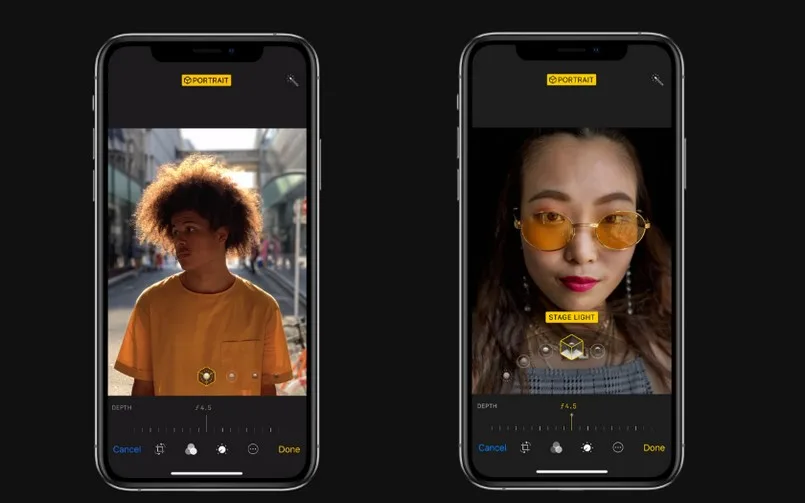
You can edit the background blur of your photos even without the iPhone XS with this method
It is well-known that the latest iPhone Xs series is a powerful lineup from Apple. First of all, it comes with the company’s A12 Bionic chip. Other than that, it has a dual camera setup on the back which shoots portrait shots too. This means that you get shallow depth of field effect if you…

How to Install New Keyboards on Your iPhone
Every smartphone comes with a pre-installed keyboard. Many people feel pre-built keyboards are quirky and for regular use. This is the main reason for third-party keyboards evolution. We have seen many keyboard apps available for ios. Some are developed for pure typing experience and some are for emoji. People like business professionals prefer keyboards like…

Whats New in iOS 12? A Complete Features List
iOS 12 is announced in WWDC 2018. As like in past, every new iOS update bringing new and advanced features to users. This iOS 12 update has many interesting features packed for a delightful user experience. Find out all the new iOS 12 features in this article. 1. Siri Shortcuts Apple has integrated workflow app…
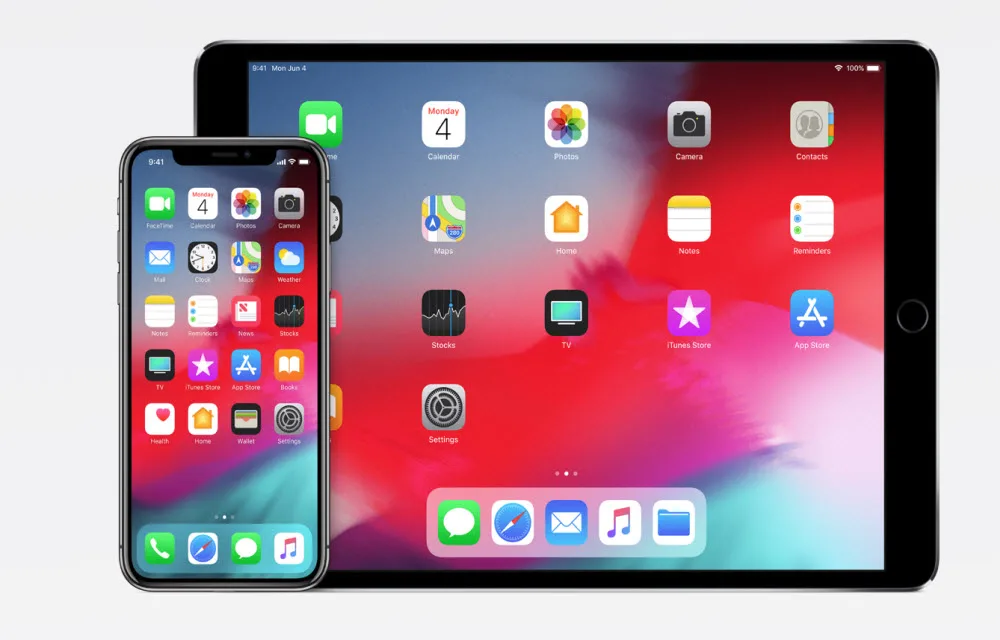
How to Install iOS 12 Beta on Your iPhone or iPad
Apple announced iOS 12, MacOS Mojave at the WWDC 2018. Most exciting part of the event is iOS 12 announcement. The new iOS 12 update has many more interesting features like Animoji, Group FaceTime and much more. Apple today announced iOS 12, the latest version of the most advanced mobile operating system, designed to make…
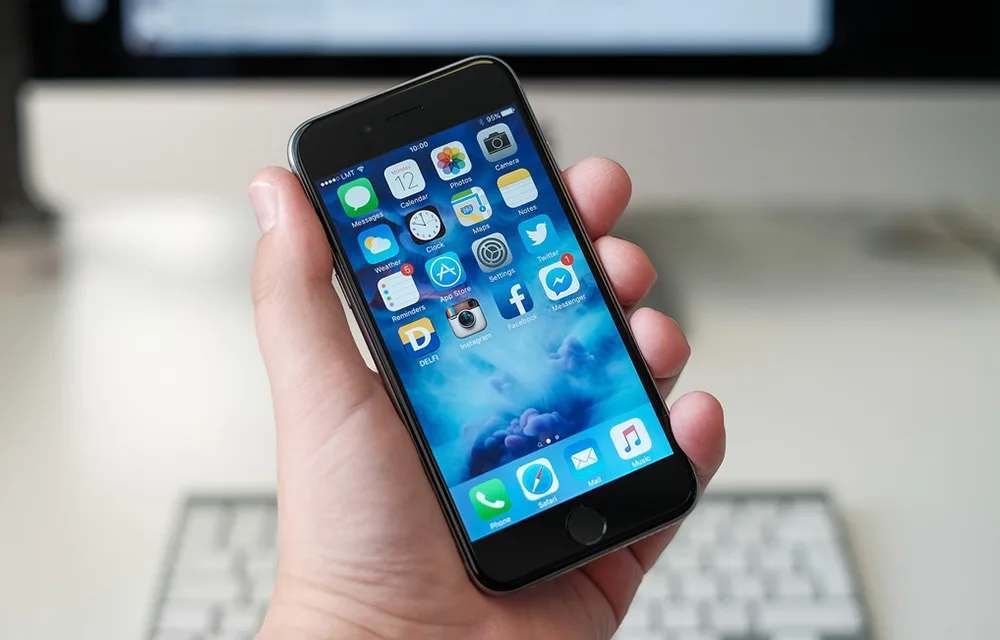
How to Record iPhone Screen
When somebody asks you how to do a certain operation or a process on your iPhone, you usually take some screenshots and send it to the person. It can sometimes be very time-consuming as you have to take several screenshots. Instead, you can record your iPhone screen and keep it as a high-quality video. This…

How to get Mac Address in iOS
Whether you use a PC, smartphone, tablet, Mac or any other device to access the internet, you are more or less familiar with the MAC address. Essentially, MAC stands for Media Access Control address and it’s a unique identifier that’s different for every hardware. This means that every phone or PC has a different MAC…

How to Remove Credit Card Information from iTunes
Apple has been the best when it comes to user interface. They have one of the easiest ways to access any settings, and all the settings are categorized the right way. Apple although is the best when it comes to UI, but it does lack in some of the different settings, where you will have…
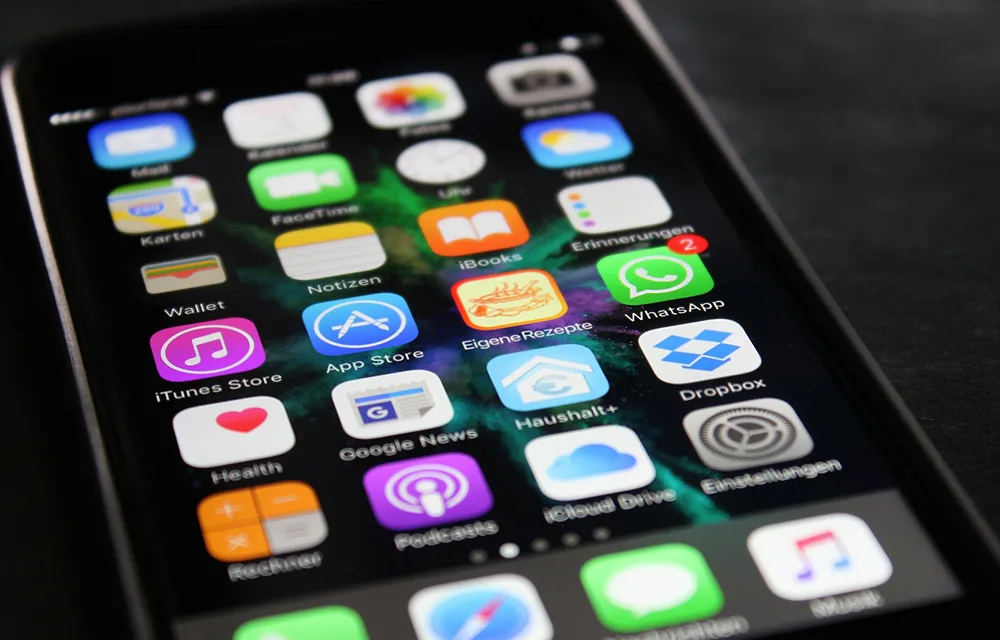
10 Tips to Free Space on your iPhone
Nowadays, one of the biggest problems when it comes to smartphones is memory management. When you take a high-res photo or a 4K video, it’s memory-consuming and often takes up a few GB on your storage. For iPhone users, it’s even harder, because these phones often come with various storage sizes, which can be compromising…
5 iOS Emulators for Windows
Are you a fanboy of Apple and don’t have the device? Reasons are many for not having an iPhone. Unfortunately, many people can’t afford Apple device because of its high price. But luckily you can use iOS apps on Windows using iOS emulators. In this article, I handpicked 5 best iOS emulators for Windows to…
How To Download Torrents on iPhone
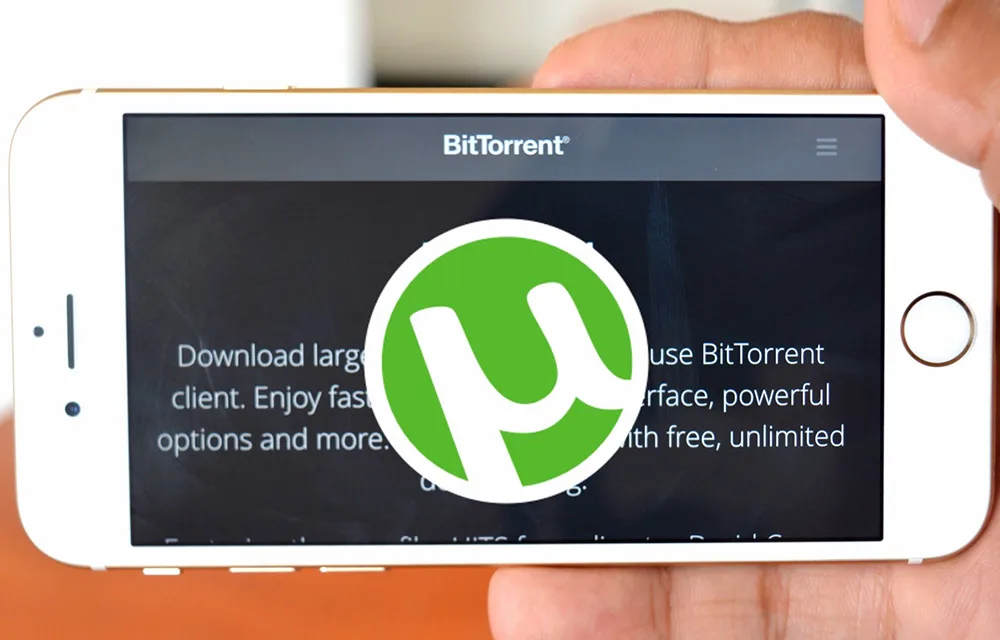
Torrents are always helpful for easily downloading huge files without any interruptions. The easy pause-resume feature made it one of the all time favorite download methods so far. However, it is not that easy to download torrents on iPhones or other smaller devices except PC. Especially the beginners may find it a bit difficult to…