

iOS
How to Fix iPhone Weather App Showing the Wrong Location
When the iPhone weather app gets stuck on an old city or shows weather for the wrong place, it usually comes down to a location permission issue, a stuck cache entry, or a system service that stopped refreshing properly. The good news is that this is usually a simple fix, and in most cases you…

Apple Watch App on iPhone Crashing? Here’s How to Fix It
The Watch app on your iPhone keeps crashing? You tap it, it opens for a second, and then disappears. Sometimes it freezes instead. Either way, it’s annoying. This usually happens because of a software glitch, bad sync data, or a version mismatch between iPhone and Apple Watch. After iOS updates, the Watch app can get…
Can’t Update iPhone XR? Try These Fixes
If you are unable to update your iPhone XR, then you are in the right place. Running into update errors on an iPhone XR is more common than it should be, and it usually occurs due to 3 reasons: not enough free space, a partial download that got stuck, or the wrong update channel selected.…
How to Fix Software Update Failed on iPhone?
An iOS update can fail for simple reasons like low free storage, slow internet, VPN/firewall interference, or a partially downloaded update file stuck in storage. The fixes are straightforward, clear residual update packages that free up space, and if over‑the‑air keeps failing, update via a computer using Finder, iTunes, or the Apple Devices app. Why…
How to Fix Reminders Not Syncing on iPhone, Mac and Apple Watch
Reminders sync between your iPhone, iPad, Mac and Apple Watch through iCloud. When they stop syncing, it’s almost always because Reminders is turned off in iCloud on one device, the devices are signed in to different Apple Accounts, or your reminders are saved to a non-iCloud list. Check those three things first and most people…
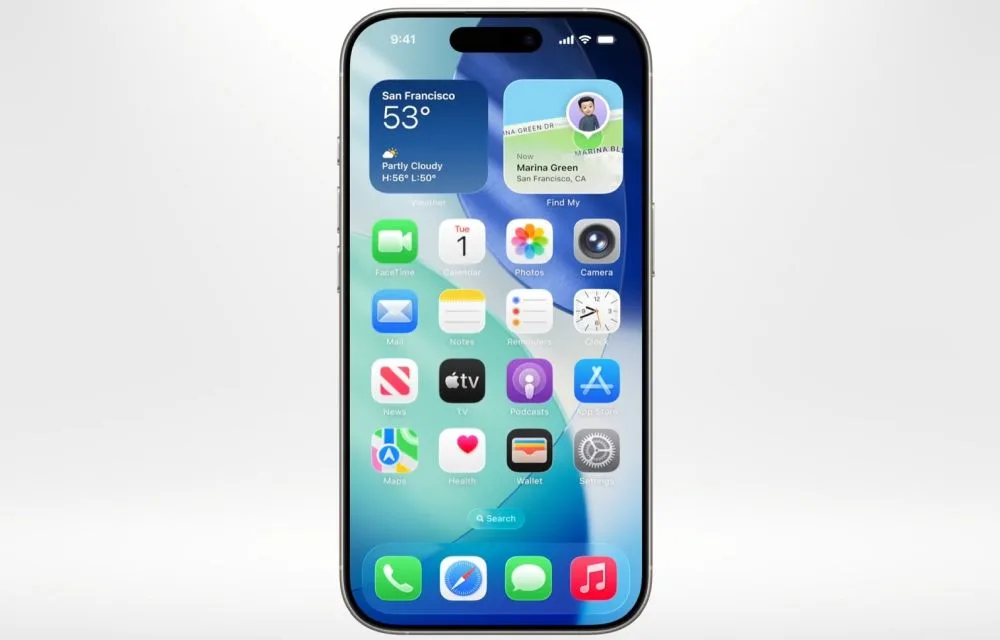
Worthy features of iOS26 (Transparent feature not included)
iOS 26 is designed as a meaningful step forward for iPhone, focusing on intelligence, communication, privacy, and small conveniences that add up in daily use, while skipping the transparent UI talk here by design. The release blends on‑device Apple Intelligence with thoughtful app updates like Phone, Messages, Photos, Safari, and Notes to make routine tasks…
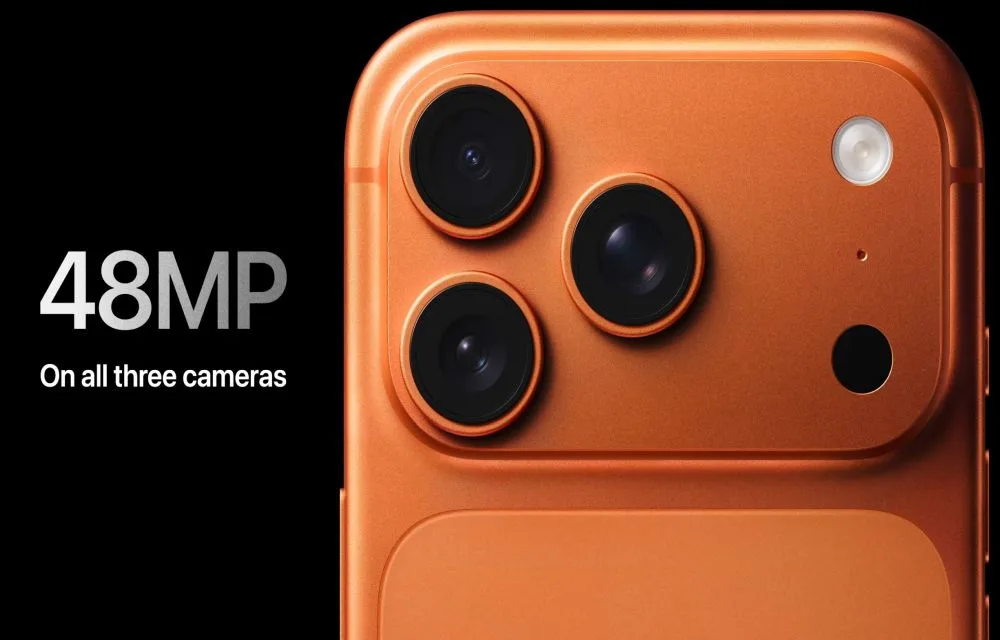
iPhone 17 Pro (Max) Buyer’s Guide: Who Should Upgrade?
Apple’s September event truly lived up to the “Awe dropping” tagline, showcasing the iPhone 17 Pro and Pro Max with meaningful upgrades in performance, cameras, battery life, and build, aimed at both creators and power users in India. The Pro models arrive with the new A19 Pro chip, a redesigned aluminum unibody with vapor chamber…

How to Auto-Reply to Texts on iPhone
Didn’t you wish if there was a way to automatically reply to text messages on your iPhone? For example, when you are driving or engaged in other activities, you may not be able to touch your phone. In this scenario, if there is a way to automatically reply to the text to avoid the person…

How to Record Calls on iPhone
There are many restrictions on the activities you can perform on your Apple devices. Some of these restrictions also extend to your mobile calls. While you may want to record proof of terrible conversations, interviews, or calls from a loved one, you can’t do that by default on iPhone. Even if you try to use…

How to Block Precise Location Tracking in iOS 14
No one likes to be tracked. But the bitter truth is that we are always being tracked almost in any device that has an internet connection. One way or another you are always sharing data with the browsers, apps, service providers, and almost anything that require you to connect to the internet. However, there are…
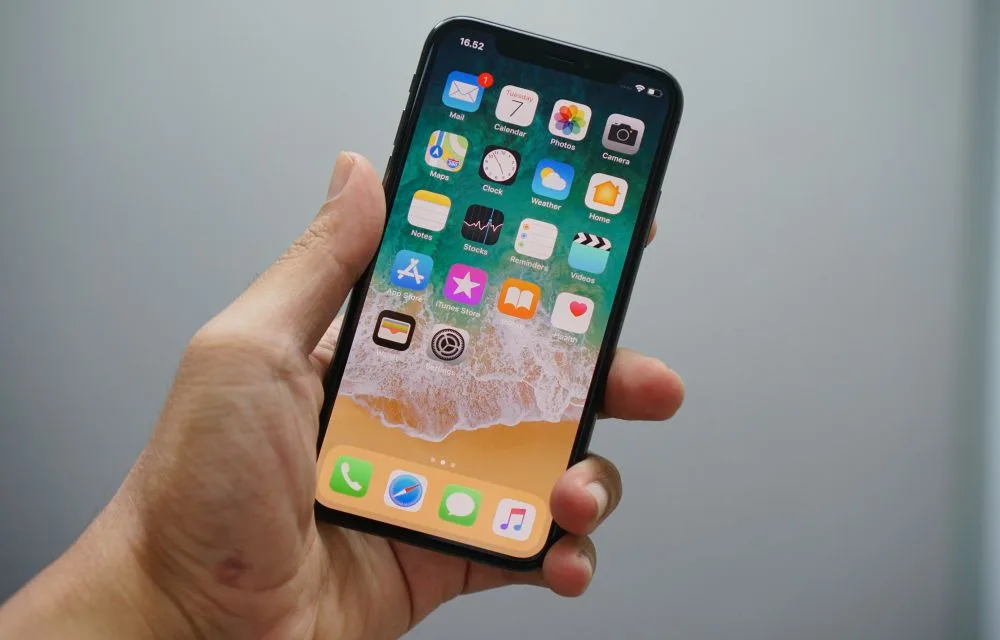
What to do before selling iPhone – Step by step guide
What to do before selling iPhone? It is an interesting topic if you are planning to sell your iPhone. Every year Apple launches the latest models of iPhones. It is a common act that many existing iPhone users are eager to update their phones with the latest model. In the mean process, the users trade…
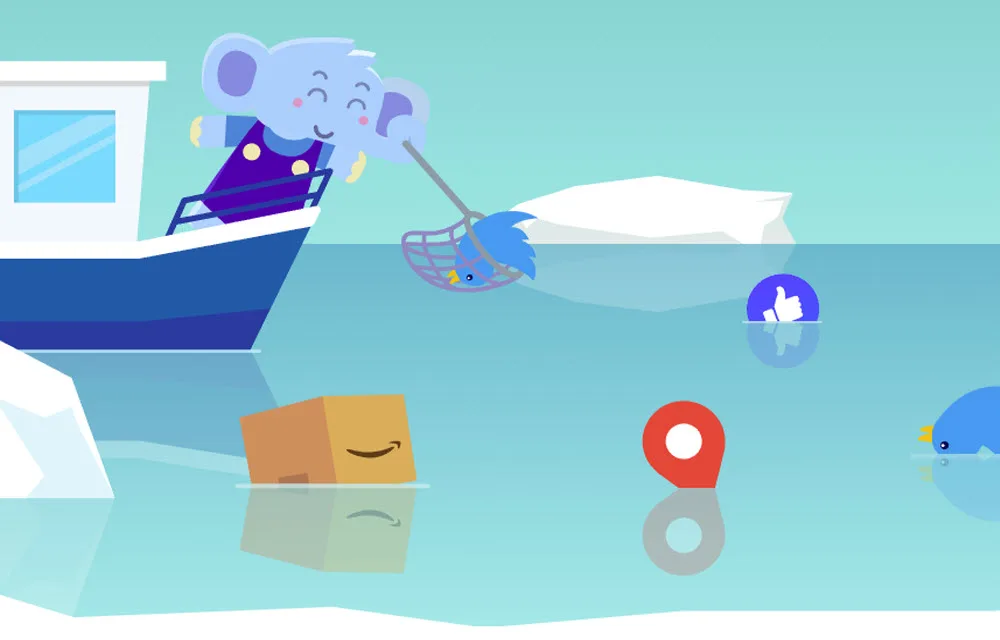
Jumbo cleverly deletes unwanted Tweets and protects your data online
Protecting our privacy online became crucial these days and serval tools are introduced to secure online activity. We have tested several VPN services in the past to protect your online privacy by anonymizing your online activity. However, these won’t protect what you have done in the past, it secures your present online activity only. What…