

Guides

Four Tips on Better Targeting on Facebook
One of the best things about using Facebook as a marketing tool is that it gives you the chance to target really the people that you think will be buying your product or service. With about 1.55 billion monthly users, Facebook has the potential to connect you with a lot of people. But of course,…
Virtual Machine Applications To Run More Than One Operating System – Windows / Linux / Mac
While we cross through an App or a software program that would be useful for us but only run in different OS that what we are using, we will think that we are not lucky to use that App or Software. But, there is an easy solution to run more than one OS in same…
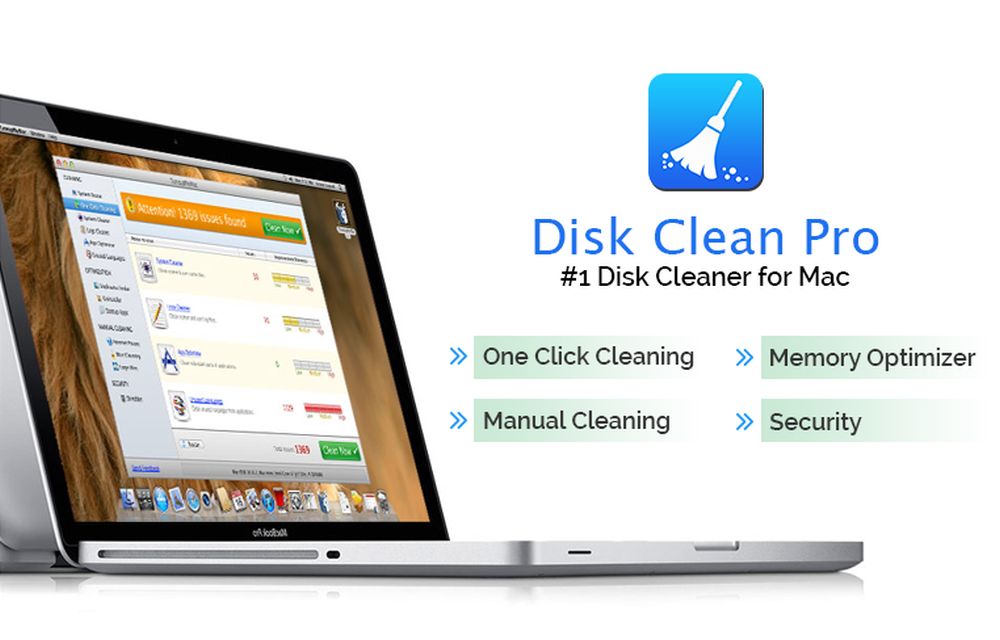
Disk Clean Pro: An App to Clean Mac Disk Space
If you are looking forward to installing a Mac-cleaning application, there is no shortage of available options. Whether you are searching for a quick solution to boost your Mac’s speed or looking for an affordable way of keeping your computer agile for years to come, cleaning applications tick the right boxes. But not all apps…

Cisdem DVD Burner for Mac – Features and Review
Mac users mostly using Mac’s own iDVD to burn the Videos and Audios to the DVD. iDVD is not a complete solution for all kind of burning functions. A lot of Mac users feel the complications of using iDVD and its non-usability in some necessary situations. It leads to the search for an alternate source…
Best iPhone Data Recovery Tools for Windows
Losing and recovering data from a device is a painful job. It is the most common situation we face sometimes with any kind of electronic device. There are two ways to prevent data loss, first is the backup and the second is recovery data. There are a number of third-party solutions available to get lost…
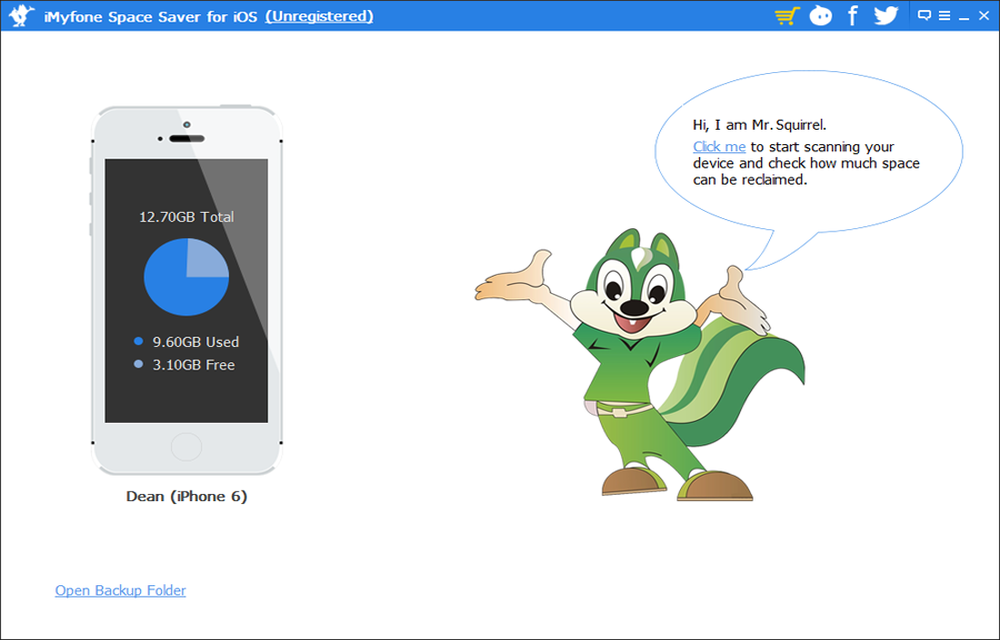
iMyfone Space Saver for iOS – Features and Guide
After few months of using an iPhone or iPad, most of us stuck out with slow down of the device operations due to lack of storage space. What can we do if our iPhone got stuck with storage? We usually decide to delete the unwanted files and photos from the storage.
This Copy Of Windows Is Not Genuine – Easy Error Fixing
“This Copy Of Windows Is Not Genuine” is a common message we usually saw when the trial period of Microsoft Windows period is over or in a pirated version of the OS. After installing Microsoft Windows Operating System of any version it will run for free, after one or two months the Operating system continuously…

Detox Replaces Your Facebook News Feed With Real News
The Facebook news feed is a place where most people look for latest news updates. It is an integrated part of Facebook user interface and fetches news from popular sites like NYT, BBC, Mashable, TechCrunch, Reddit and much more. The news feed is designed by Facebook and shows stories hand-picked by the Facebook team, in…
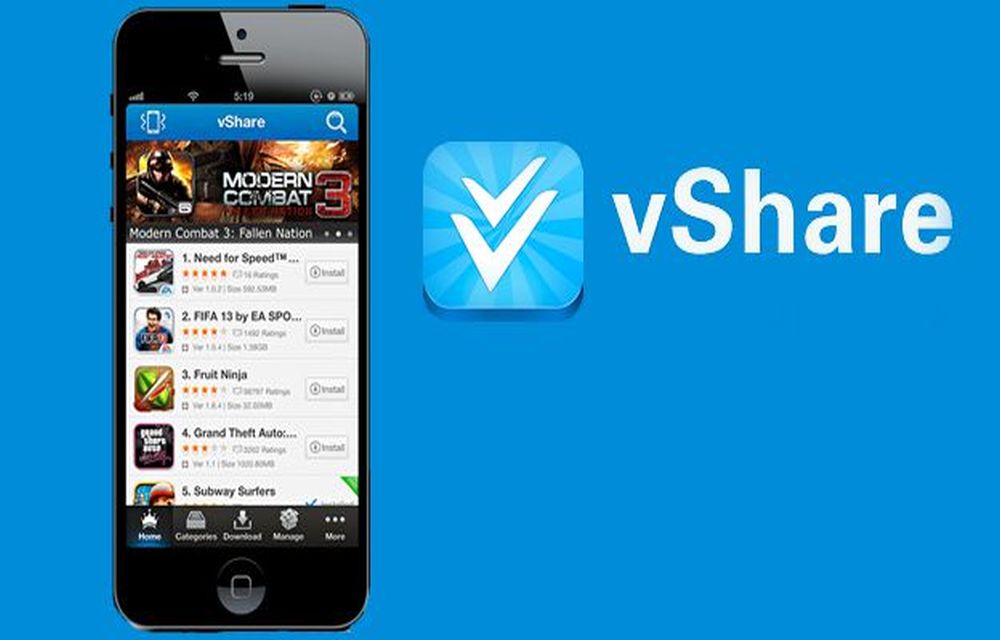
What Happened to vShare? Safe Alternatives for iPhone
Years ago, vShare was one of the best-known ways to get apps onto an iPhone without going through the App Store. We even published a guide on how to install it. A lot has changed since then, and we have replaced that guide. In this article, we explain what vShare was, what happened to it,…

How To Enable USB Storage On Android Devices
Android devices are well known for their features. The popularity of Android has surged over the past few years, and its dead simple interface makes every task quite user-friendly. Android phones come with all the latest sharing technologies like Bluetooth, Wi-Fi and NFC. Along with these, you can also connect your Android device to a…
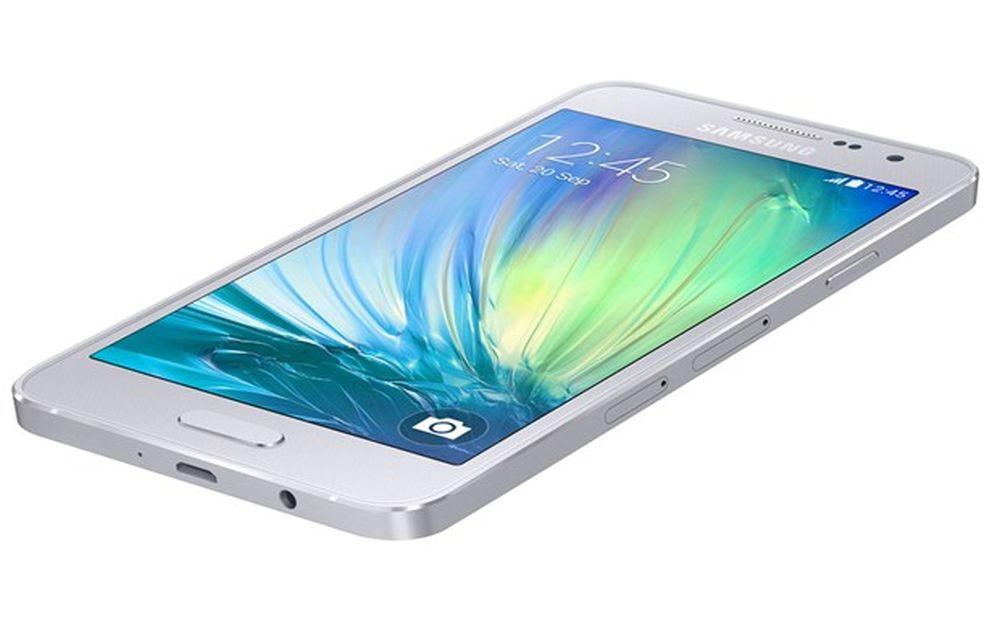
How to Take Screenshots Easily on Samsung Galaxy A3
Samsung has launched Galaxy A3 with a 4.5-inch qHD Super AMOLED display with a resolution of 960 x 540 pixels.The device is powered by 1.2GHz quad-core processor with 1GB of RAM. There is 16GB internal storage which is expandable via micro SD card. On the OS side, the device runs Android 4.4 KitKat out of…
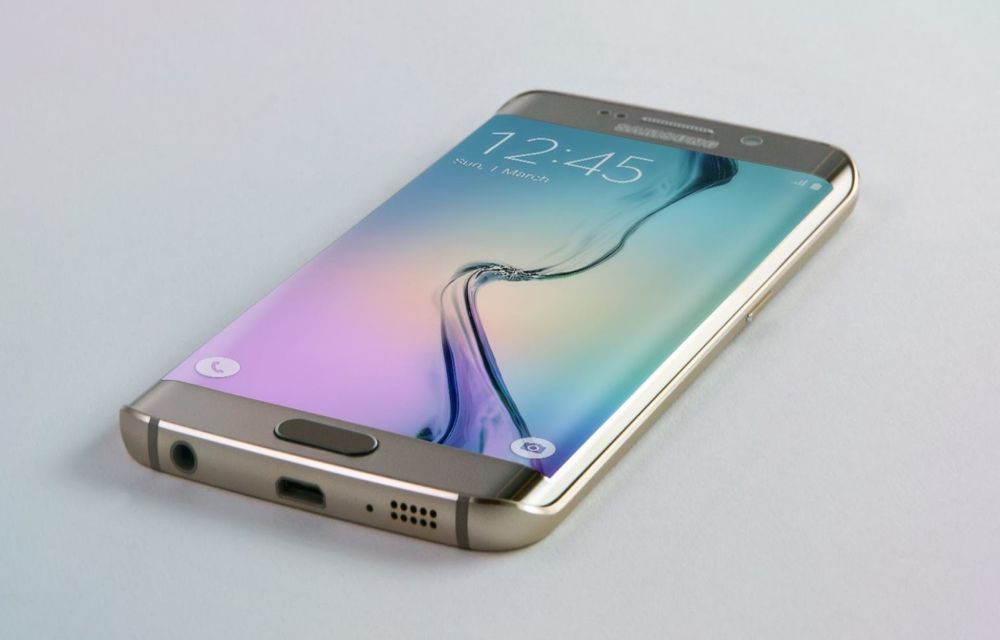
How to Take Screenshots Easily On Samsung Galaxy S6 Edge Plus
Samsung Galaxy S6 Edge Android smartphone announced in March 2015. The device is feature packed and powerful to handle all tasks. The S6 is very sleek and ergonomic, it is very smooth and perfect in hands. The S6 Edge screen is a next-gen welcoming screen with great viewing angles and bright display. If you are…