

Guides

3 Steps to Recover Data from Seagate External Hard Drive
Seagate external hard drives are one of the finest solutions that most people prefer for a reliable storage solution. These portable devices offer high performance and a huge space to store a maximum of data in a normal sized storage device, which is compatible with both PCs or Macs. Seagate external hard drives are mostly…
How to Configure Windows to Index Encrypted Files
If you’ve ever tried Windows start search or the search bar in the File Explorer, then you will probably know that the Windows uses indexation to index all your files and folders in order to display then in the search results. But the thing with the Windows indexation is that it won’t index encrypted files…

Ways to Stop the Restart of your Computer After Installing Updates
It is known and really irritating that when we finish installing a new update for our computer or for any other device, we are asked to restart our device in order for any kinds of updates to be finished.

How To Disable Hardware Acceleration In Chrome, Firefox and Opera
Most modern browsers like Chrome, Firefox, and Opera, come with hardware acceleration feature enabled by default. This specific feature is developed to increase the performance of the modern browsers by leveraging the power of your CPU and other hardware like Graphic Cards.
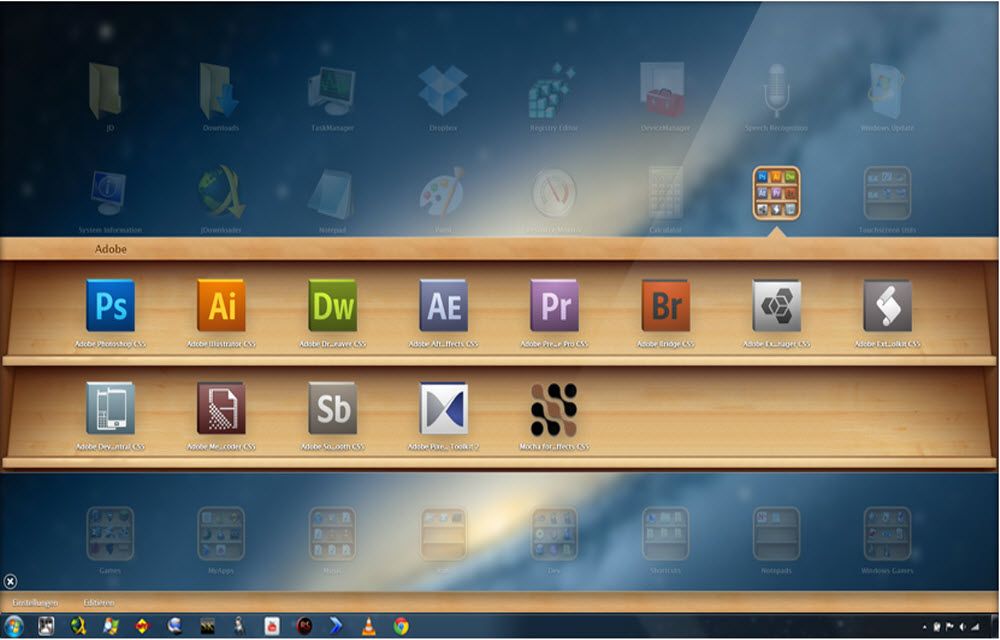
Install Mac OS X Launchpad on Windows with WinLaunch App
When it comes to customization, Windows offers more features than the Mac operating system. But there is a special feature in Mac which is still not available for Windows users. It is the launcher, a unique feature which helps users to access installed apps quickly. Launchpad is a feature which helps you find, organize, and…

How To Use Facebook Messenger Without Extensions
Facebook messenger doesn’t need any introduction, millions of Facebook users use the chat feature to communicate with their colleagues, friends, family members easily. Recently Facebook crossed 1.8 Billion monthly users mark and created history. Most of the users use Facebook messenger on their smartphones, for desktop users they usually install extension or add-ons with compatible…

How to Assign Custom Keyboard Shortcuts to Windows Applications
If you are using a computer for any period of time then you will probably know that the keyboard shortcuts or hotkeys make it way easier to perform a lot of frequent actions like copy, cut, paste, switching between windows, etc. But, do you actually know that you can create your own custom keyboard shortcuts…

How to Install Third Party 50MP Color OS Camera on OnePlus One
With a never settle tag OnePlus One is one of the hottest Android devices that money can buy. It has all the necessary features needed by an Android OS lover.The default camera of OnePlus One is powered by 13MP Sony made Exmor IMX 214 1/3.06″ CMOS sensor. You can still improve its quality by installing third-party…
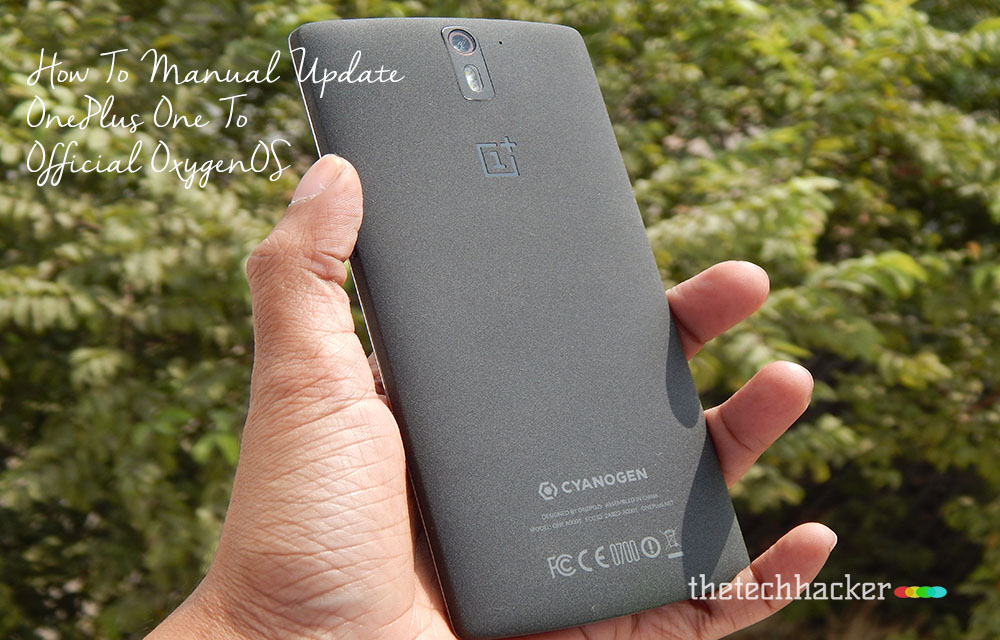
How To Manual Update OnePlus One To Official OxygenOS
The Long wait is over for OnePlus One owner, now finally company released official Android Lollipop build custom Android Lollipop build OxygenOS. This tutorial involves all steps to install OxygenOS on your OnePlus One device. Disclaimer: Please follow this guide at your own risk. Thetechhacker will not be responsible if your device gets damaged or…

Hide My IP – Review
Internet is one mean place where everyone is trying to spy on everyone. In fact, most governments and companies are trying to gather and track as much information as possible through your browsing and internet activities.

Anchorium For Mac Review-Free SEO Tool For Mac
There are so many SEO tools available for bloggers, webmasters to check their site positions in popular search engines, such as Google, Bing, and Yahoo. For Mac users there is a shortage of SEO tools, luckily we have Anchorium. Anchorium is a free SEO software for Mac users, it helps you to gain good positions on…

How to Block Unwanted Calls and Messages On iPhone Running iOS 8
In a world of continuous telemarketing calls, it definitely becomes a headache to check phone from pocket every time when you get an unwanted call. No matter whether you’re in home or office or traveling. Spam call really gives pain while attending. This situation became most common these days, how to avoid it? If you are…