

Guides

10 Most Secured VPN For Private Tasks
Just like our recent list of VPNs for downloading large files, we have decided to compile another handy list of the best VPNs that are specifically known for security and privacy. In other words, these would be preferred VPNs if you are carrying out any private tasks that you want to keep it to yourself.…

Why you Shouldn’t use Free VPN
Free services and products are always tempting. But, when it comes to your privacy and Internet security – it could prove to be risky. Of course, there could be someone offering a free service in good faith to let people easily protect their privacy – but you need to know a lot of factors when…

How to Fix WiFi Connected But No Internet on Windows 10
Microsoft has developed the leading operating system in the world which is named as Windows. The latest version of Windows was released a few years ago named as the Windows 10. Microsoft also announced that Windows 10 will be the last version of Windows. This means that the company will release updates but under the name…

How to use Tor Browser for Anonymous Web Browsing
Tor- A very popular name among online security concerned people. For those who don’t know about Tor, here is a simple introduction. What is Tor? Tor is a short name for The Onion Router, it is developed by the US Navy for people to browse the Internet anonymously. It is a non-profit organization and the…

Set up a Shopify store to Start Selling on Facebook
One of the things you might not be aware of is that you can earn from Facebook as well. If you are a casual Facebook user, you must be browsing your feed to check on latest happenings with your friends and family. However, there are people who work on Facebook as their day job. Now,…

Connect your Facebook Account with Your Mac OS to Directly Post on Facebook
One of the most useful features included in the recent versions of Mac OS is the Social Accounts Integration. Yes, you can connect your Facebook or Twitter account inside Mac OS. This means that you can share a photo or video directly from your MacBook or iMac device on Social Media. However, this feature is…

Create XML for an RSS Feed with this Method
RSS which stands for Really Simple Syndication is actually very simple. RSS is used for various different websites and blogs to syndicate their content for search engines. This is the way in which news aggregators get the latest content as well. If you have a website which has daily updates on content then RSS feed is…

How to Efficiently Upload Media to Save Bandwidth and Improve Performance
There are many ways to speed up your website. We have seen many tools which improve website performance drastically. In these years, the website speed gained a lot more important and it is one of the most important ranking factors to gain better rankings in the search engines. Media plays a big role in deciding…

13 Reasons to Use a VPN for Private Web Browsing
We recently realized that using a VPN is the best method to hide your IP address. But, how exactly a VPN helps to facilitate private web browsing? Why should you use a VPN in the first place? How does a VPN protect you? Fret not, we will take a look at the reasons why we…

How to Stop Random Apps Being Opened Automatically on Booting Windows
We have all been using Windows and have been frustrated several times a day by one annoying thing. This is the random opening of applications on Windows after the first boot. Basically, we get a whole load of apps opening on our home screen when we start or restart our Windows PC or Laptop. Now,…
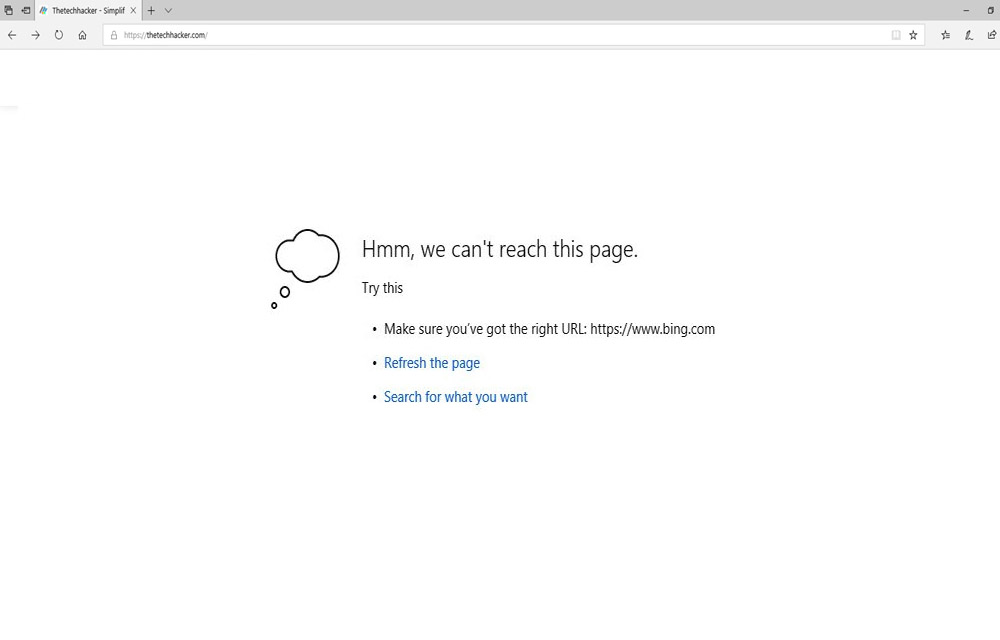
How to fix the “We can’t reach this page” error on Microsoft Edge
There are Windows users out there who have been using Microsoft Edge browser. If you are unaware, Microsoft Edge is a refreshed version of the Internet Explorer by Microsoft. The Internet Explorer is a standalone browser developed by Microsoft and bundled along with Windows 10. For users who have privacy concerns, Google Chrome is not…

How to Fix “Windows 10 Doesn’t Have a Network Profile for this Device” Error
Currently, some Windows 10 users are plagued with an error saying that there is no network profile on this device. The network profile is used by many devices such as printers, scanners etc to remain in the same network as the PC. Now, the network error means that there is no connection between the devices…