

Guides

You Can Spy On Others Using Apple AirPods With This iOS feature
Apple has launched various products in their lineup of iPhones, iPads, iMacs, and Macbook. Apart from that, Apple launched a new product lineup in 2017 named as Apple AirPods. Apple AirPods is also the first truly wireless earphones from the company. Now, we know that the successor to Apple AirPods will come this year. However,…

How to delete messages on Facebook Messenger
Earlier, we could chat with our Facebook friends and also post and share Facebook posts, all in one app. This app was the Facebook app for Android and iOS. However, the company later decided to separate the Facebook app and the messaging app. This messaging app from Facebook is called Facebook Messenger. We have gotten…
What are Chrome Flags? How to use Them for Better Browsing Experience?
Chrome Browser: A powerful name in the browsers and one of the best product from Google. Google Chrome is fully power packed browser with exclusive Google features enabled. Features like easy search including voice and manual type, Incognito browsing, tabs support, easy history management, vast support of extensions and much more. Wait, that’s not over.…

How To Install New Fonts In Ubuntu
Ubuntu is a most user-friendly version of Linux and comes with a great list of fonts when you install. If you are not satisfied with the available list of fonts in Ubuntu, you can install additionally from other sources. Installing a font file on Linux is a pretty simple process. The below procedure works for…

An Amazing Trick To Delete Skype Account Permanently
How many of us have found that it has been impossible for us to delete our Skype account? Yes, at first it may seem easier but as soon as you try to erase your Skype account you realize how difficult it was. So, I came here to solve it. Do not suffer any more if…

How To Delete LinkedIn Account In No Time
LinkedIn is the only platform that helps you to make business contacts, also it is an interesting tool for hunting new jobs. If you have already created an account for one or the other of these things, but over time, it has stopped interest you, you will still have the option to delete it. And…
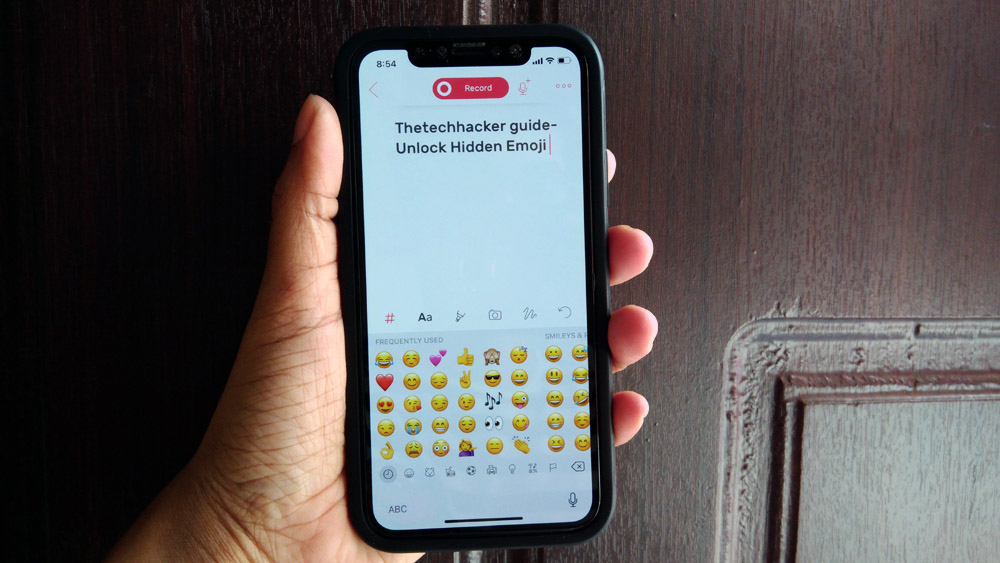
How to Unlock the Hidden iPhone Emoji Keyboard
Sometimes a single emoji is enough to express our emotion more than a text message. That is why emojis gained more popularity in messaging. There is plenty of variety emojis available, apart from faces you can use animals, car, food and flag emojis. If you are using iPhone or any other iOS device, then you…

How to Stream Games on Twitch to Xbox One
Twitch has become one of the best platforms to stream games online. With this people can easily showcase their talents and play the game in order to help more and more people with tricks and different tactics. Most of the people use gaming computers for gaming, but there are still many different peoples who use…
Android USB Debugging: What It Is And Why To Do It
Are you getting trouble with android rooting? Do you want to install a third-party app that has blocked your smartphone? No worry, because now everything is easier with Android debugging! In this guide, we will discover what it is, its functions and how to enable it! The term “debugging” refers to the process of finding…
How to Setup a VPN on a Chromebook
Using a VPN is essential these days. No matter who you are, either a businessman or a student, security, and privacy for everyone. We already covered various articles about VPN in the past. You can check all our VPN related articles here. There are many reasons for using a VPN, it helps to protect your…
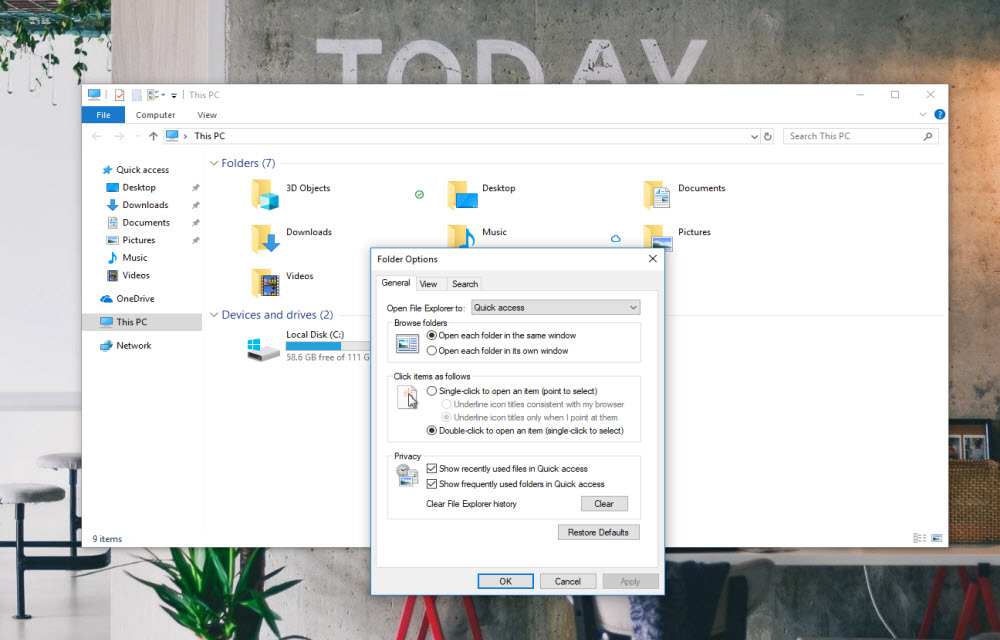
How to fix “Working on it” message in Windows 10 File Explorer?
If you get the “working on it” message in the File Explorer of Windows 10, it could be the problem caused by Quick Access cache. “Quick Access” is a virtual location, where the updated recent files and folders are listed. Sometimes, the File Explorer may slow down because of an overloaded or corrupted cache of…

How to Restart Explorer.exe in Windows 10?
If something went wrong in your Windows 10 laptop or PC, you may don’t need to restart your computer immediately. You can try restarting the Explorer.exe (generally known as Windows Explorer). Certain “User Interface” or “Graphical Interface” issues related to Taskbar, Start menu, File Explorer, notifications or action center can be resolved by just restarting…