

Tutorials
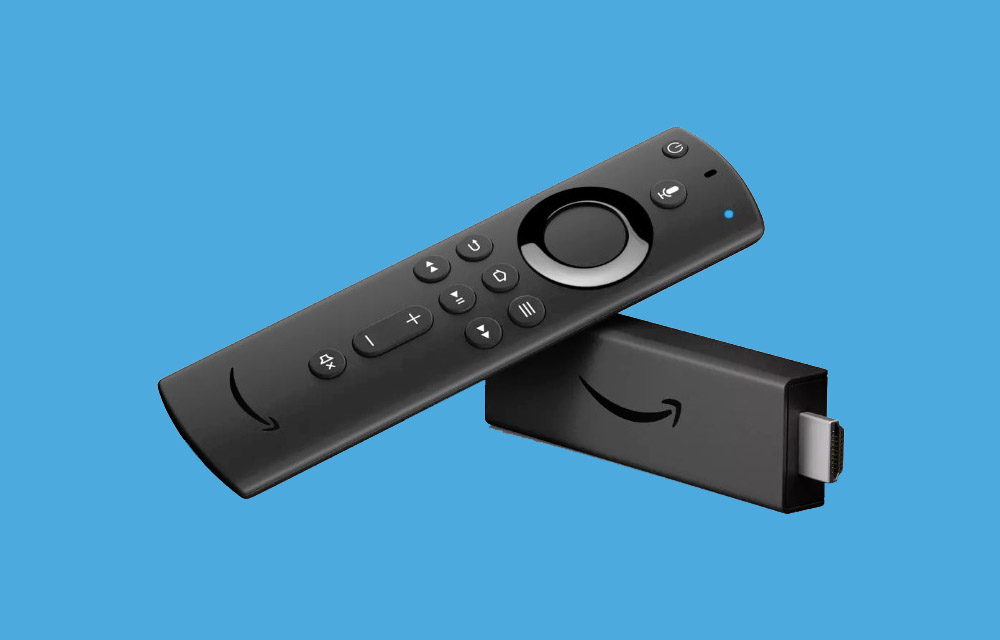
How to Update Amazon Fire TV Stick with New Software
Amazon’s pocket and budget-friendly Fire sticks are great for so many reasons. Everyone loves these devices because of their price, user-friendliness and the full access to all favorite movies and TV shows streaming. Every Fire TV device comes with a Fire OS which is a modified version of Android. When you buy a Fire TV…
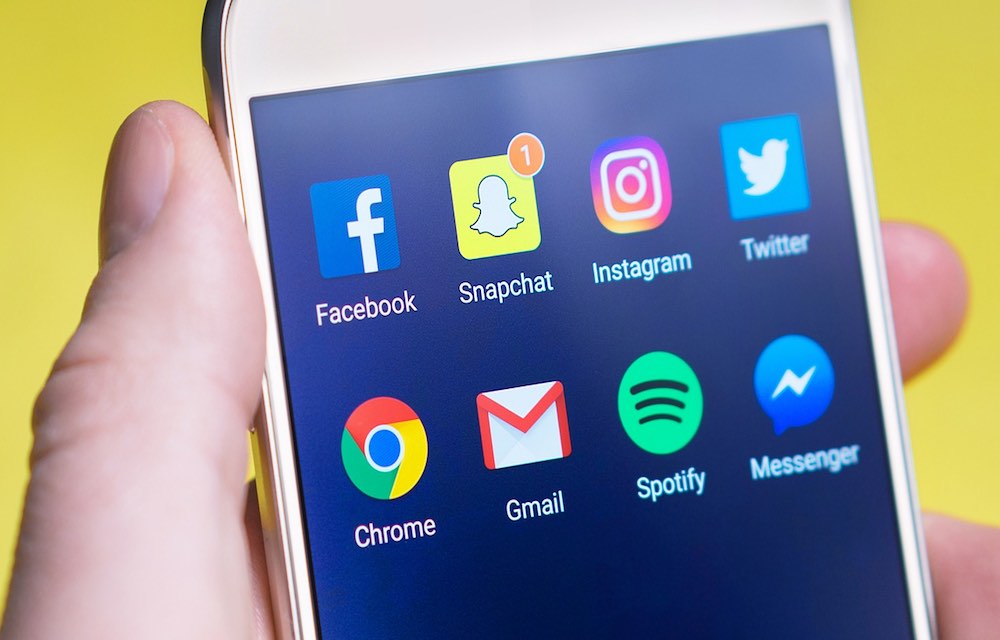
How to Find People on Snapchat
Snapchat is a great picture based messaging service which lets you share your self-destructive images with your friends. When you start using Snapchat you feel more interesting when you more friends and celebrity followers in your account. If you are new to Snapchat and struggling to find people this tutorial will help you. This article…
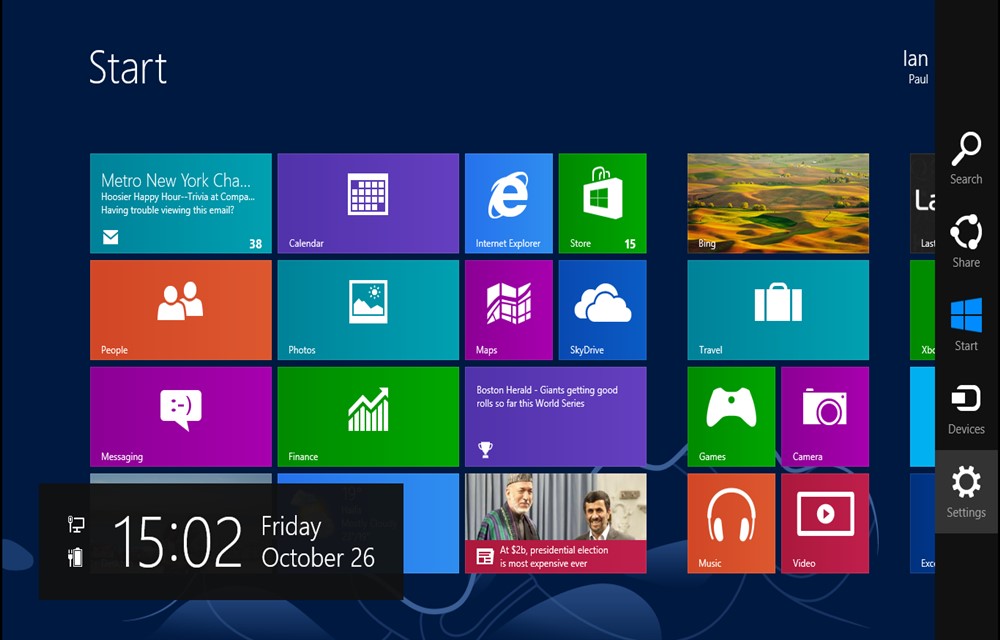
Steps Required To Batch Uninstall Windows 8 Default Apps using PowerShell
Windows 8 created huge waves among people with the brighter user interface coupled with Metro screen. Even though Windows 8 is outdated, the operating system is still used by several people across the world. If you had worked with Windows 8, you would know about few default apps that will serve your daily requirements. If…
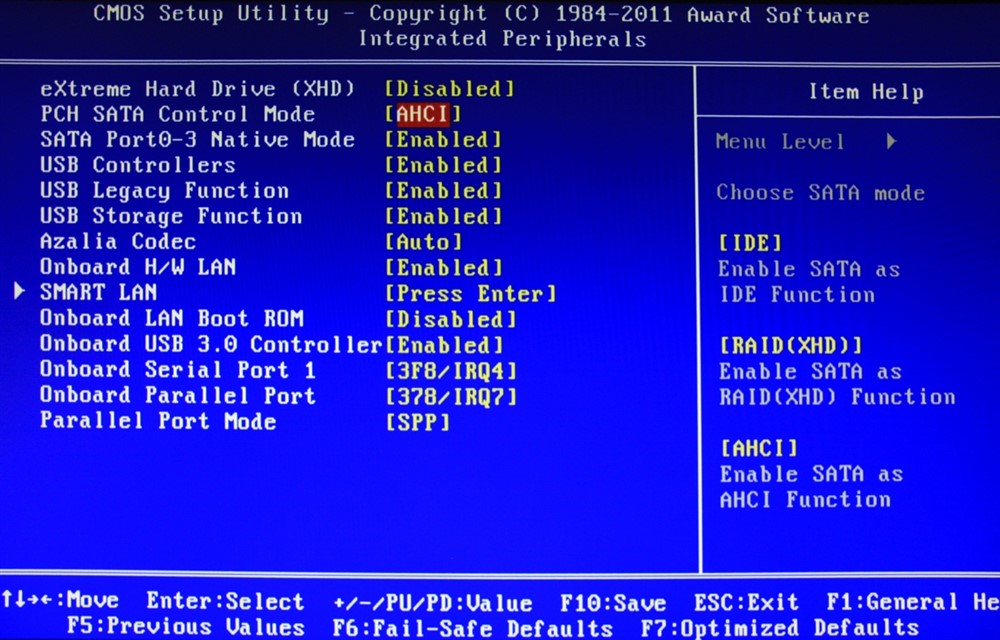
Steps Required To Update Your Computer’s BIOS Settings
During late 1990’s, we were afraid of BIOS because it constantly crashes. When we purchased a PC during that time, the BIOS crashed after the installation of a gaming software. Nowadays, the rate of BIOS crashes is low due to sturdy hardware and software. BIOS stands for Basic Input-Output System and is embedded on a…

How To Disable Sticky Keys In Windows
Sticky Keys enables you to make use of keyboard shortcuts without any need to press more than one key. You also need not have to enter capital letters. If you have not activated the Keys, you would have to press Shift key for capital letters. Moreover, if you hold the Ctrl key along with S,…
Steps Required To Burn ISO Images In Windows 10
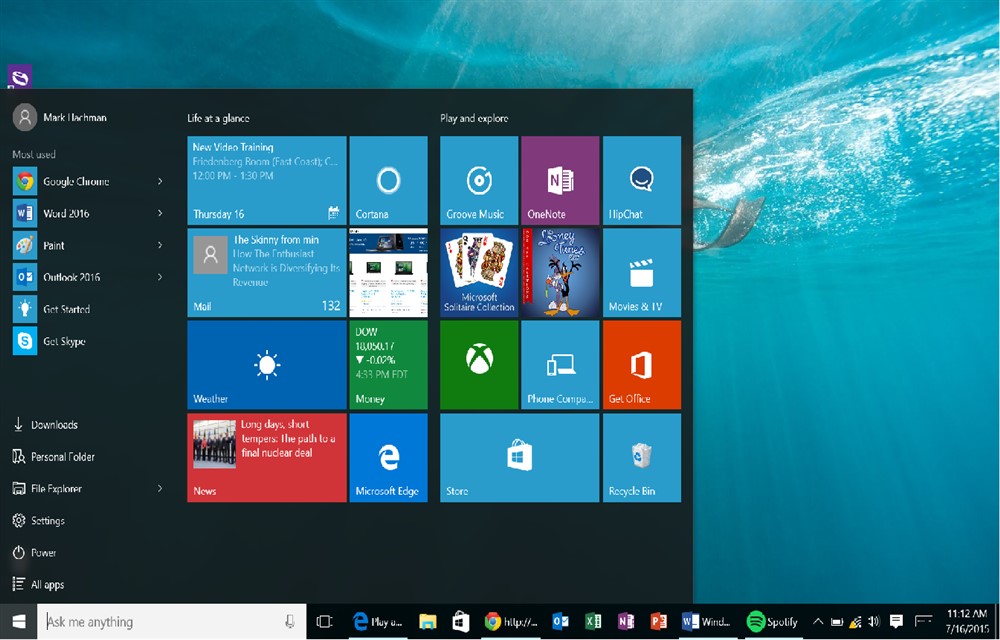
Microsoft completely refreshed the file explorer in Windows 10. Moreover, the Redmond-based company changed the name from file explorer to Windows Explorer. The company also removed the control bar located below the address bar. In Windows 10, you will view three ribbons that resembles the grouped controls identical to Microsoft Office apps. If you look…

Sgnl Simplifies Phone Conversations With Smart Fingertip Sensors
Have you ever wondered that you can easily answer telephone calls with your fingertip? Yes. It is now possible. Thanks to the development of Sgnl. Sgnl is a smart strap using which you can answer calls via the integrated microphone. You simply need to place your fingertip to your ear. The advantage of Sgnl is…

How To Extend Software Trial Period?
Nowadays, software tools and programs ships with trial offer to enable users to test drive the software before purchase. During the trial period, you will be able to experience the full features of the relevant software. The total number of trial days depends upon the software manufacturer. It could be either 15 or 30 days.…
Steps Required To Stream From VLC to Google Chromecast
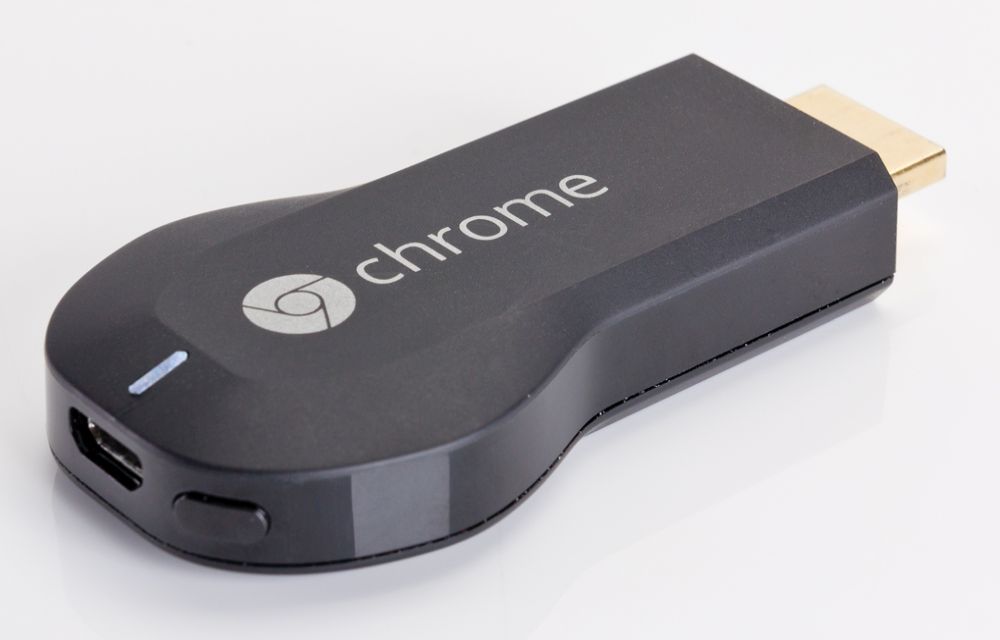
Google Chromecast is a premium streaming device used to establish connectivity with your Television. VLC has added support for Chromecast. With VLC, you can stream media files directly from the VLC media player on your PC to your Chromecast.

How To Remove PDF Password Using Google Chrome
If you are using Internet Banking or any other digital payment system, you would receive monthly statements via email in the form of password-protected files. The file prompts you to enter a specific code in the form of last for digits of your phone number and your last name. The main purpose behind the implementation…

How to Setup Equalizer for Apple Music
Apple Music is an online music streaming app available for Android and iOS. The Cupertino-based tech giant has entered into the music streaming segment very later after the competitors such as Spotify entered the scene. The advantage of Apple Music is that the service is easily available all over the world and is not restricted.

How To Configure OpenDNS On Your Router, PC, Tablet And Smartphone
OpenDNS is a simple way to establish connectivity with the Internet when the original DNS server provided by your provider is down. It is possible to make use of OpenDNS on your router, PC, tablet and smartphone. You can configure the devices in such a way that it makes use of the relevant OpenDNS servers.