

iPhone

How to fix iPhone Emoji Search Not Working in Keyboard on iOS 26
If you can’t find your favorite emojis, stickers, or GIFs from the iPhone keyboard search, you’re not alone. This issue has been reported by users on iOS 26 and later, where the emoji search bar either shows no results, behaves strangely, or fails to return the right stickers and emojis even though the keyboard itself…
How to fix iPhone Copy-Paste Not Working Between Apps on iOS 26
Universal Clipboard is one of Apple’s most useful Continuity features, but it does not always work perfectly. On iOS 26, some users have reported a copy-paste failure where the iPhone still copies content, but the Paste option does not appear across apps or devices. In many cases, the issue appears to be linked to a privacy permission…

Best Memorial Day Weekend 2026 Apple Deals: MacBooks, iPads, and AirPods on Sale
Discover the best Memorial Day 2026 Apple deals! Save big on M5 MacBooks, AirPods 4, iPads, and Apple Watches at Amazon, Best Buy, and Walmart.
How to fix iPhone not turning on issue?
If your iPhone won’t turn on, it can feel like the device is completely dead. Sometimes the screen stays black, sometimes the Apple logo never appears, and sometimes the phone just refuses to respond no matter what you do. The good news is that this problem is often caused by a charging issue, a software…
How to fix iPhone Always-On Display Turning Off Unexpectedly on iOS 26
If your iPhone’s Always-On Display is turning off by itself on iOS 26, you are not alone. Some users have noticed that the screen goes dark unexpectedly even when AOD is supposed to stay visible, and the issue often points to power settings, attention-aware behavior, or sensor-related glitches. The good news is that this problem…
How to fix iPhone Files App Not Showing Recent Downloads?
If your recent downloads are missing from the iPhone Files app, the issue is usually not serious. In most cases, it comes down to a wrong download location, a temporary indexing glitch, an iCloud sync problem, or a minor iOS bug. The good news is that this is usually fixable in a few minutes. Quick…
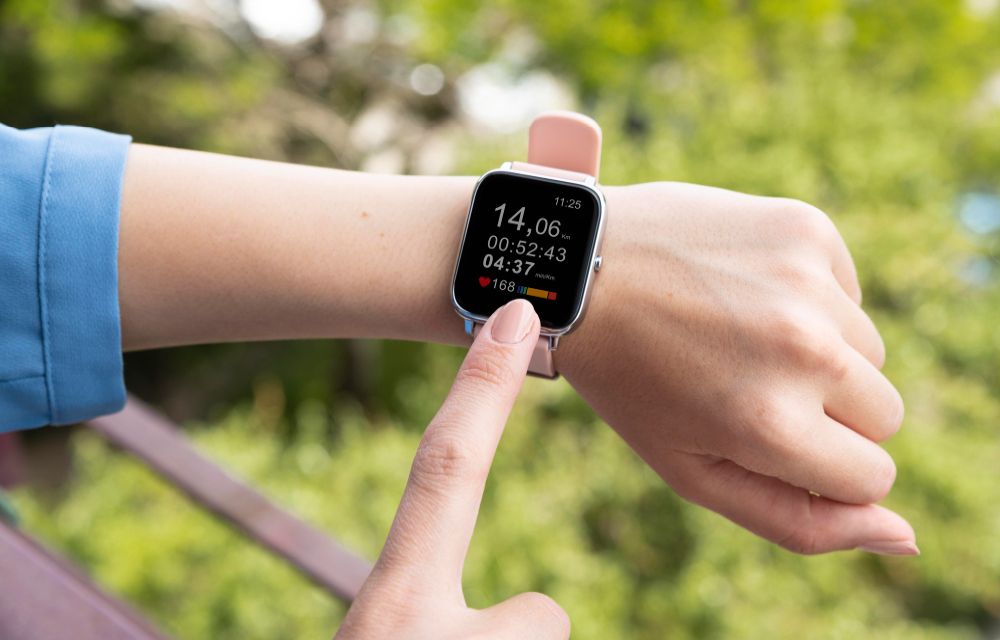
Apple Watch App on iPhone Crashing? Here’s How to Fix It
The Watch app on your iPhone keeps crashing? You tap it, it opens for a second, and then disappears. Sometimes it freezes instead. Either way, it’s annoying. This usually happens because of a software glitch, bad sync data, or a version mismatch between iPhone and Apple Watch. After iOS updates, the Watch app can get…
How to Fix Software Update Failed on iPhone?
An iOS update can fail for simple reasons like low free storage, slow internet, VPN/firewall interference, or a partially downloaded update file stuck in storage. The fixes are straightforward, clear residual update packages that free up space, and if over‑the‑air keeps failing, update via a computer using Finder, iTunes, or the Apple Devices app. Why…

My 7 reasons to buy the new iPhone 17 Pro
In this article I personally listed my 7 reasons to buy the new iPhone 17 Pro. Apple’s iPhone 17 Pro is a targeted, practical upgrade that fixes thermal issues, boosts camera versatility, extends battery life, and adds bolder design choices all while unlocking new Apple Intelligence workflows on-device with the A19 Pro chip. After checking…

Firefox’s ‘Shake to Summarize’ brings quick AI page summaries to iPhones, with Apple Intelligence support
Firefox is rolling out a new mobile feature called Shake to Summarize, letting iPhone users quickly generate an AI summary of any

How to Let Important Calls Ring in iPhone Focus Mode
To let important calls ring on your iPhone while a Focus is on, open Settings > Focus, pick the Focus, tap People and add those contacts (or set Calls From to Favorites). For people who must always get through, even in Sleep or Silent mode, turn on Emergency Bypass in their contact card. Focus is…

Apple’s ‘Awe Dropping’ Event on Sept 9: iPhone 17, Watches, AirPods Pro 3
Apple confirms its next special event on September 9 with the tagline “Awe Dropping” and a glowing Apple logo, hinting at big reveals and polished