

Windows 11
How to set up and connect VPN on Windows 11
VPN (Virtual Private Network) is the most affordable and safe way to protect and hide your private information from Internet service providers (ISP). It can protect your IP address and encrypt internet history to prevent web browsers and others from accessing your connections VPN providers have so many Apps for their users to use these…
How To Stop Automatic Updates On Windows 11
Automatic updates are often troublesome especially when we don’t really want an update but it does so when connected to Wi-Fi. By the end of this article, you will learn perfectly how to stop automatic updates on Windows 11. The Windows 11 that we are using currently is still fairly new and it has not…
How to fix Windows cannot be installed to this disk issue?
This problem is most common when you are trying to install Windows 11 on an old system. It is mainly because incompatibility issue of Windows 11 with the old hardware. The message represents “Windows cannot be installed on this disk. The selected disk is of the GPT partition style.” This problem comes from partition-style and…
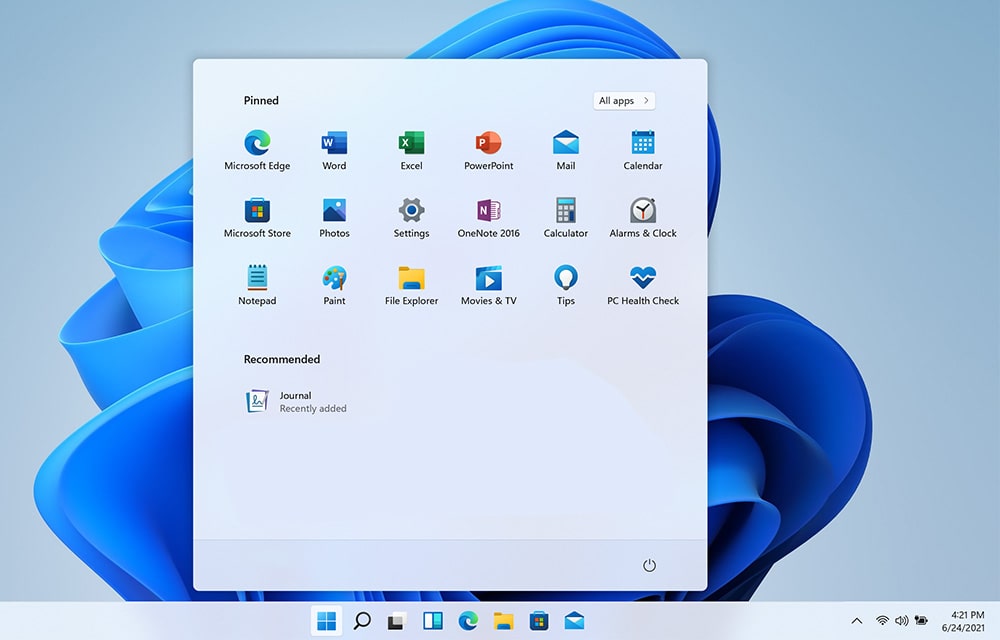
How to Make the Taskbar Transparent in Windows 11
Like myself, you might also like your taskbar to be transparent. Especially with the design improvements that came with Windows 11, you might want to make some design changes to the taskbar. If you are used to the old Windows 7 like transparency on your taskbar, getting used to something solid may not be that…

How to Show Hidden Files in Windows 11
Windows 11 is rolling out slowly for all compatible machines globally. It is easy to use and many advanced features are introduced in Windows 11. Many features are introduced in the Windows 11 to make our computing tasks quicker and much powerful. Many things are changed in Windows 11 including File Explorer. Now it is…
What’s New in Windows 11
With Windows 11 around the corner, you might be interested in knowing more about the latest Microsoft OS. There are thousands of videos and articles published online already about the features and functions that Windows 11 will bring to the users. So we have decided to incorporate all of them to let you know all…