

Windows Tips and Tricks
How To Set Up Auto-Login On Windows 10?
Having access to the immediate auto-login to your Windows 10 desktop is much easier and less time taking. What about skipping all those password entering and booting-up part and jumping right into your apps? Interesting and convenient, right? Here is how to do so. Method 1 The first method includes the User Account method, which…
How To Change Your Monitor’s Refresh Rate Settings In Windows 10
For the most part, you like the default refresh rate of your monitor on Windows 10. However, if there’s a need to change or tweak the refresh rate of your monitor, I’ll show you how to do it. Before we move on to modify the refresh rate settings in Windows 10, it’s worth noting that…
How to Disable File and Printer sharing in windows 10
Windows 10 has a feature to share its printer access to other devices. It is a pretty useful feature to print the documents, images from devices in the same network. However, it has some own disadvantages as well. If you don’t want other users to give access to your printer to print documents then you…

How to auto delete files in Downloads folder in Windows 10
As we all use computers in today’s life. It is obvious that we download lots of files on our systems. Since all the downloads are stored in the same folder, it can fill up a lot of space and make your computer slower. With time, the downloads number increases and all the files pile up…

How to permanently delete already deleted files in Windows
In this article, you will learn how to permanently delete already deleted files in Windows. Sometimes we delete files from our PCs, but who will ensure that the files are permanently deleted from your PC. Is it confusing? Maybe yes, but it is a fact that files that we delete don’t actually go away permanently.…
How to Fix Error 0x80244018 when installing apps from Windows Store in Windows 10
We have already discussed an error when you fail to launch the Microsoft Store. But, there’s another type of error – which is specified with an error code which you will see it as “Error 0x80244018” when installing apps from Windows Store in Windows 10. Similar to what the solution was for launching the Microsoft…

How to Disable shutdown anyway Prompt in Windows 10 and auto close program while Shut down
If you have not closed all the programs before shutting down your PC, you will be prompted to choose whether or not to close the programs. You will also observe a button which says “Shutdown anyway”. Do note that this option is often useful and disabling it might cause data corruption. So, make sure you…

How to Fix Windows 10 Shutdown too slow issue
Windows 10 is the best and annoying update Microsoft ever has to offer for PC users. Yes, that’s very much true – or else I wouldn’t be writing this blog post to help you out. So, in this case, we will be talking about how to fix windows 10 slow shutdown issue. Well, this can…

How to Fix Windows 10 1809 Deleting User Files on Update
We know Windows sends updates to every genuine version. These updates bring the latest security patches and performance upgrades. Unfortunately, one of the Windows 10 updates is causing the user files deleting issue upon the installation. The Windows 10 1809 update is causing user data deletion. It is affection both the Windows 10 Home and…
How to Take Ownership of files in Windows 10
Taking ownership of files is an extreme but subsequently difficult task. Owning files completely with unbarred access process to be a hurdle to users. The administrative access lets you open and customizes files in whatever manner you may wish to. It can be a little tricky to pry them open though. The steps below will…
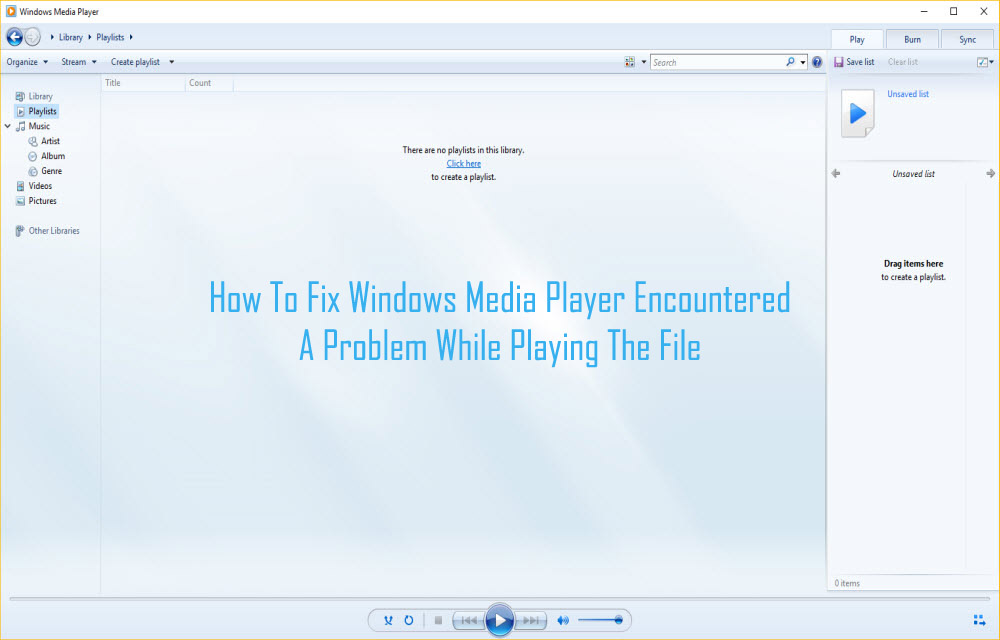
How To Fix Windows Media Player Encountered A Problem While Playing The File
How annoying it is when you want to stream your favorite audio or video and Windows media player shows an error C00D11B1? That error message ‘Windows Media Player encountered the problem while playing the file’ is even more annoying. Windows Media Player is considered to be the safest and most trustworthy media player. But, this…

How to Fix DNS Error- DNS_Probe_Finished_no_Internet in your PC
We have all known that Windows is the preferred Operating System around the World when it comes to OS of choice. Now, some of you may argue that MacOS is better than Windows. However, we will reserve that debate for some other day. If you are an avid Windows user, you might have known that there…