

Transform Your Old Windows Look Into Windows 10
Recently Microsoft revealed its latest operating system Windows 10. An event held in San Francisco, Microsoft announced the Windows 10 operating system officially. Windows 10 is most advanced OS with a broad range of new features and new styles.

Recently Microsoft revealed its latest operating system Windows 10. An event held in San Francisco, Microsoft announced the Windows 10 operating system officially. Windows 10 is most advanced OS with a broad range of new features and new styles.
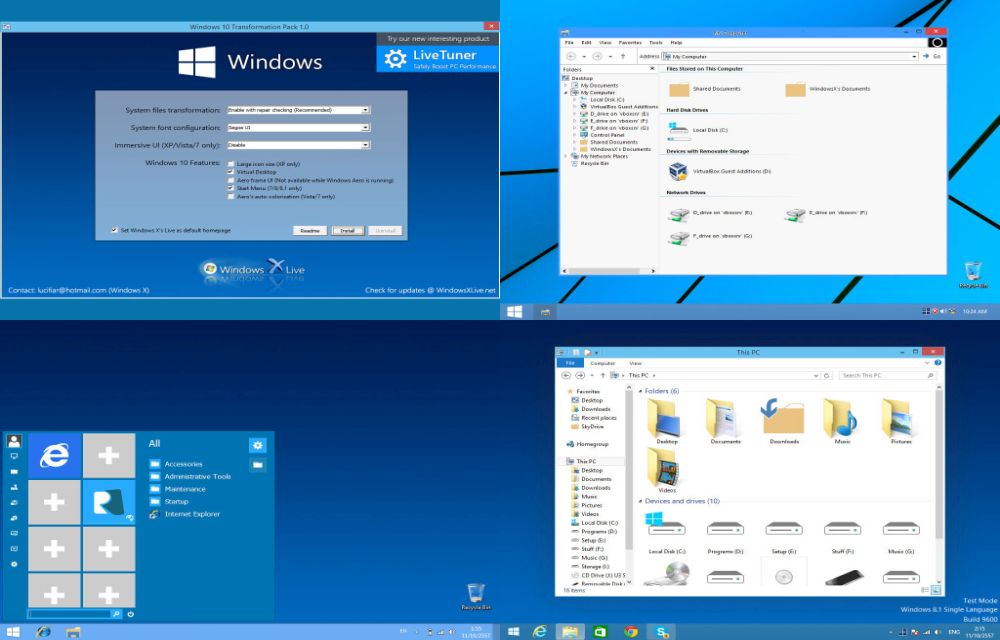
Luckily, we can transform the old versions of Windows like Windows 8, Windows 7, Vista and XP into Windows 10 look with transformation pack. Microsoft released the technical preview of the Windows 10 in their website. Users can download and install the Windows 10 technical preview version on their machines. But it takes a lot of time if you are willing to adopt the look and feel of the Windows 10 simple way is to install a transformation pack.
Must Read:
- Top 5 New Features In Windows 10
- How to Go Back to Windows 8 from Windows 10
- How to Block the Edge Browser in Windows 10 Using Edge Blocker
How to Transform Your Old Windows Look Into Windows 10
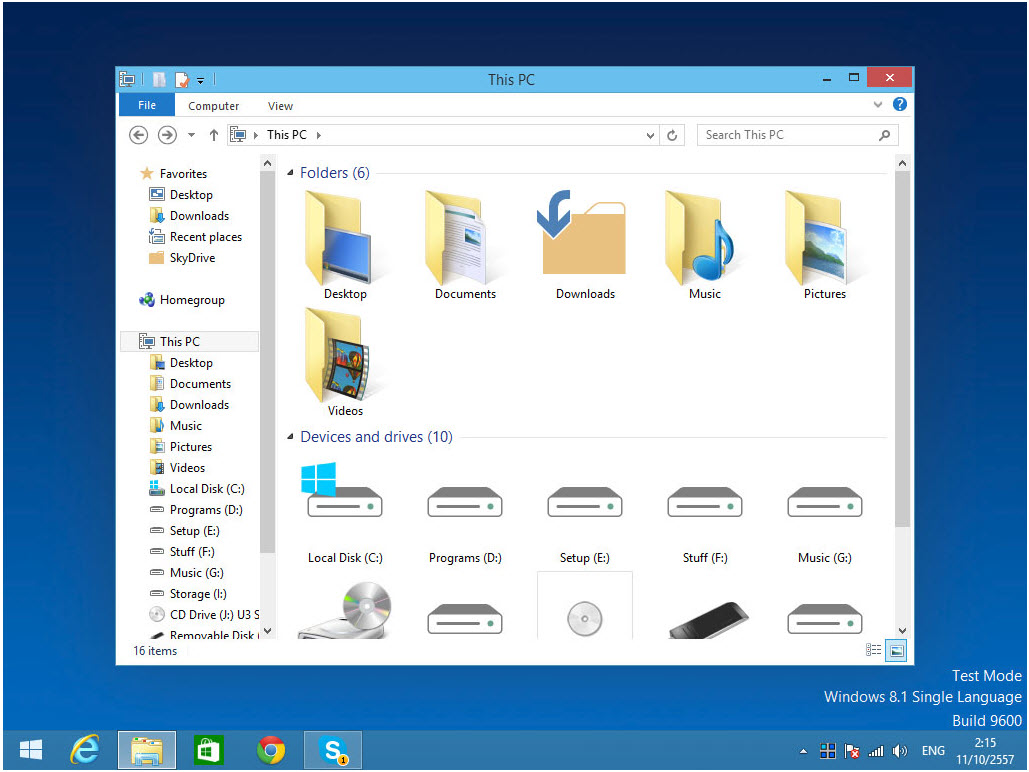
Just download and install on your existing Windows OS. It, transforms the icons, themes and designs of old version of Windows into latest Windows 10 style. The transformation sizes only 92MB, which contains all the latest UI tweaks contains in Windows 10. To run all the tweaks, you are required to install the .NET framework version 4. It is one of the best software to transform your old boring Windows installations like Windows XP, Windows 7 and Windows 8 into Windows 10 modern style look. After applying the software on your existing Windows OS it changes only Themes and UI files, it doesn’t intact your original system files.
Features:
- Smart system files updating with auto-repair and Windows Update friendly
- UxStyle memory patching
- Windows 10 themes, wallpaper and login screen
- Seamless installation and uninstallation giving users safe transformation
- Easily configurable in single click with intelligence Metro UI design
- Designed for all editions of Windows XP/Vista/7/8/8.1 including Server Editions
- Genuine Windows 10 system resources with Metro touches
More in Windows

50 Best And Most Beautiful Windows 8.1 Themes
Windows users are lucky people when it comes to enjoying the gorgeous themes to transform the desktop completely. The attractive customization option available out there in the form of themes. Always Windows allows the maximum possibility to the user regarding usability and customization. Taking the advantage of theme support in Windows, I selected 50 best…

Top 10 Stunning Windows 7 Themes For Your Desktop’s Visual Style
After the most successful and stable Windows XP, the Microsoft’s another successful operating system is Windows 7. It’s 64-bit architecture, performance, start menu and user interface are the main attractions of the Windows 7. Another fantastic feature comes with Windows 7 is theme support. You can apply the built-in themes, or you can download and…
How To Check & Remove Junk Files in Windows 10
Users often complain of a significant reduction in the free disk space on their PC, once they’ve upgraded to Windows 10. We’ve been looking for the reasons and decided to write down some corrective measures we suggest. While it is mainly due to some additional applications in Windows 10, it still doesn’t consume more than…
The week in tech, minus the noise.
New reviews, fixes and the stories that matter — once a week, straight to your inbox.
We only use your email to send the newsletter. Unsubscribe any time. See our privacy policy.
Comments