

How To Send Fax From Android or iOS Phone
Fax machines are almost in the “endangered” category of Electronics. Though some Institutions and Organizations still believing that there is no alternative Smart device technology to this Antique machine. In some emergent situation, while someone push us to send a document in Fax, we got stuck to find a Fax nearby.


Fax machines are almost in the “endangered” category of Electronics. Though some Institutions and Organizations still believing that there is no alternative Smart device technology to this Antique machine. In some emergent situation, while someone push us to send a document in Fax, we got stuck to find a Fax nearby.
In this Smart technology era, we have solutions to send Fax from the Handy smartphones itself. This is a great help for most of those need to send an urgent Fax. You need either an Android or Apple iOS based Smartphone or Tablet with you to send Fax within few minutes.
Both the Android and iTunes app stores have so many Fax sending apps with them. But, be cautious, as most of them are either advertising wrong information to make you download them or hidden monthly subscriptions to loot your wallet.
We find some really helpful apps from the stores. But, they are not completely free. There is no complete free solution available yet in any apps. You can get a few Fax free in some apps. Take a look below.
Note: You must have the Digital copies of Documents you need to send in your smartphone. If you don’t have the digital copies with you, to make a copy of the document to your smartphone in order to send them via Fax, just take a snap from your smartphone. This is the easiest and time-saving option than scanning from the phone itself or scanning through a scanner and then transfer it to your smartphone.
Android Fax Apps
- Fax Burner – You can send 5 pages and can receive 25 pages for free. For more than 5 pages, you need to subscribe to their Annual plan for $80. A good choice for those who need 1-5 pages to send in urgent. This app is available in Android too.
- eFax – Monthly Subscription between $14-17. It is useful for those who need to send more Fax in a month. Available in iOS too.
- Fax File – 10 credit for 1 page. Rates – 50 credits @ $2.49 – 250 credits @ $10. This is for those who want to pay per Fax. Available in iOS too.
- PC-Fax.com Free Fax – One Single page free per day. If you want more than one page in a day, you have to subscribe to anyone of their plans.
iOS Fax Apps
- Fax Burner – You can send 5 pages and can receive 25 pages for free. For more than 5 pages, you need to subscribe to their Annual plan for $80. A good choice for those who need 1-5 pages. This app is available in Android too.
- eFax – Monthly Subscription between $14-17. It is useful for those who need to send more Fax in a month. Available in Android too.
- Fax File – 10 credit for 1 page. Rates – 50 credits @ $2.49 – 250 credits @ $10. This is for those who want to pay per Fax. Available in Android too.
Conclusion
We have mentioned very few apps here, but these are more reliable than others. It doesn’t mean all other Fax apps in the Android and iTunes stores are not reliable. We picked the best based on usability, reviews and user opinions. Choose the one that fit your needs.
You might also like

How to Recover Deleted Messages from Android Phone
Today, a lot of individuals are using the Android-powered smartphone or tablet to enjoy its efficient features. When it comes to the mobile phones, sending messages is the most common feature used my several people. Messages are a very simple and easy to reach the way of communication to inform something to someone. Unfortunately, at…

Advantages And Disadvantages Of Apple iOS
We have already provided you the best list ever of Android advantages and disadvantages and here we are with iOS. If you are a user of Android or Windows Phone or Blackberry and want to migrate to iOS, first you need to know the advantages and disadvantages of Apple iOS. iOS is the second most…
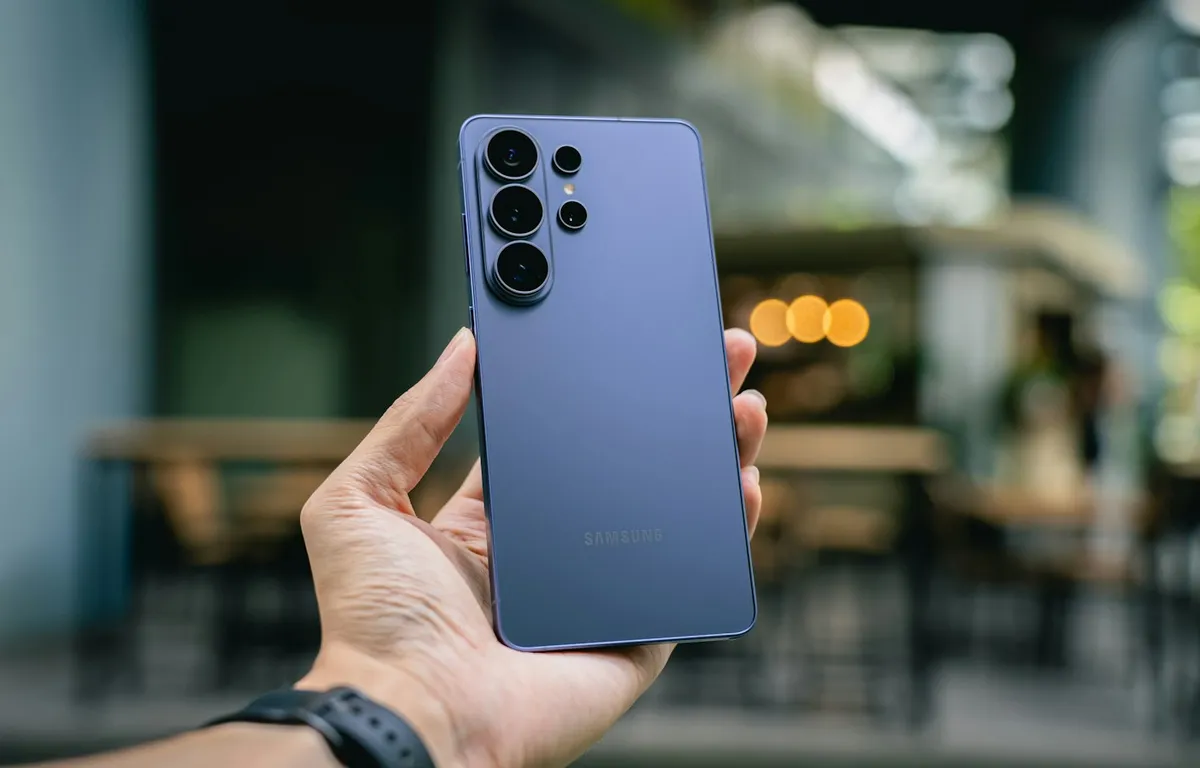
How to Fix Wi-Fi and Mobile Data Dropping on Samsung Galaxy After One UI 9
Your Galaxy installs One UI 9 and for an hour or so nothing seems wrong, and then the Wi-Fi starts connecting and disconnecting by itself with a “Connection failed” message that only clears when you restart the phone. Some owners are dealing with something worse than that, where mobile data won’t load a single page…
The week in tech, minus the noise.
New reviews, fixes and the stories that matter — once a week, straight to your inbox.
We only use your email to send the newsletter. Unsubscribe any time. See our privacy policy.
Comments