

Best Online Fax Services for Small Business in 2026 (Including HIPAA-Ready Options)
Fax still hasn’t gone away in the US. Medical offices send referrals by fax, insurers and pharmacies expect them, and many government agencies, title companies and law firms ask for signed forms the same way. What most small businesses no longer need is the machine itself, along with the phone line it ties up and…

Photo by Vitaly Gariev on Unsplash
Fax still hasn’t gone away in the US. Medical offices send referrals by fax, insurers and pharmacies expect them, and many government agencies, title companies and law firms ask for signed forms the same way. What most small businesses no longer need is the machine itself, along with the phone line it ties up and the paper tray someone has to keep filling.
An online fax service gives you a fax number that sends and receives through email, a web dashboard or a phone app. Choosing one comes down to three questions: how many pages you handle each month, whether you need to receive faxes or only send them, and whether patient or financial records pass through it. The third question is the one that matters most, because it decides whether you need a HIPAA-ready plan and a signed business associate agreement (BAA). Below I compare five services using the plans and prices listed on their own websites in November 2026.
Quick answer: For general office faxing on a budget, Fax.Plus starts at $6.99 a month for 200 pages. If you handle patient records, Documo includes HIPAA compliance on every plan and signs a BAA, starting at $25 a month billed annually. Larger or regulated companies that need audit trails and integrations should ask eFax Corporate for a quote. If you’re replacing your phone system at the same time, RingCentral bundles fax with business calling.
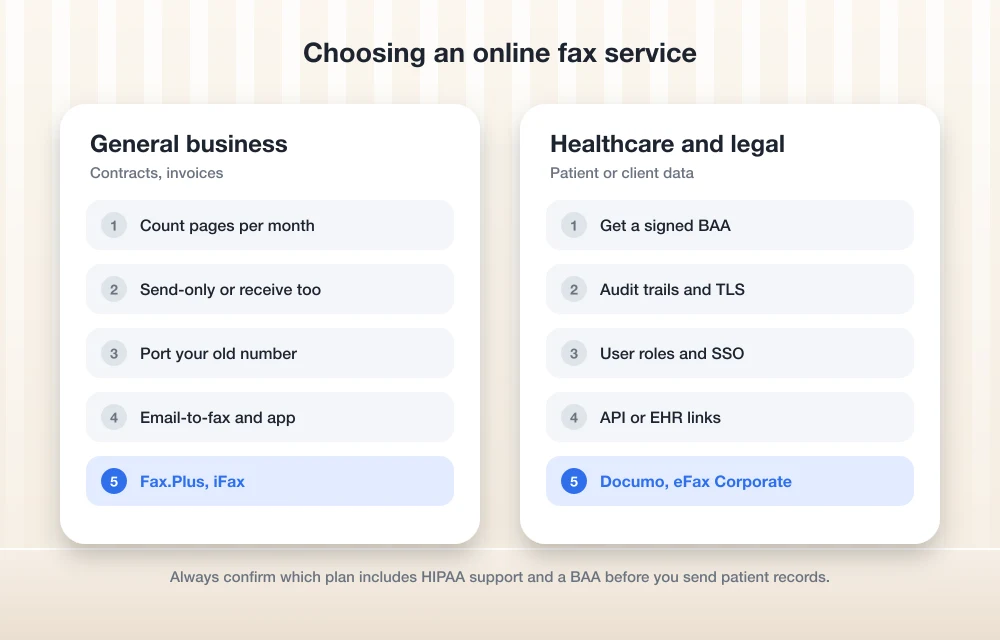
Five Online Fax Services at a Glance
| Service | Starting price (as listed) | Pages included | HIPAA and BAA | Best for |
|---|---|---|---|---|
| Fax.Plus | $6.99/month | 200 on Basic | HIPAA with BAA on Enterprise only | Low-volume offices |
| iFax | $12.49/month (send only) | 200 on Basic | Lists HIPAA compliance on Plus; ask about a BAA | Teams that want apps and automation |
| Documo | $25/month, billed annually | 300 on Solo | HIPAA on every plan, BAA signed | Medical and dental practices |
| eFax Corporate | Custom quote | Based on volume | Built for HIPAA, SOX, GLBA and PCI requirements | Regulated and multi-site companies |
| RingCentral | $25/user/month (RingEX Advanced, annual) | Part of the phone plan | Says it supports HIPAA compliance; confirm the BAA | Businesses replacing their phone system |
The Best Online Fax Services for Small Business
1. Fax.Plus: Lowest Starting Price
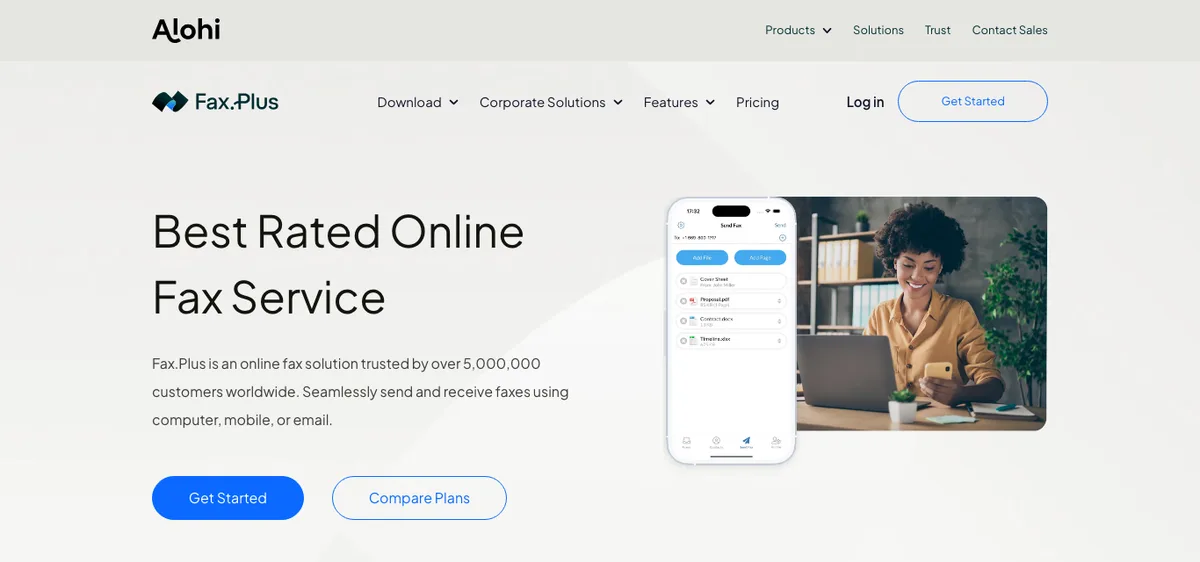
Fax.Plus covers the basics for an office that faxes a few times a week. You can send and receive from a computer, the mobile app or email, and the paid plans step up by page volume. Basic costs $6.99 a month for 200 pages, and Premium is $13.99 for 500 pages. Both are single-user plans with one fax number. Business costs $27.99 a month for 1,000 pages and five members, with two dedicated numbers included and extra numbers at $4.99 a month each.
The catch for healthcare is clear on the Fax.Plus pricing page: HIPAA compliance with a BAA is available on the Enterprise plan only. Enterprise is $959.99 a year when billed annually and includes 4,000 pages a month and unlimited users. A clinic that only needs a few hundred pages pays a lot for that BAA. For a general office that never handles patient records, though, the lower tiers are hard to beat on price.
2. iFax: Strong Apps and Automations
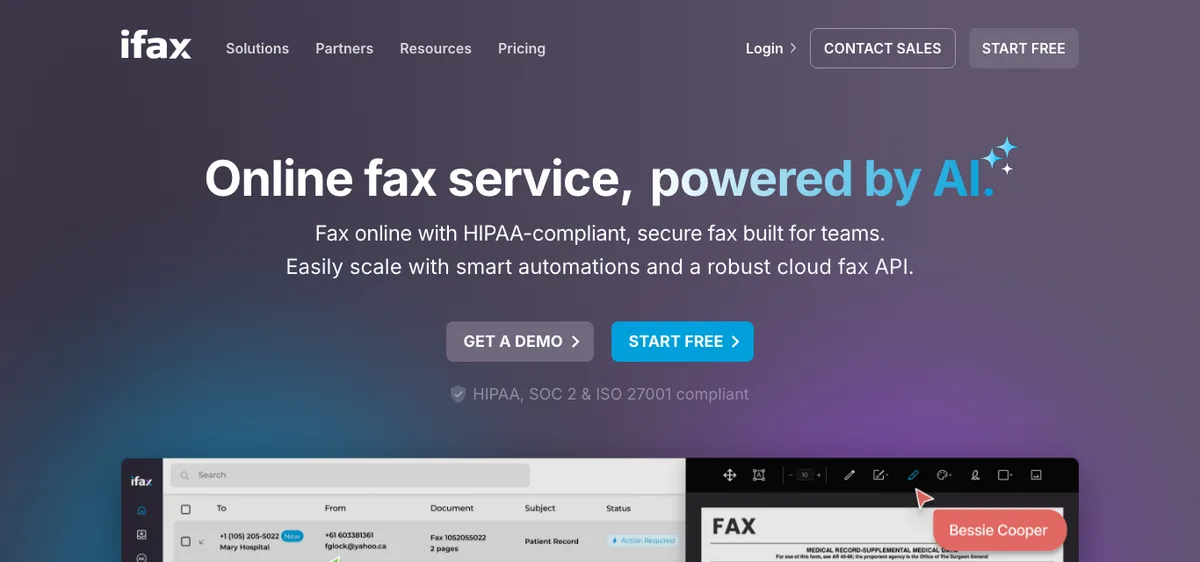
iFax pitches itself to teams, with apps for iOS, Android, Windows and Mac, automations, and a cloud fax API for businesses that want to connect fax to their own software. Its pricing page lists Basic at $12.49 a month for 200 pages. That plan is send only, so it suits a business that occasionally pushes forms out but never needs a fax number for incoming documents.
The Plus plan, at $24.99 a month, includes 500 pages, one fax number, sending and receiving, and the desktop and mobile apps. iFax lists it as HIPAA compliant, and its home page also mentions SOC 2 and ISO 27001. The pricing page doesn’t say which plans come with a signed BAA, so ask iFax directly before you send patient information. iFax also says annual billing saves 20%, and it recommends at least two fax lines for larger page allowances so incoming faxes don’t hit a busy signal.
3. Documo: Best for Healthcare Practices
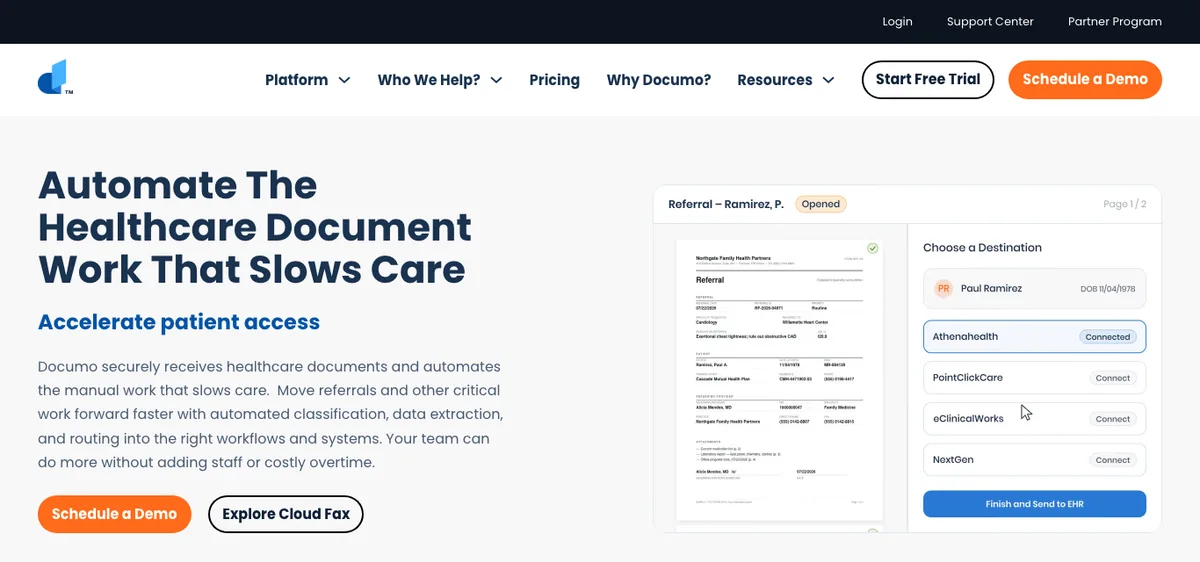
Documo, which also runs the mFax service, is the most straightforward choice here for a small medical, dental or therapy practice. Documo states that all of its plans are HIPAA compliant at no added fee and that it signs a BAA for healthcare customers. That removes the most common trap of buying a cheap plan and finding out later it isn’t covered.
The Solo Cloud Fax plan is $25 a month billed annually and includes 300 pages, one fax number and one user. Extra pages cost $0.15 each, and extra users or numbers cost $3 a month each. Business Cloud Fax, listed at $100 a month, includes 1,500 pages, five numbers, ten users and developer APIs. Enterprise Cloud Fax at $300 a month raises that to 6,000 pages, ten numbers and 50 users, with single sign-on. Documo also offers an AI document processing and EHR integration tier at custom pricing, aimed at practices that want referrals routed straight into their records system. Full details are on Documo’s pricing page.
4. eFax Corporate: For Regulated and Larger Teams
eFax Corporate is the business edition of eFax, and it’s sold by custom quote rather than a fixed monthly price. eFax says the service provides secure user IDs, complete audit trails and advanced TLS transmission options. It positions these as helping businesses meet HIPAA, SOX, GLBA and PCI requirements when sending faxes. You can get a new number or port the one you already have, and eFax Corporate is designed to plug into existing applications and workflows.
This option makes sense for a company with several locations, a compliance officer, or software that should send faxes automatically, such as an accounting system or a practice management tool. Because pricing depends on volume and requirements, get quotes from eFax and at least one of the services above before you commit.
5. RingCentral: Fax Bundled With Your Phone System
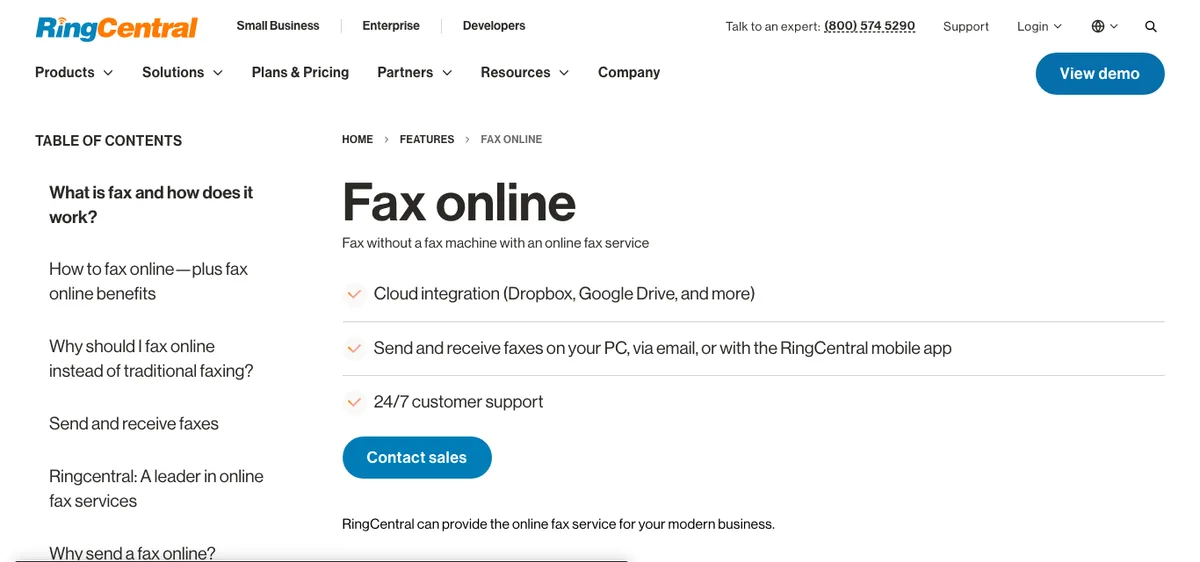
If your phone contract is also up for renewal, it may be cheaper to get fax as part of a business phone plan than as a separate service. RingCentral says email-to-fax is built into its RingEX Advanced and Ultra plans. Its pricing page lists those at $25 and $35 per user per month with annual billing, or $35 and $45 billed monthly. You can send and receive faxes on a computer, by email or in the RingCentral mobile app, and RingCentral’s fax page says it supports HIPAA compliance for sending and receiving sensitive documents.
Extra fax numbers are listed at $4.99 a month, and toll-free or vanity numbers carry a $30 one-time fee. Healthcare offices should confirm with RingCentral that a BAA covers fax on their plan before switching. For the phone system side of the decision, our comparison of the best VoIP phone systems for small businesses goes through RingCentral alongside Nextiva, Dialpad and others.
What HIPAA-Ready Faxing Really Requires
A provider’s website saying “HIPAA compliant” isn’t enough on its own. Under HIPAA, a fax service that stores or transmits patient information for a covered entity acts as a business associate, so it should sign a BAA with your practice. Before you sign up, check four things:
- The BAA is available on the plan you’re buying, not just on an enterprise tier.
- Faxes are encrypted in transit and in storage, and you can set how long they’re kept.
- Each staff member has their own login, so the activity log shows who sent or opened each document.
- Old faxes can be exported if you change providers, because your retention obligations don’t end when the contract does.
Keeping Your Existing Fax Number
Most online fax services can port an existing fax number, which saves you from reprinting letterhead and updating every referral partner. Start the port request before you cancel your old line. Keep the old service running until the new provider confirms the number has moved, because canceling first can release the number for good. Once you’re paperless, an e-signature tool can replace many of the faxes you send today, and a document management system keeps the ones you receive organized and searchable.
FAQs
What is the cheapest online fax service for a small business?
Among the services compared here, Fax.Plus has the lowest listed starting price at $6.99 a month for 200 pages on its Basic plan. iFax’s Basic plan is $12.49 a month but only sends faxes.
Which online fax services will sign a HIPAA BAA?
Documo says every plan is HIPAA compliant and that it signs a BAA for healthcare customers. Fax.Plus offers HIPAA compliance with a BAA on its Enterprise plan only. For other providers, ask sales which plan includes a BAA before sending patient records.
Can I receive faxes by email?
Yes. Online fax services that include a fax number deliver incoming faxes to a web dashboard, mobile app or email inbox, usually as PDF files. Send-only plans, such as iFax Basic, don’t include a number for receiving.
Can I keep my current fax number?
Usually, yes. Most providers support number porting. Keep your old line active until the transfer is complete so the number isn’t released.
Featured image: Vitaly Gariev on Unsplash.
Disclosure: TheTechHacker has no paid relationship with any fax service or company mentioned here.
You might also like

10 of the Best QuickBooks Alternatives
It’s no secret that Quickbooks is one of the most popular accounting programs. QuickBooks is one of the most well-known small and medium-level business accounting solutions, especially in the US. With certain packages, it offers simple inventory management tools for small businesses. However, like with any system, there are advantages and disadvantages to selecting QuickBooks…

Best Endpoint Security (EDR) Software for US Small Businesses in 2026
Five endpoint security picks for US small businesses in 2026, from Microsoft Defender for Business to CrowdStrike, SentinelOne, Sophos and Bitdefender. This guide covers how EDR differs from antivirus, when a managed service makes sense, and how each vendor prices.

10 Best Retail Accounting Software
If you’ve recently opened a retail business and are struggling to handle accounting functions then what you need is good retail accounting software. A major part of the success of a retail business depends upon how you handle your accounts and having a smooth and consistent accounting software can pave the way for making operations…
The week in tech, minus the noise.
New reviews, fixes and the stories that matter — once a week, straight to your inbox.
We only use your email to send the newsletter. Unsubscribe any time. See our privacy policy.
Comments