

Best Free VPNs in 2026: Top Picks and the Real Risks of Going Free
I went through the official free plans from Proton VPN, Windscribe, PrivadoVPN and TunnelBear to see what you actually get, where the catches are, and when paying for a VPN makes more sense.


Photo by Alex Knight on Unsplash
A free VPN costs you nothing at checkout. But the provider still pays for servers and bandwidth, and that money gets recovered somewhere: in data caps, in device limits, or, with the worst apps, in your browsing data. A handful of free tiers are actually usable. Plenty of others are a privacy risk dressed up as a privacy tool.
I’m looking at the free plans from four established providers here: Proton VPN Free, Windscribe Free, PrivadoVPN Free and TunnelBear Free. For each one you’ll see the real allowance, where the limits bite, and the point where paying a few dollars a month is cheaper than fighting the caps.
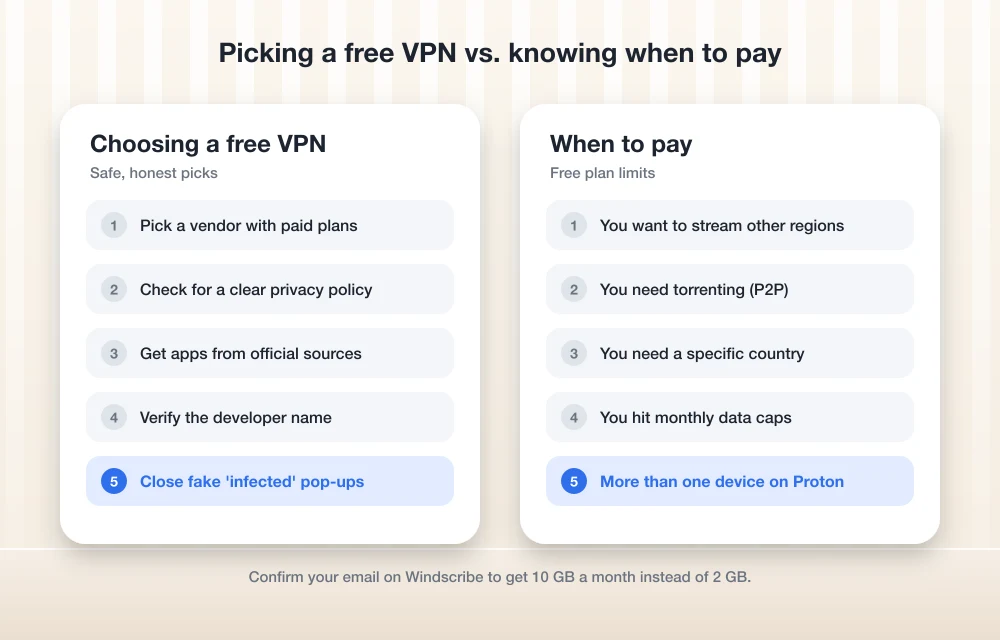
Quick answer: Proton VPN Free is the best free VPN for most people in 2026 because it has no data limits, an audited no-logs policy and a kill switch, though it only allows one device at a time and picks the server for you. Windscribe Free is the better pick if you want several devices connected at once and can live with 10 GB a month. PrivadoVPN Free is a handy backup with 10 GB of full-speed data before it slows down. Pay for a VPN if you need streaming, torrenting, a specific country or no data caps.
Selection criteria: three things a free VPN must not do
The bar’s low on purpose. A free VPN can’t sell your browsing data, can’t bury you in ads, and has to state its limits openly. That’s it.
That alone rules out most of the generic apps with names like “Super Fast Free VPN Proxy Master.” All four picks here come from companies that also sell paid plans, and that matters more than it sounds. When paying customers fund the servers, the free tier has no reason to make money off you in quieter ways. When nobody pays at all? The revenue’s coming from somewhere else.
The best free VPNs in 2026
1. Proton VPN Free
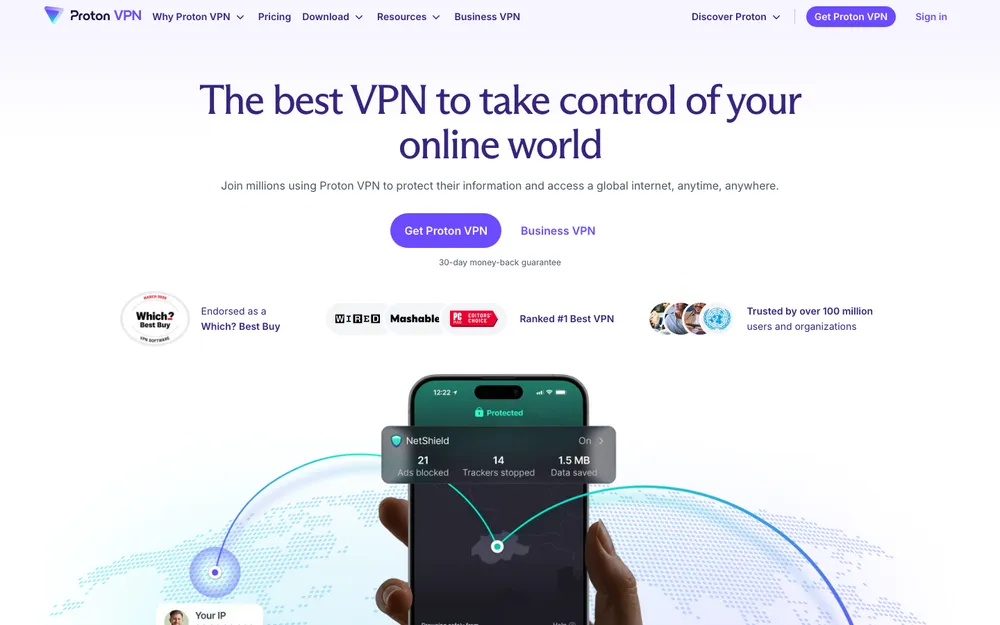
If you install only one free VPN, make it this one. Proton says it will “always provide a free, secure, no-logs VPN designed with no data limits,” and the no-limits part is what sets it apart. Most free VPNs cap your monthly data. Proton doesn’t.
Proton’s own VPN plans page lists an audited no-logs policy on Free, so an outside firm has checked that Proton isn’t keeping records of what you do. Free also gets DNS leak protection, IPv6 leak prevention (depending on your platform) and a kill switch, which cuts your internet connection if the VPN tunnel drops so your real IP address doesn’t leak out.
Now the limits. One device connected at a time. Free servers sit in 10 countries: the United States, Canada, Mexico, the Netherlands, Japan, Romania, Poland, Norway, Switzerland and Singapore. And the app connects you to the fastest free server on its own, so you don’t get much say in location.
Want a different server? Proton’s help pages say to open Home on Android, or the Countries tab on Windows, macOS and iOS/iPadOS, then tap Change server.
Streaming, torrenting (P2P, short for peer-to-peer file sharing) and Proton’s Secure Core feature all run on Plus servers, so none of them work on Free. If you’re after content from another region, this plan won’t get you there.
One line on the plans page is easy to miss: Free lists “Connect unlimited devices to your router.” If your router can run a VPN client, that’s a way around the one-device limit for your whole home network. It’s not a quick install, though. Expect to spend real time on the router config.
What I liked
- No data limits, at all
- Audited no-logs policy
- Kill switch and leak protection even on the free tier
- The US and Canada are both free locations
What could be better
- Just one device connected at a time
- The app chooses your server for you
- No streaming or torrenting on Free
2. Windscribe Free
Windscribe flips it around: a monthly data allowance instead of unlimited data, but no limit on devices.
Confirm an email address and you get 10 GB a month. Skip it and you get 2 GB. Signing up with no email at all is a genuine plus for privacy, but 2 GB disappears fast once any video’s involved.
The free plan covers 10 countries, unlimited devices and AES-256 encryption, a strong, widely used encryption standard. Windscribe says free accounts get the same unlimited-connection policy as Pro, so your phone, laptop and tablet can all be connected at once. There’s ad and malware blocking too, which means ads on websites get blocked (not that Windscribe shows you ads). The plan doesn’t expire, and the data allowance resets every month.
Need more data? Windscribe offers a one-time 5 GB/month bonus if you post about it on X through its “Tweet 4 Data” offer (you’ll need a confirmed email). There’s a referral program as well.
On privacy, Windscribe says it doesn’t log connections or sell user data, and that Pro subscribers pay for the free tier. That’s the vendor’s own claim. Weigh it accordingly.
What I liked
- Unlimited devices connected at once, even on Free
- You don’t need an email to sign up
- Ad and malware blocking built right in
- Easy ways to earn extra data
What could be better
- 10 GB cap, or only 2 GB without an email
- The privacy promises are the vendor’s own claim
3. PrivadoVPN Free
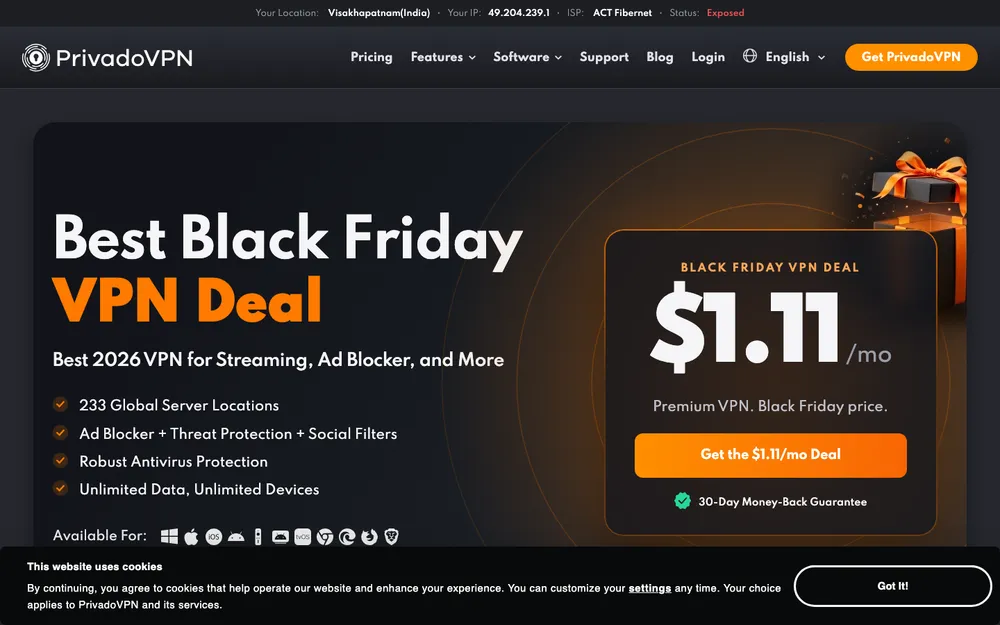
PrivadoVPN gives you 10 GB of full-speed data a month. What happens after that is the interesting bit: instead of cutting you off, it drops into what Privado calls “Lite Mode.” Slower, but still connected.
How slow is Lite Mode? Privado doesn’t publish a figure on its own pages, so I can’t quote one. It’s throttled, and I’d treat it as fit for light use only.
No credit card needed, but you do need a verified email. Privado describes the free plan as “Up to one connection on unlimited devices.” Translated: you can install it on your phone, laptop and tablet, but only one of them can be connected at a time.
Its official App Store listing says free users can connect to “any of 12 high-speed servers.” Privado’s own pages don’t state the exact number of free countries, or its paid pricing, so check the official site before you upgrade.
What I liked
- 10 GB of full-speed data every month
- Keeps you connected after the cap instead of cutting you off
- No credit card required
What could be better
- Lite Mode speed isn’t published
- Only one connection at a time
- Free country count isn’t officially confirmed
4. TunnelBear Free
TunnelBear is a well-known brand with a free tier, which is why it made the list. But its current free data allowance, free locations and device limit couldn’t be confirmed on TunnelBear’s own site while researching this article.
There’s a monthly cap figure floating around the web. I’m not repeating it here, because it couldn’t be verified from the company itself. If TunnelBear appeals to you, check the official site for the current free-plan limits before you rely on it. Until those details are confirmed, it stays at number four.
Free VPN comparison at a glance
No speed tests were run for this. Every cell below comes from the providers’ own published pages, and anything they don’t state is marked “Not confirmed.”
| Feature | Proton VPN Free | Windscribe Free | PrivadoVPN Free | TunnelBear Free |
|---|---|---|---|---|
| Monthly data | No data limits | 10 GB with confirmed email (2 GB without) | 10 GB full speed, then throttled Lite Mode | Not confirmed |
| Free locations | 10 countries (app picks the server) | 10 countries | 12 servers (country count not confirmed) | Not confirmed |
| Devices connected at once | 1 | Unlimited | 1 (install on unlimited devices) | Not confirmed |
| Email needed | Free account required | No (but only 2 GB without one) | Yes, verified email | Not confirmed |
| Streaming and torrenting | No (Plus only) | Not confirmed | Not confirmed | Not confirmed |
| Paid price confirmed officially | Not confirmed | $9/mo or $69/yr | Not confirmed | Not confirmed |
The real risks of free VPNs
These four sit at the reputable end of the free market. Step outside them and things get worse quickly, so it’s worth knowing how free VPNs go wrong.
Data caps and slowdowns
Legitimate free VPNs limit you in ways you can see. Windscribe caps data. PrivadoVPN throttles after 10 GB. Proton holds you to one device and picks your server for you. Annoying? Sure. But those are inconveniences, not risks, and you know the terms before you connect.
Ads, tracking and data selling
This is the part most people skip over. VPN servers cost money to run, and a VPN that’s free with no paid plan usually covers that by serving ads, or by collecting data on what you do online and selling it.
The irony’s hard to miss. A VPN sees all the traffic leaving your device, so a dishonest one is in a better position to watch you than your ISP is.
None of the four here advertise ads in their free plans. That’s based on their own marketing, though, and nobody outside can see what happens on their servers. It’s why an audited no-logs policy like Proton’s counts for more than a promise nobody’s checked.
Fake and copycat VPN apps
Only download VPN apps from the provider’s official website or the official app stores, and check the developer name before you install. Copycat apps love borrowing well-known brand names.
Paid VPN plans and the Windscribe upgrade pricing
Free plans are fine for public Wi-Fi at a coffee shop or airport, or for light browsing. Past that, paying starts to make sense.
Streaming is the big one. Proton keeps streaming on its Plus servers, so Free won’t get you content from another region. Torrenting’s the same story, since P2P is also a Plus feature.
Location control comes second. Proton’s free app picks your server, which is fine right up until you need a specific country. Paid plans also remove the data caps on Windscribe, PrivadoVPN and TunnelBear, and a paid Proton plan lifts the one-device limit. Proton says its paid network covers 140+ countries.
Still on the fence? There’s a full breakdown on whether a VPN is worth it for US users. And if you’re eyeing a premium option, the ExpressVPN review covers whether its higher price is justified.
Of the four providers here, only Windscribe has paid pricing confirmed on an official page, its upgrade page. If you only need a few locations, its Build-A-Plan option is a sensible middle ground.
Windscribe Pro (Monthly)
Billed monthly
- 69+ countries
- No monthly data cap
- Unlimited connections
Windscribe Pro (Yearly)
$69 billed every 12 months
- 69+ countries
- No monthly data cap
- Unlimited connections
Build-A-Plan
$3 minimum, up to 7 locations
- Every location adds 10 GB to your allowance
- Unlimited data is a $1 add-on
Prices checked on Windscribe’s official upgrade page. VPN prices change a lot, so confirm before you pay.
Matching a free VPN to your use case
For most people, start with Proton VPN Free. No data cap, an audited no-logs policy and a kill switch, all for nothing, is a strong package. The catch is one device at a time and no say in where you connect.
Go with Windscribe Free if you need your phone and laptop covered at the same time. Confirm your email to get the full 10 GB, which is enough for travel and public Wi-Fi.
PrivadoVPN Free works as a backup app, mostly because it throttles instead of disconnecting. For TunnelBear, check the current limits on the official site first.
I’d skip no-name free VPN apps with no paid plan and no clear privacy policy. If a VPN is free and you can’t tell how it makes money, it’s probably making money from your data.
Frequently Asked Questions
Are free VPNs safe to use?
Some are. Free plans from companies that also sell paid plans, like Proton VPN and Windscribe, are generally the safer bet, because paying customers fund the servers. Be wary of free VPNs with no paid plan and no clear privacy policy. They may be running on ads or on selling your data.
Which free VPN has no data limit?
Proton VPN Free. Proton says its free plan is designed with no data limits. The trade-offs: one device connected at a time, and the app picks your server for you.
Can I use a free VPN for streaming or torrenting?
Not on Proton VPN Free. Proton keeps streaming and P2P on its paid Plus servers. Streaming or torrenting support on the other free plans couldn’t be confirmed from their official pages, so for either one, a paid VPN is the safer bet.
What happens when PrivadoVPN Free runs out of data?
Once your 10 GB of full-speed data for the month is gone, PrivadoVPN switches to Lite Mode. You stay connected, but speeds are throttled. By how much? Privado doesn’t publish the exact Lite Mode speed on its own pages.
When should I pay for a VPN instead of using a free one?
Pay when you need streaming, torrenting, a specific country, more than one device at a time on Proton, or no monthly data cap. For public Wi-Fi and light browsing, free plans are fine.
Featured image: Alex Knight on Unsplash.
Disclosure: TheTechHacker has no paid relationship with the companies in this article.
You might also like

Best Streaming VPN in the US for 2026: What to Look For and 5 Options
How I’d choose a VPN for streaming in the US, what the marketing claims mean, and where ExpressVPN, NordVPN, Surfshark, Proton VPN and CyberGhost fit.

Best VPNs to Unlock Cryptocurrency Exchanges
Cryptocurrency Exchange platforms are incredibly popular nowadays after the introduction of Bitcoins and similar digital currencies. Cryptocurrency being one of the most popular applications of Blockchain – does hint at a lot of things to use the blockchain technology in the near future. Note: Read our guide carefully to know why VPNs are helpful for…

Do You Still Need Antivirus on Windows 11 and Mac in 2026?
Windows 11 and macOS both ship with built-in malware protection that’s on by default. Here’s what it covers, what paid suites add, and who should still pay for one.
The week in tech, minus the noise.
New reviews, fixes and the stories that matter — once a week, straight to your inbox.
We only use your email to send the newsletter. Unsubscribe any time. See our privacy policy.
Comments