

Rahul Vithala


Best Download Manager Extensions For Google Chrome
Are you using Google Chrome as a default browser for all kinds of Internet-related activity including downloading files? If yes, this article helps you to download files faster with the help of Google Chrome extensions. Google Chrome is a fantastic browser from the house of Google. Its unmatchable unique features keep the rest of the…

How to Fix Corrupted Data error on PS4
Corrupted data on your PS4 sounds like a nightmare. Unlike PC’s and other hardware, PS4 is not easy to open for customizing and tinkering. It is a closed system and when you get an error like this it will be a scary thing. However, there are few things you can do when you get “corrupted…

What is an IPSW file and How to open it?
The IPSW name stands for iPod, iPad, iPhone software. If a file is combined with the IPSW extension then it is a device of Apple software update file that can be used along with iPad, Apple TV, iPhone, iPod touch. Its purpose is of storing the encrypted DMG, BBFWs, PLISTs and many types of file…

How To Spoof A MAC address in Windows, Mac, and Linux
Media Access Control aka MAC address exists in every network-enabled devices. It is a physical address assigned to every hardware which deals with network connections. In detail, the MAC address gives a unique identifier for every hardware that’s connected to a network. You can identify the device connected to the network from checking the MAC…

How to Print Email In Easy Steps
There are plenty of reasons to take a hard copy of an email. It is better to go paperless but in some cases a physical printout is necessary. For example, an invoice or a legal document received by email is necessary to take a print out. So, it is necessary to know how to print…

How to Record Video on Your Mac?
How to Record Video on Your Mac: Recording video on your Mac is a pretty simple process. Whether you want to capture beautiful video playing on the screen or want to record a webinar or an online video tutorial. The process of capturing screen on Mac easy like never before. In this article, you will…

How to add, remove, delay startup items on Mac?
Once you start adding new apps to your Mac some of them will enter into the startup items. These apps launch automatically in the background when the Mac boot up. If the number of startup items increases, you feel slow down of your startup time. To get rid of this issue, you need to manually…

Best Offline Blog Editors for Windows and Mac
It is a known fact that bloggers need a finite space to push creative thoughts. There are plenty of tools available for bloggers to note down their ideas and drafts online with the universal sync option. However, we need a standalone blog editor which offer offline support. Offline supported blog editors are highly productive and…

Best Zoom Alternatives With More Privacy And Features
Video calling and meeting is undoubtedly the best option to stay connected during the novel Coronavirus pandemic period. For this reason, most of the office employees are currently using Zoom app for video conferencing. However, the Zoom is in the news these days for other reasons. The company is not clear about their security and…

Roku Remote Not Working? Try These Fixes
Roku is a very popular name in the entertainment world with more than 500000+ movies and TV series. It is also popular for providing the affordable online streaming service which makes a normal TV into a smart TV. During enjoying a movie or TV series, the painful thing is Roku remote stopped working. There are…
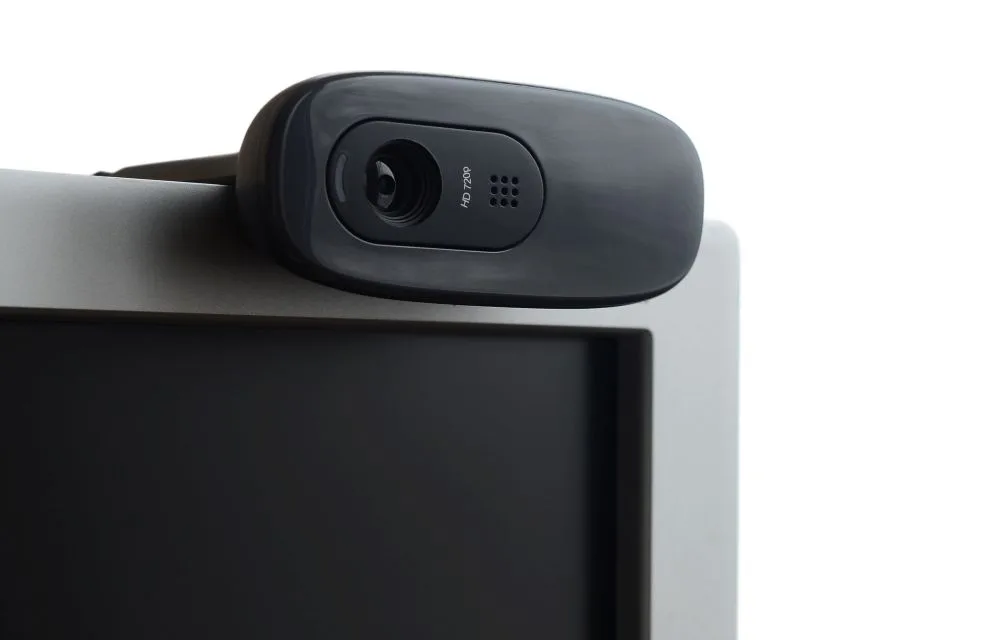
Simple Ways To Fix Webcam Is Not Working Issue
Simple Ways To Fix Webcam Is Not Working Issue: It is a common fact that we get errors and connection problems when you are trying to connect an external hardware component to our PC. These errors are most common in Windows than the macOS. If your webcam is not working, it could be due to…
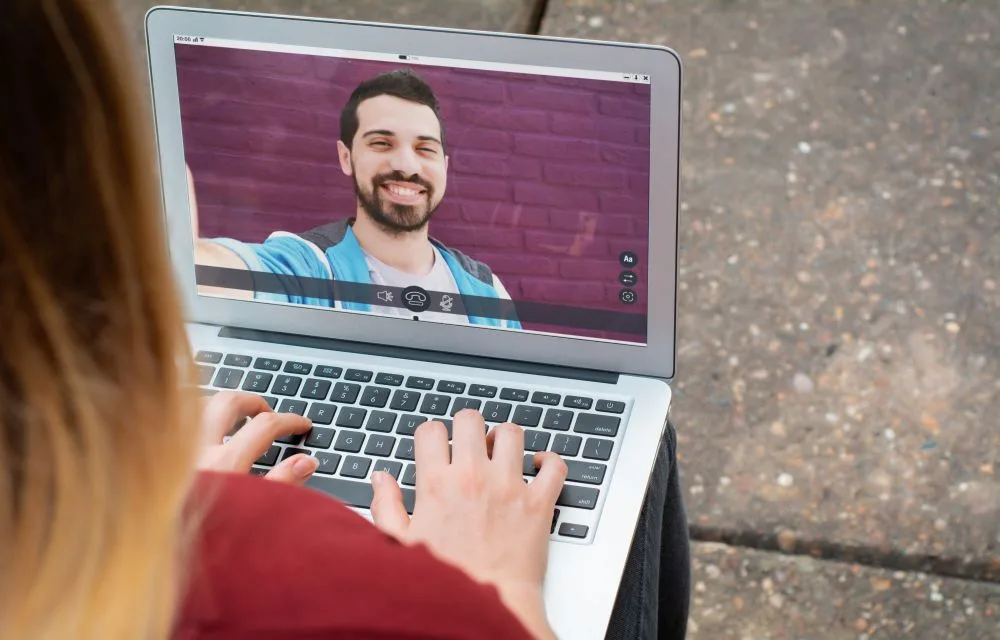
How To Capture Live Photos In FaceTime On macOS
Live photo is a feature introduced on the iPhone to capture realistic image instead of a steady image. It brings an alive moment in a still photo with the help of 3 seconds moving image. The technology behind the live photo is, the camera captures image 1.5 seconds before and after you take a pic…