

Rahul Vithala

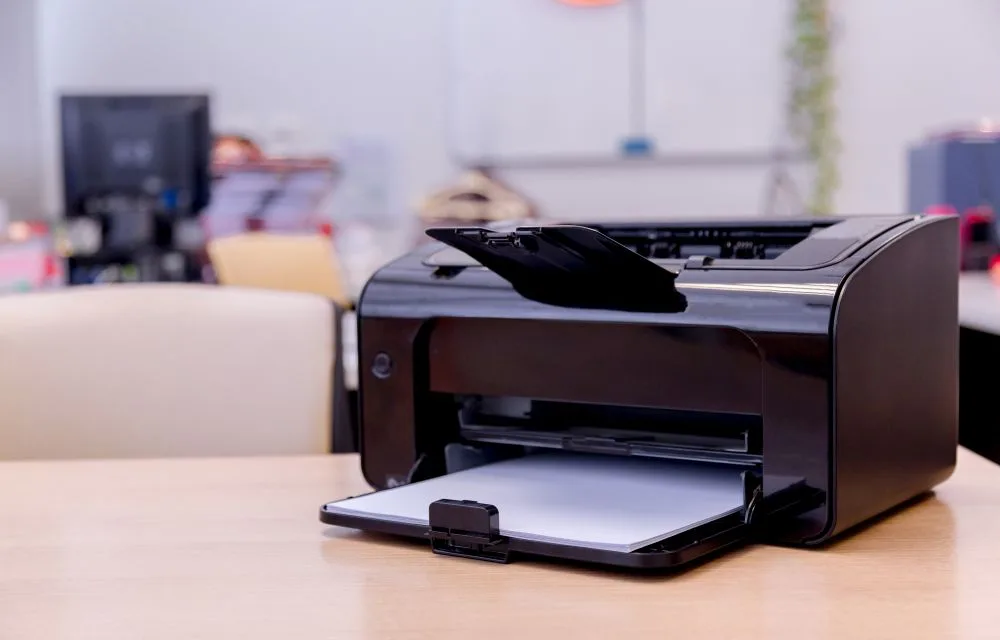
How To Find The IP Address Of A Network Printer
There are many reasons to know the IP address of a network printer. Whether you want to add one more printer to the network or adding new devices like Mac, Android or iOS to print from the network printers. Or in some cases, it is useful to solve the technical errors usually caused in the…
Best Free Firewall Programs For Windows 10
Internet is an abundant source of free applications. Firewalls are one such program we need on every computing machines. The online world became an unsecured place and it becomes a primary task to protect ourselves from online threats. The increase in the cyber crimes rate is alarming and most of the victims are not using…

How To Download iPhone Photos From iCloud To Your Mac
Apple has a fantastic storage option called iCloud to save our precious documents, photos and many more in their cloud storage. The free plan allows you up to 5GB of space and whereas the paid subscription model lets you use 50GB, 200GB and up to 1TB of online storage. Most of the people are using…
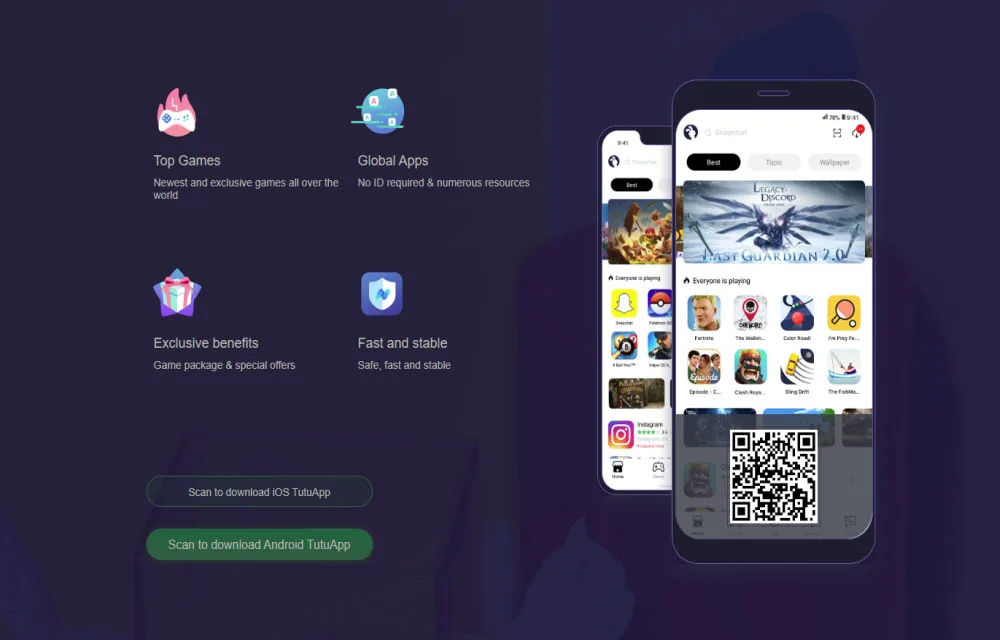
Is TutuApp Safe? Why We Don’t Recommend It (and Safe Alternatives)
TutuApp is one of those names that keeps coming up when people look for free versions of paid apps or “hacked” games on Android and iPhone. We used to have a guide on how to install it. We have replaced that guide, because after looking at how TutuApp works and the risks involved, we can’t…
How To Use Rufus To Create A Bootable USB Drive
Gone are those days when we used to CD or DVD to boot Windows XP and higher OS versions. The latest models of laptops and desktops are not coming with the optical drive enabled. I can literally say, CD and DVD’s are obsolete now at least for installing Operating systems. For Windows users, there are…
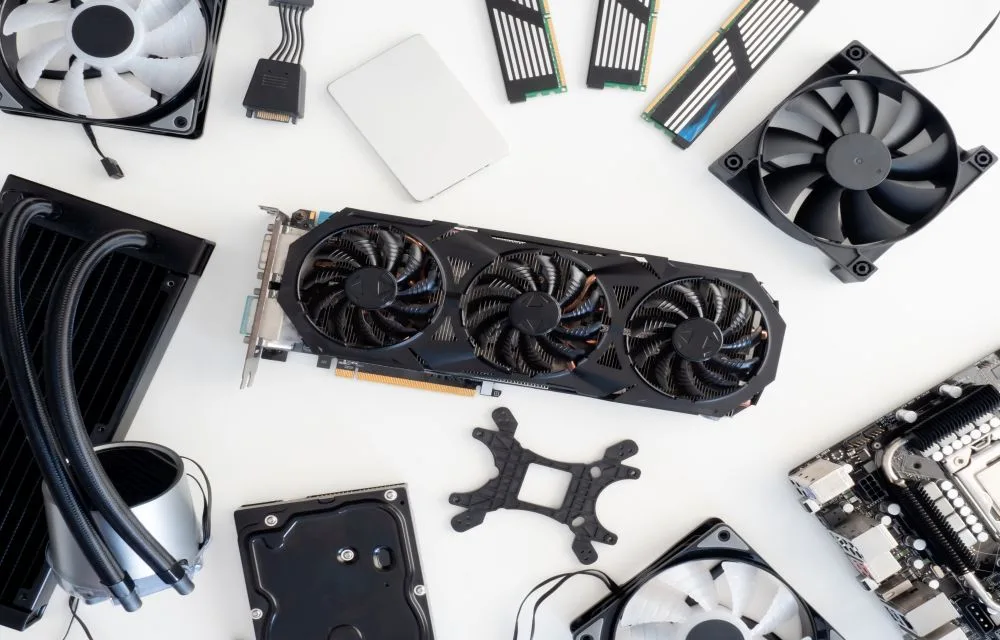
How to Identify the Graphics Card in Your Windows 10 PC
GPU’s are essential hardware which lets you play your favourite games. Each GPU comes with different configuration and processing powers. As the gaming industry is developing with the latest games, you need to replace your older graphics cards to run the newest games. If you want to know the model number of the graphic card…

How to setup VPN on PS4
PS4 is a fantastic gaming console and loved by millions of users. To improve the ping rate, access the players in different regions, and to protect the online play from online attacks, many users prefer VPN on PS4. Unfortunately, there is no straightforward process for the VPN setup on PS4. However, every popular VPN service…
How to know Your Carbon Footprint in the Environment
The amount of greenhouse gases like carbon released into the atmosphere is calculated and termed as Carbon footprint. This activity is done by an individual or community or by an organization are responsible for the cause of environmental pollution. Everyone in this world is responsible for carbon emission which is a global environmental problem. As…
Adios Lets Your PC To Shut Down, Restart, At A Specific Time
Shutting down, restarting a PC are manual things until now. Meet Adios, this program lets you schedule restart, shutdown, sleep with a timer. It is a pretty good thing for clearing unwanted temporary files and freeing up the memory. The automatic shut down feature is the most awaited feature for me. I regularly put large…
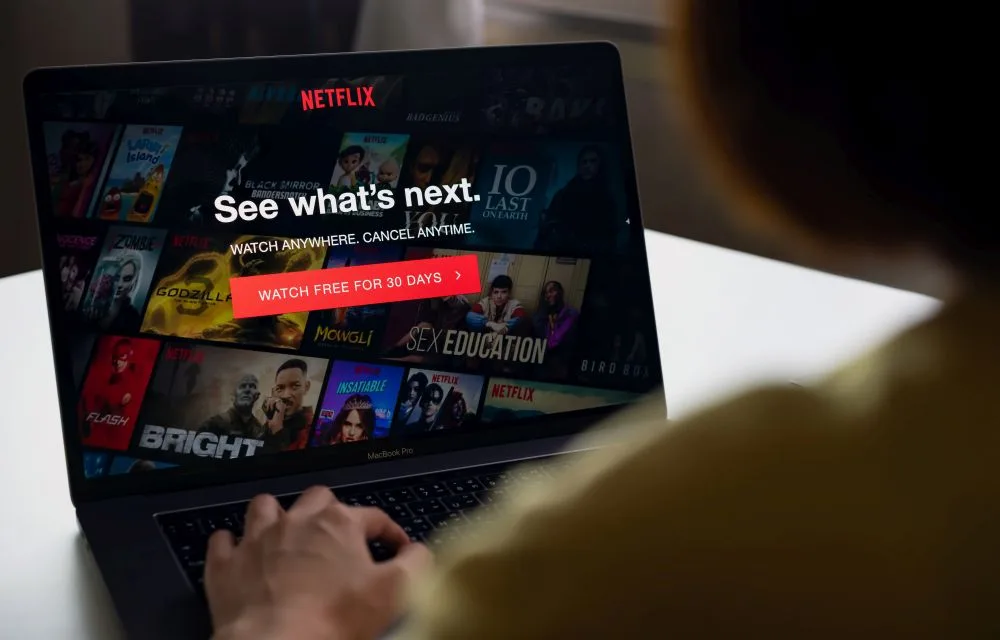
How To Turn Off Auto Play Video Previews On Netflix
How To Turn Off Auto-Play Video Previews On Netflix: It is a piece of good news for Netflix fans who are not liking auto-play video preview feature of the shows. It is quite irritating when a Netflix video starts auto-playing the preview. It is one of my most awaiting feature from Netflix apart from fantastic…
How to download a website for offline use
The Internet contains a ton of great websites as useful resources. These websites make you more productive, knowledgeable and helpful to learn new skills. Wikipedia is one of them. If you want to check for any information Wikipedia you need an active Internet connection is must to fetch data on your device. If the Internet…
How to add printers on macOS
Even after digitalizing everything, printers are still used by many. To save paper and trees many services are turned into soft copies which are emails, reports and other computer-related services. But still, somethings can’t be changed like copies of our certificates, reports, contract agreements etc are still needed to be printed. Mac’s are evergreen machines…