

Rahul Vithala


Mac running slow? Speed up Mac with these easy fixes
Is Mac running slow? Speed up Mac with these easy fixes: Mac’s are fantastic machines designed for pure productivity. We can’t imagine a slow running mac. It is like a sports car with an old engine. Many people feel Mac won’t slow down. It is a myth and they will go slow down over time.…
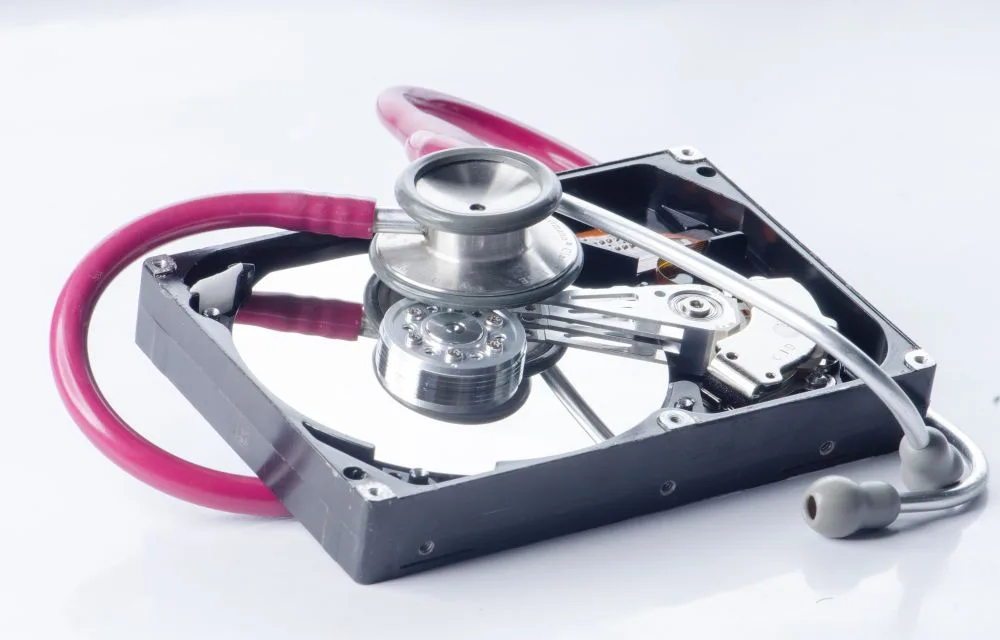
Best Tools to Repair Corrupted or Damaged Files in Windows
Data corruption is a nightmare. It suddenly happens and it will damage all our precious data saved on hard disks. Data corruption happens when data is writing, editing or transferring to another hard drive. The program corrupts the data when anything interrupts during the process. In some cases, a virus can also corrupt the files…

How to repair corrupted files in Windows
A system crash is the most common problem among Windows users. Not only it crashes the system to boot properly, but it also sometimes damages the files. It is the worst situation if you have important documents and photos on your PC. If you are facing the system crash issue and all your files corrupted…

How to free up RAM on Windows 10
No one likes a slow-performing computer. As we are moving towards the future with the latest apps and games, the computing power also must meet software requirements. RAM (Random Access Memory) plays a crucial role in the performance of the computer. Sufficient RAM is required to handle the tasks. For example, if you are using…

Ransomware Attack. How to prevent it?
Logging into the Windows and accessing mail is a regular activity of your day. Many people like me and you may become the victims of the ransomware attacks. These attacks are carried out with the help of email. The attacker uses an email as a target to spread ransomware on victims computer or network. These…

How to run Android apps on Mac
The ecosystem of Mac and Android are completely different. If you are planning to run Android apps on Mac, there are some approaches which connect two different worlds. In this article, you will know how to run Android apps on Mac. Use of Android Emulators Android Emulators makes this task possible on the macOS. Choosing…

How to setup VPN on Windows 10
If you are planning to buy a VPN service for your Windows-based laptop or PC, then we are already suggested best VPN for Windows 10. Whatever the reason for using a VPN, it is always advisable to use a VPN service to anyone. In this article, you will know how to setup VPN on Windows.…
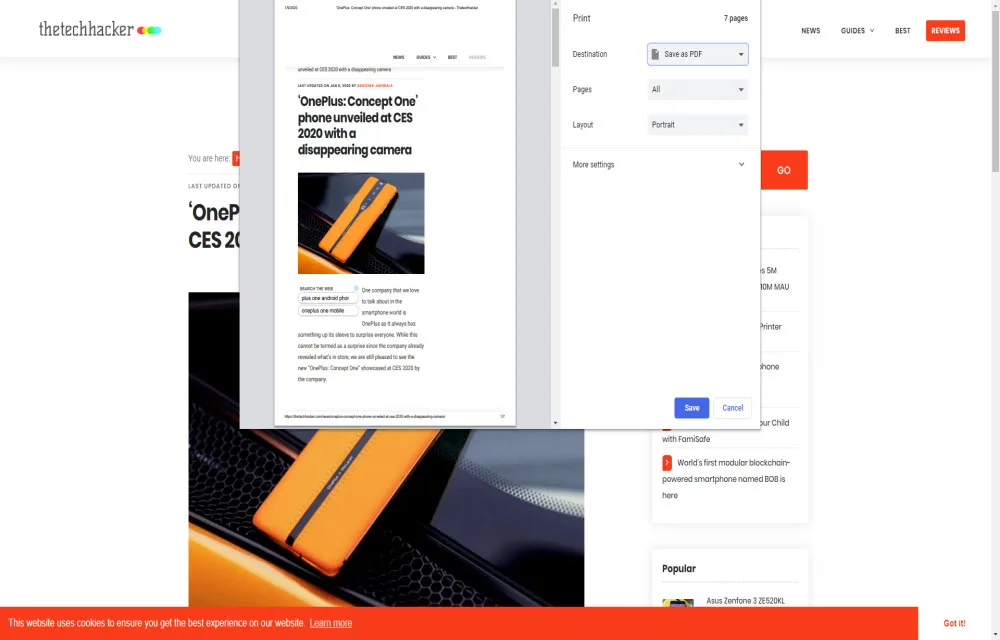
How to print Web Pages in Google Chrome
Google Chrome has the ability to take a print of the websites you visit. In the Windows OS, the Google Chrome works with the print spooler service which lets you print the web pages. It is a very simple process and no brainer. If you are looking for a way to print web pages in…
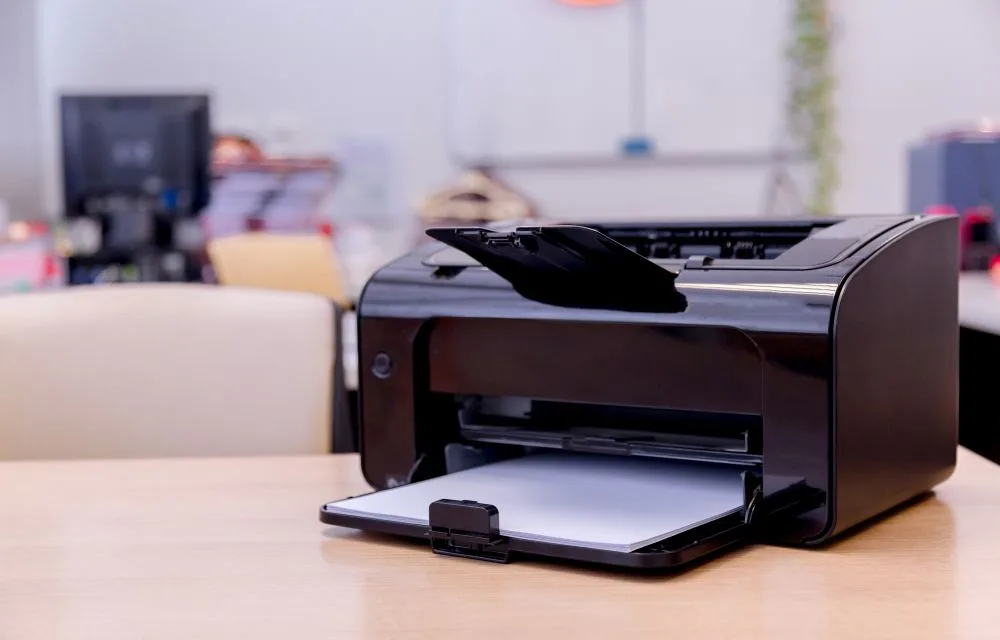
How to fix Google Cloud Printer offline error
If you are having an issue while printing a document with Google Cloud Print then you are in the right place. There are several types of Google Cloud Printer errors come as normal printers do. These are the possible Google Cloud Printer offline error messages you may encounter. When you are trying to connect a…

How to Create a Group in Gmail?
How to create a group in Gmail: Gmail is a very popular email service from the house of Google. It has fantastic features in emailing as no one has in the competition. A user can send attachments, enable alerts, create folders, scheduling emails, labelling and sending group emails. In this article, we will learn how…

Complete list of device manager error codes
Have you ever encountered an error on your computer when you trying to connect a device? If yes, you may see an error code it means your computer is experiencing problem with the device driver or other configuration and hardware-related problems. The Windows is very clear about showing the error code to the users. When…

How to remove ‘Congratulations You Won’ virus on Android smartphone?
‘Congratulations You Won‘ is a type of virus which appears on the Android smartphone. If you are receiving these types of messages, your device might be infected with the virus. Congratulations You Won and You are today’s lucky visitor virus reasons It is not a surprising or fun thing when you receive these messages. Your…