

iOS
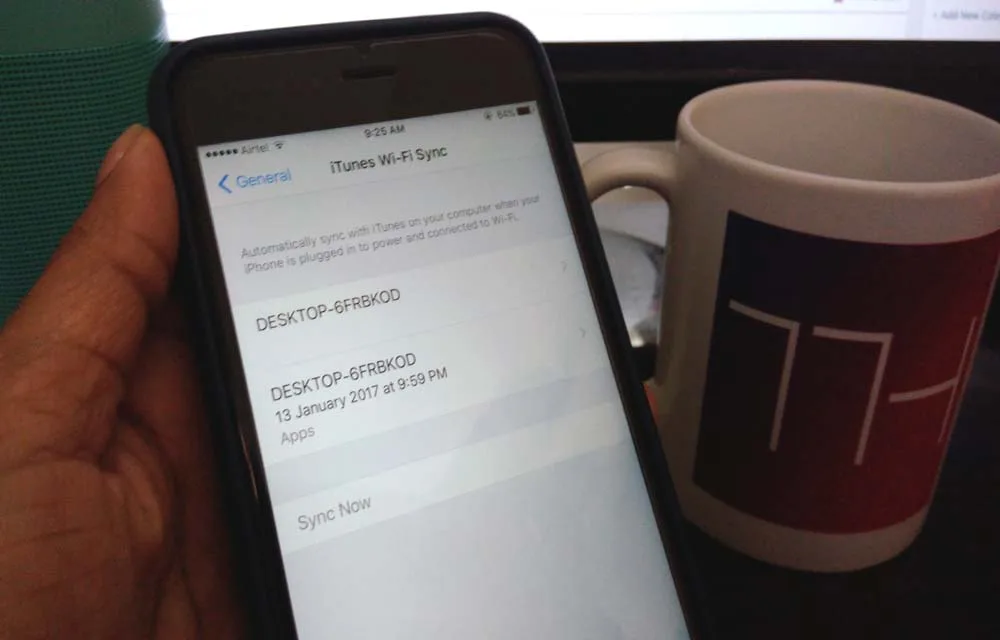
How To Erase iPhone Data Completely
iPhone’s are great devices to use. A true user always stores all his personal data like photos, music, videos, camera recordings, emails, messages and much more. Apple always stays updated by launching new devices every year. Recently Apple launched iPhone 7, and 7 Plus and rumors are going circulating for upcoming iPhone 8. Many iPhone…
How To Sync Gmail Contacts To an iPhone
As a tech enthusiast, I regularly switch my phones. When it is coming to Android and iOS these two platforms way much different from each other and raises compatibility issues while migrating data. I faced these issues many times especially switching from Android to iOS. iOS works it’s in an own way. When coming to…
Top 8 File Manager Apps For iPhone To Manage Files On The Go
Recently purchased iPhone or any other iOS device? You may notice that it don’t have any file manager app to browse or manage your files. Apple iOS ecosystem not allows the users to access its internal file system. However, we have few File Manager apps for iPhone, iPad. Don’t worry you don’t need to Jailbreak…
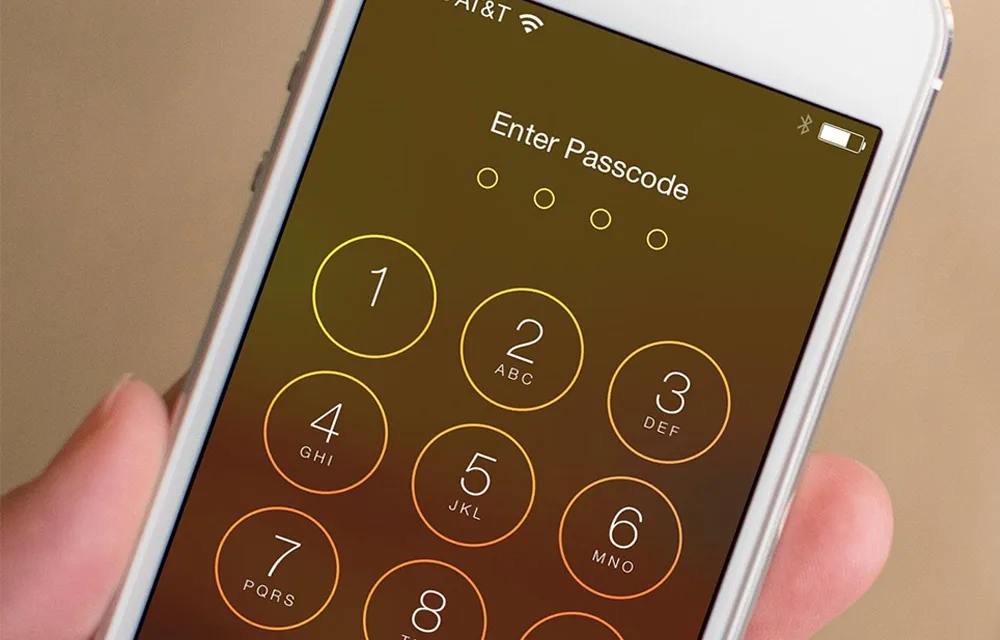
How to Set Passcode on iPhone, iPad, and iPod Touch
Apple devices are coming with pretty good security features. The Passcode is one such feature that lets users set a specific access number to their iPhone, iPad or iPod Touch devices. If you’ve just purchased a new iPhone and setting it up for the first time, and you missed the passcode part, you can still…
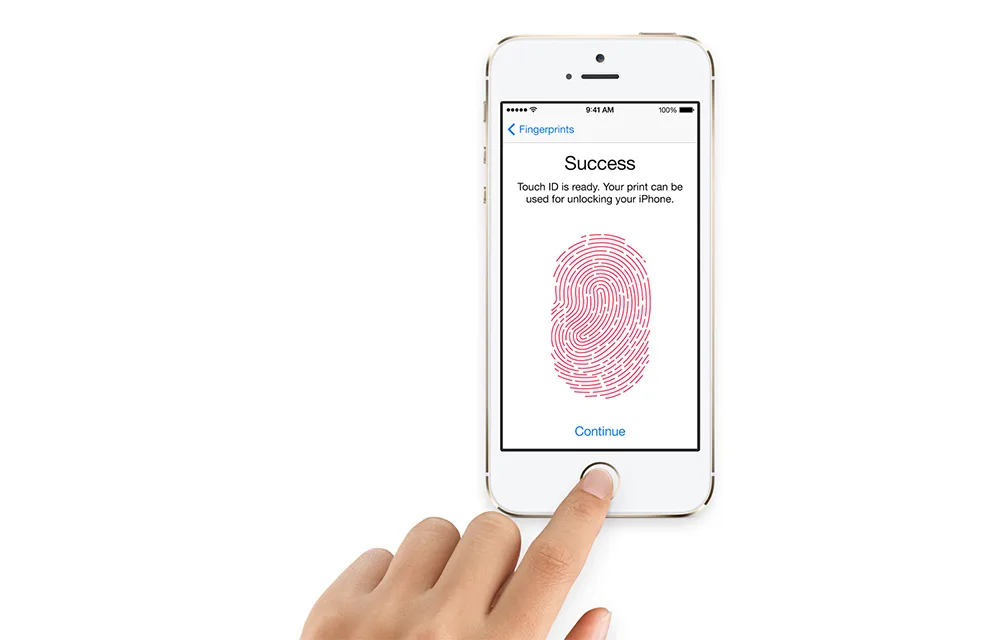
How To Set Up Touch ID Fingerprint Scanner on iPhone
Touch ID in iPhone is one of the most known and secure ways to lock your iPhone from external threats. If you haven’t already set up the Touch ID during the initial iPhone setup, you can do it anytime. It is always easy to use your own fingers to unlock your lovely device. You can use…
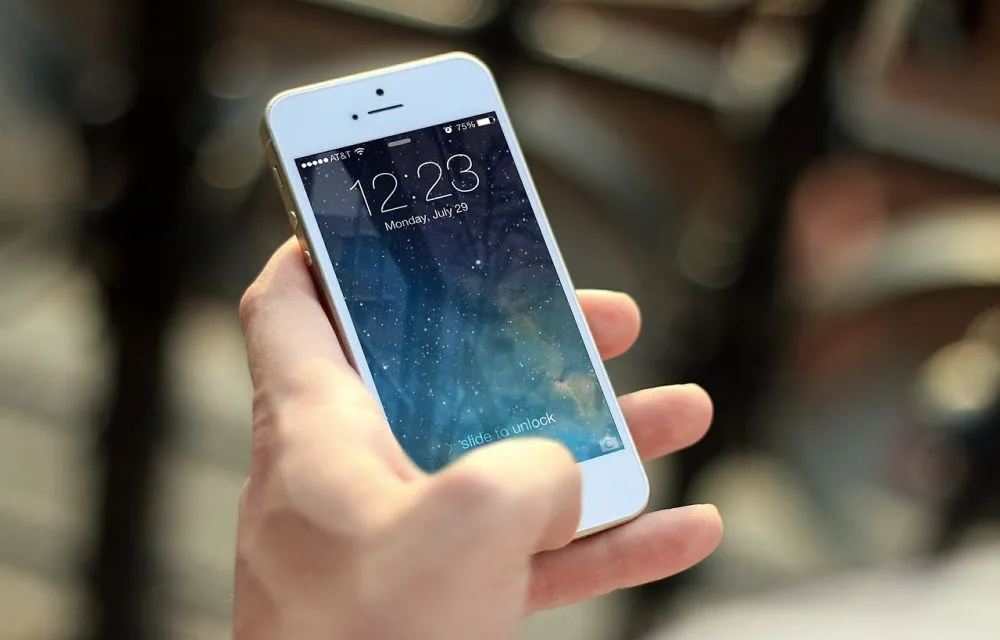
How To Set Up A Brand New iPhone
Planning to purchase or already purchased a new iPhone? Now it is the time to set up your device to start using it. No matter you bought the device from the local store or purchased online, you need to connect it to the iTunes. A first sync with the PC/Mac is crucial for setup of…
How To Make iMessages More Interesting
Apple launched iMessages feature in the year 2012. It is a dedicated messaging app for iOS devices by replacing iChat. When it comes to messaging, we have seen drastic development in texting apps over the years. Apps like WhatsApp, Telegram, Threema and much more are started making more attractive and feature rich.
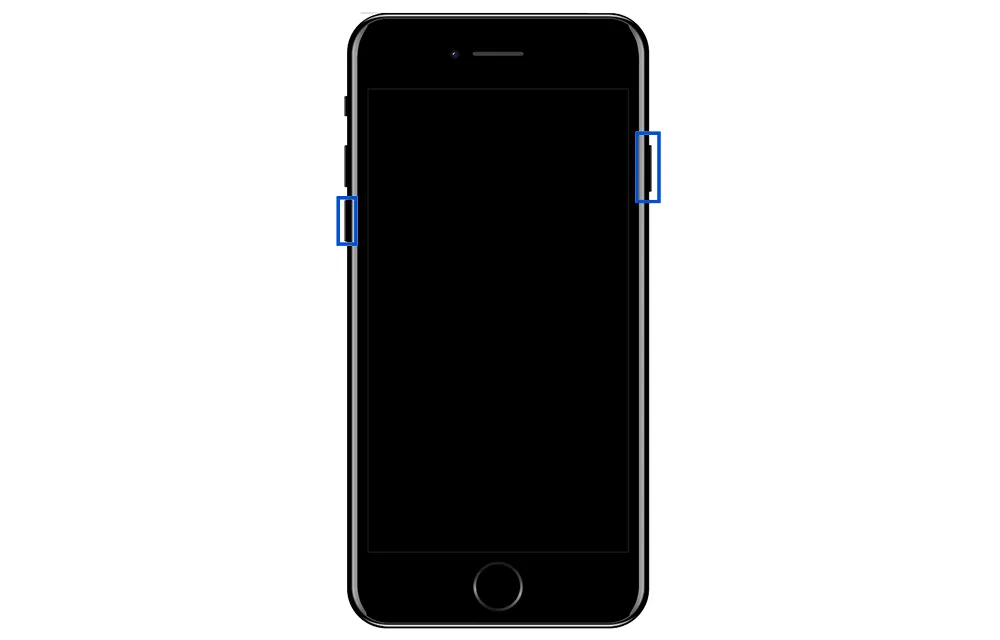
How to Hard Reset iPhone 7
Resetting smartphones could be useful in many situations. In case your smartphone got infected by any serious malware or it is slowing down gradually, a hard reset can be the life saver. We covered many articles related to Android device reset procedure, but we were not into the iPhone’s which the second popular smartphone seller…
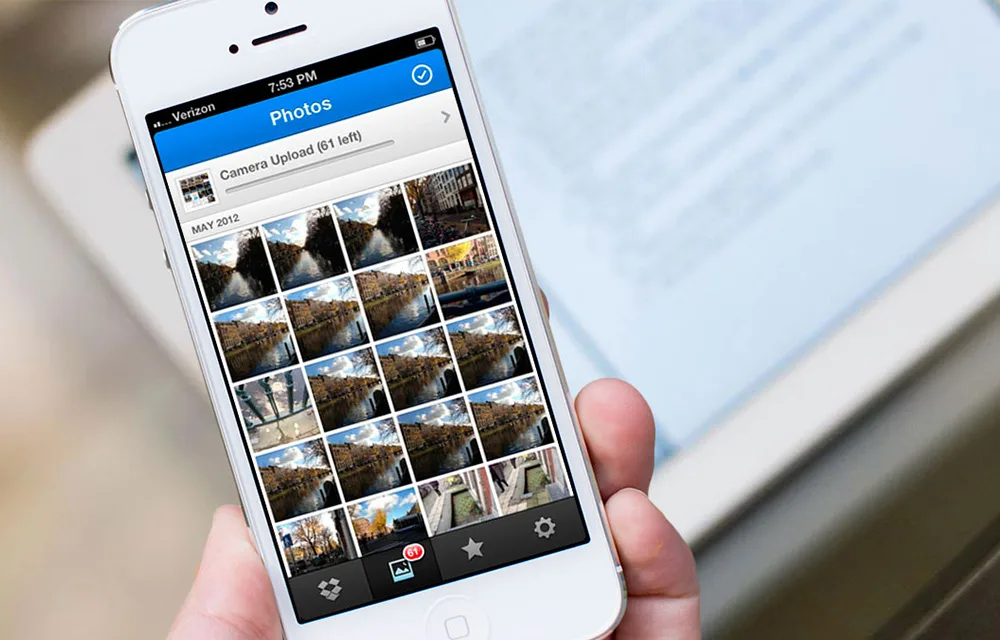
Ways to Transfer Photos from iPhone to Windows 7 and 8
Maybe you’re one of the many users who have an iPhone full of photos, and you’re trying to figure out how to transfer them to your computer. Maybe you are not very familiar with the sync features of your iPhone. In this post, we will be looking at ways to do just that.

How to Text or Message from your Mac using iOS Devices (iPhone, iPad, etc.)
Even the domination of the touch screen had already happened, the 2 fingers can never beat the power of the 10 members in your hand. So, texting will be easier from your traditional Mac keyboard than the iPhone, iPad or iPod touch screens. If you ever wanted to find an easy solution for sending texts…
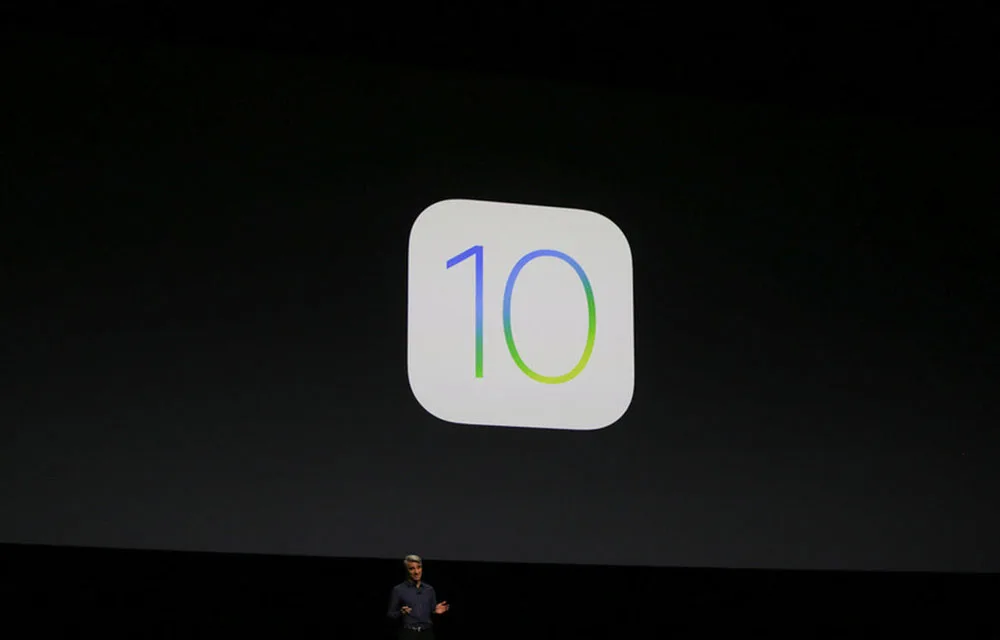
iOS 10: The 5 Best New Features
Apple flashed upcoming version of its famous iPhone operating system, iOS 10 at WWDC 2016, expanded for World Wide Developer Conference. In case you missed yesterday’s live stream cause of your busy schedule then nothing to regret about it. We at TTH have got you covered. Many interesting decisions went in iOS 10 this year. There are a…
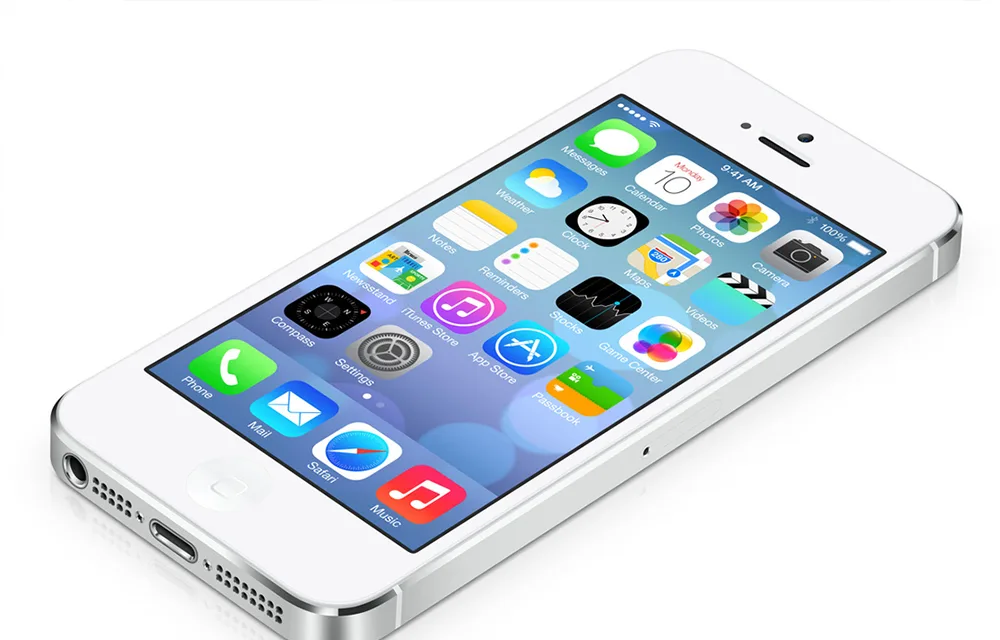
A Tricky and Quick way to Free up iPhone Memory
Even at the presence of a stable wifi or a rock-solid mobile data connection, is you iPhone making you wait? With such a sweet device in hand, being late to do tasks are very irritating. One of the best products in the global market has a good hardware inside covered by a nice outer design.…