

Guides

Hackers Are Targeting Zoom. Here’s How To Stay Safe During Zoom-Meeting And Video Calls
Safety and security during Video Conferencing with Zoom are nowadays thought of concern. We see a lot of Zoom-Bombing victims on a regular basis. With a phase of lockdown, everyone is resorting to working from home. Even schools and colleges are taking their lectures online via Zoom, Google Meets, Microsoft Teams and other such platforms.…

How To Use Profiles In Amazon Prime Video
We all know how content streaming platforms, also known as OTT or over-the-top platforms, have climbed up on the internet and they are currently consumed by almost 25% of the world population. This is because the downloading of files has become past and streaming content is the present and future. In earlier days, people used…

How To Fix Your Xbox One Mic Not Working Issue Easily
We have all noticed how online streaming and game streaming, in particular, have picked up ever since people have been locked down to their houses due to the pandemic. In this scenario, e all know that gaming can be a stress buster as well as a good way to pass time as well. Talking about…

How To Use WhatsApp QR Codes To Add Contacts
WhatsApp introduced QR codes system to share the contacts with each other by just scanning the codes. By using this feature adding people on WhatsApp is like adding icing on a cake. Before this feature is introduced, users are having a difficult process. People used to type the number and saving to the contacts list…

How To Fix Zoom Microphone Is Not Working Error
Errors are most common and these are most frustrating when you are actively using the service. During the Corona pandemic, many people are working from the home and Zoom is their video conferencing tool. It is a cloud-based video conference tool which perfectly works on almost all platforms. Are you experiencing Zoom microphone not working…

How to Change Zoom Background in Windows, Mac and iOS
Knowing how to change your Zoom background is quintessential to make your virtual meetings more productive. Additionally, while you work from home, there’s always a chance of your bedroom or home office being messy or cluttered. But that won’t be a problem if you change your Zoom background to something pleasant so that it feels…

Top 10 Uses Of Linux – Interesting Facts
Linux is an impressive platform when compared to both Windows and macOS. Even though Linux isn’t very popular for consumer desktops or laptops, you will need to use it or interact with it directly or indirectly at some point in time. In case you didn’t know, the majority of the web is powered by Linux…

How to Block Precise Location Tracking in iOS 14
No one likes to be tracked. But the bitter truth is that we are always being tracked almost in any device that has an internet connection. One way or another you are always sharing data with the browsers, apps, service providers, and almost anything that require you to connect to the internet. However, there are…

How To Fix Zoom Camera Is Not Working Error
Zoom is a favourite video conferencing tool for everyone. During the Coronavirus pandemic, Zoom has got a lot of attention from all categories of people including students, business people, workers and many more. What if suddenly your camera not working with Zoom. Yes, it is a nightmare. In this article, we discuss the possible reasons…
How To Fix Canon B200 Error
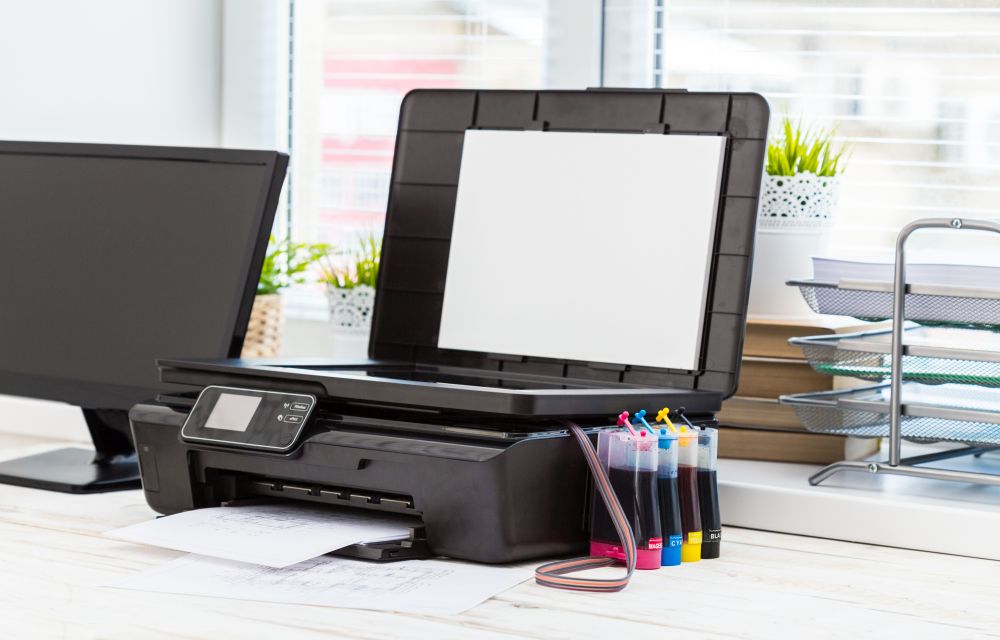
Printer errors are most common in Windows OS. It is quite frustrating when you need a print out in important or emergency situations suddenly an error code appears on the screen. Recently, our readers asked how to fix printer offline problem and we have given a quite simple guide to fix the issue. In today’s…

How To Change Fonts On WhatsApp Messages
WhatsApp is a well know personal messaging platform available for smartphones. It works with the help of a phone number to send and receive a text and multimedia related messages using the Internet. After Facebook take over, WhatsApp rolled out several features to the service which makes the WhatsApp stand out from the alternatives. Recently,…
How to Print using Google Cloud Print
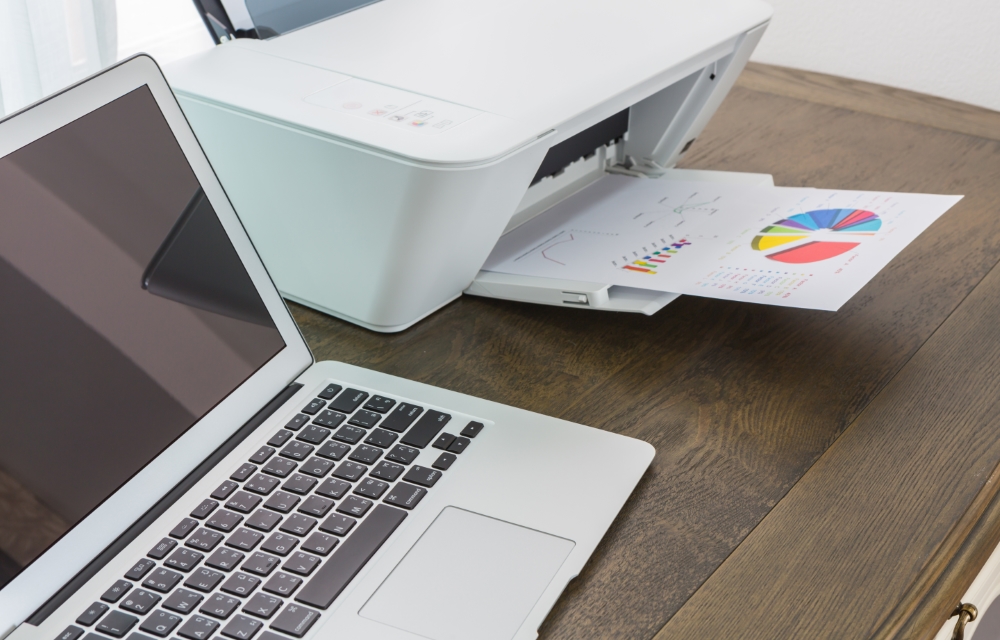
Google Cloud Print can be used to print documents from your devices on the go. If you ever wanted to print something directly from Chrome or any other browser, as well as any place that supports the printing task, without having to physically connect a printer to your smartphone or laptop, here is an article…