

Guides

How to Connect to a VPN without an App
The best and easiest way to use a VPN service on your mobile phone is to download the app. However, it is also possible to use a VPN without installing the app on your phone. Most Android phones have settings that support VPN and allow you to install it without an app. The steps involved…
How To Turn Off YouTube Voice Description On Samsung Smart TV’s
YouTube voice description refers to an additional audio track that tends to describe the visual elements of a YouTube video. With closed captions, YouTube voice description isn’t really very popular these days but there are still plenty of its use-cases even if you have Samsung Smart TV of the current generation. Unfortunately, no matter how…
How To Change Your Monitor’s Refresh Rate Settings In Windows 10
For the most part, you like the default refresh rate of your monitor on Windows 10. However, if there’s a need to change or tweak the refresh rate of your monitor, I’ll show you how to do it. Before we move on to modify the refresh rate settings in Windows 10, it’s worth noting that…
How To Host A Webinar In Zoom 2020
Video conferencing platforms like Zoom lets you host a webinar which is slightly different from regular Zoom meeting. Everyone is starting to host virtual seminars via Zoom. But many of us are doing it in the wrong way. Basically, the premise is the same, and it’s just that the host has more control over attendees.…

Zoom Troubleshooting Guide 2020 | Easy Fix To All Zoom issues (Webcam, Audio, Video, Controls, Security, Connectivity)
Remote work culture is on the rise due to COVID 19 lockdowns. Everyone is resorting to best video conferencing apps such as Zoom, Google Meets, Microsoft Teams, etc. While some of us tech-savvy folks always find a way around but it’s not the same story for other people who are in a transition state. It…
Set Profile Picture In Zoom And Look Professional. Here’s How
Knowing how to set a profile picture on Zoom can make you look more professional when in Zoom Meeting with remote clients. As we all have started our daily routine with video conferencing while working remotely, it is essential to know even minor things like setting a zoom display picture. Many times there is no…

Use ‘Raise Hand’ Feature In Zoom On Desktop and Mobile For Productive Discussions
We all have attended meetings and conferences, and even in lectures, it’s a common courtesy to raise your hand before speaking or asking a question. In the era of video conferencing, it hasn’t changed. If you use Zoom for online meetings and lectures, then it comes with a feature where you can raise your hand…
Easy Way To Share Screen On Zoom (Desktop And Mobile)
Screen Sharing is a feature of Zoom that has made it the most powerful video conferencing app among others like Google Meet, Microsoft Teams and similar other apps. Here you get powerful options to control what you share. With advanced functionalities like audio sharing, choosing what portion of the screen to share, annotations, whiteboard and…
Look Better On Zoom With Touch Up Appearance. Here’s How
Due to the COVID outbreak, everyone has resorted to online video-conferencing. Many of us rely on Zoom to attend meetings, host webinars, and even to keep in touch with friends and family. Zoom app with its innovative features tends to keep an edge over its rival meeting apps such as Google Meet, Microsoft Teams, etc.…
Schedule Zoom Meeting On Desktop, Mobile And Calendar For A Productive Remote Working Experience
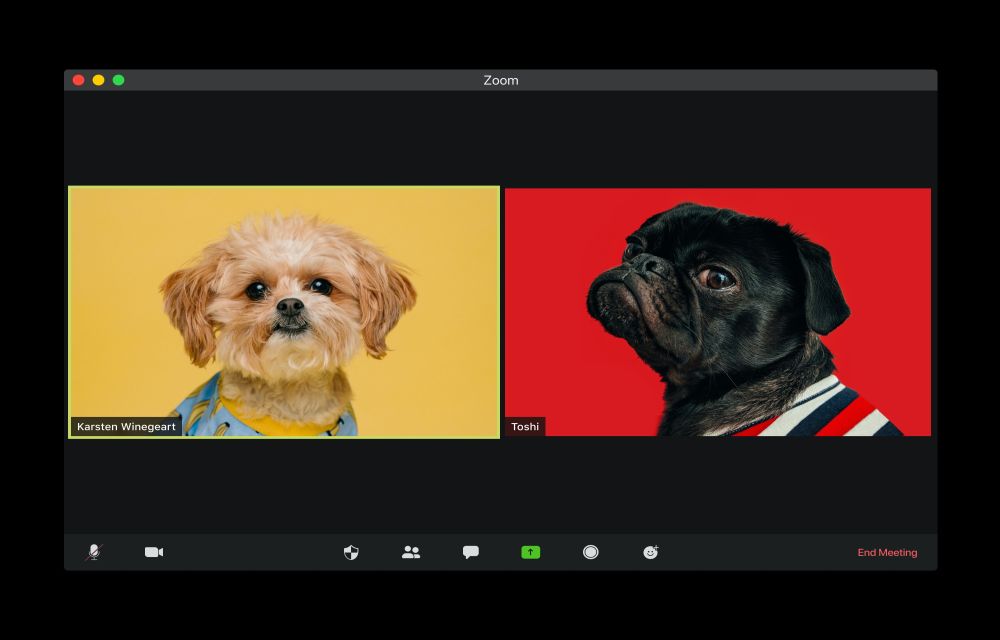
It’s easy to schedule a Zoom meeting in advance to plan your remote work calendar. You can organize on the spot meetings as well as schedule one and send invites to the clients or anyone else so they can free up their time slot. You can do this via Desktop app, website and even on…

How To Find Reliable Suppliers And Wholesalers For Your Dropshipping Business
Finding reliable suppliers for Dropshipping is considered as one of the most important parts when you set up your online business. While going on a hunt for legit wholesaler for dropshipping, you may find a lot of imposters. It will be a lot difficult actually to differentiate them from a legit supplier. In this segment, we…

Why Can’t I See Myself On Zoom: A Complete Fixing Guide
Even though Zoom has its fair share of issues, it is surprisingly still widely used by a lot of users worldwide. Of course, it managed to grab the attention of users before any other video calling solution could. So, it’s used by both professionals and casual users. No matter how good it is in terms…