

Windows
All Windows software's, apps and tips can be found here. If you can’t find a topic in here, use the Search box.
Best Softwares For iOS Devices Data Recovery
Sometimes we accidentally drop smartphones and tablets from hands. The result, the bump may break the screen or sometimes touch become unresponsive. These kinds of issues covered in the warranty period. But what if it loses all the data of your memories in images and important files? The answer is simple, we have various tools…
How To Create A Recovery Drive In Windows 10
Windows 10 is the latest operating system from Microsoft. The new Windows 10 is built with a lot of new changes and features along with compatibility with Mobiles and PC. Many PC’s and Laptops are started receiving Windows 10 update. As a new OS in some cases, it faces hiccups while loading and booting. In…
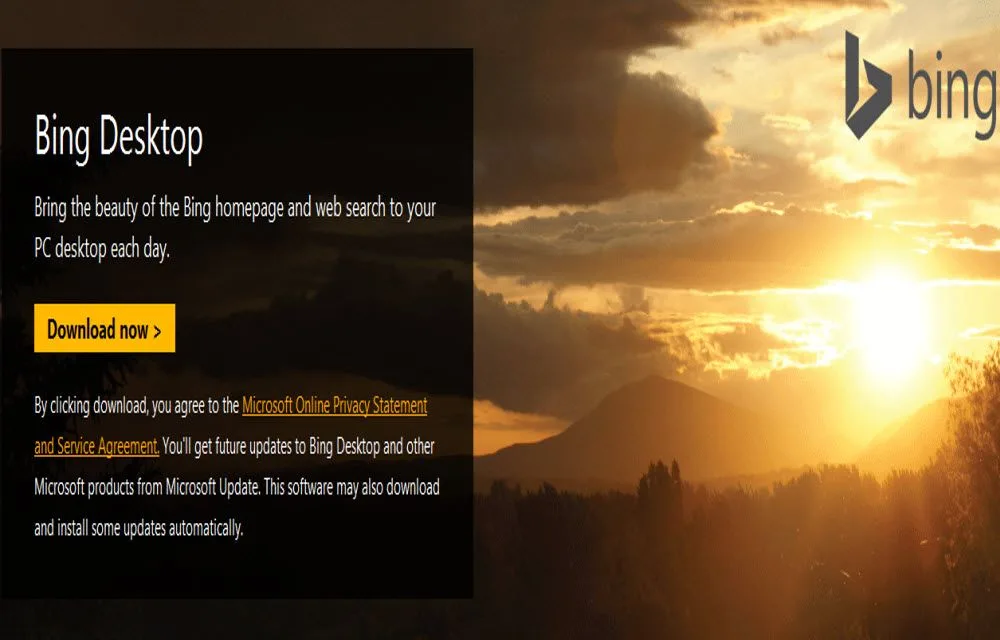
How To Set Automatically Change Wallpapers Option On Windows 10
Are you a frequent Wallpaper changer like me? I like wallpaper if I have time I daily change them. Bing Desktop App is a Microsoft product, which regularly and automatically changes wallpapers for you. Microsoft started rolling out its brand new version of most popular OS Windows 10. The update is available from Windows 7…

Readiris Corporate 15 Review – Easily Extract Text From Scanned Images
In this digital era, we are dealing with so many digitalized paper formats like an invoice, ebooks in pdf formats, soft copies of documents and other digital documents. Many of us use OCR (Optical Character Recognition) software’s to convert scanned image to text documents. A best OCR software reduces the typing workload and automates the…
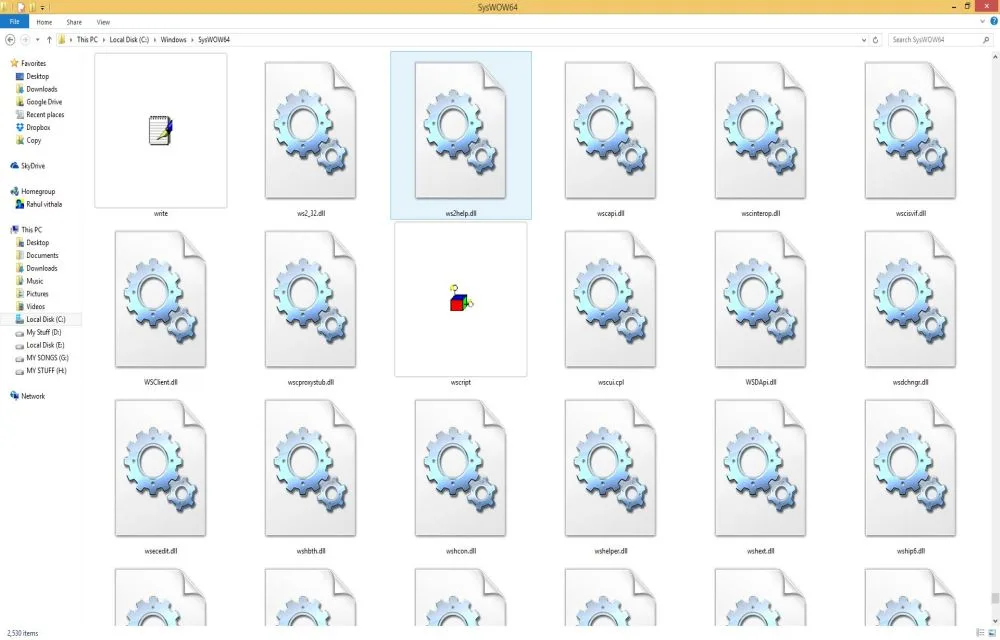
How To Install .DLL File Manually In Windows
Every user of the popular Microsoft Windows Operating System on their computer may have at one point or another, especially during the installation of games, been faced with the problem of having to fix missing DLL files which are essential for smooth running of computer programs. DLL is a computer acronym for “Dynamic Link Library”…
How to Configure Windows to Index Encrypted Files
If you’ve ever tried Windows start search or the search bar in the File Explorer, then you will probably know that the Windows uses indexation to index all your files and folders in order to display then in the search results. But the thing with the Windows indexation is that it won’t index encrypted files…
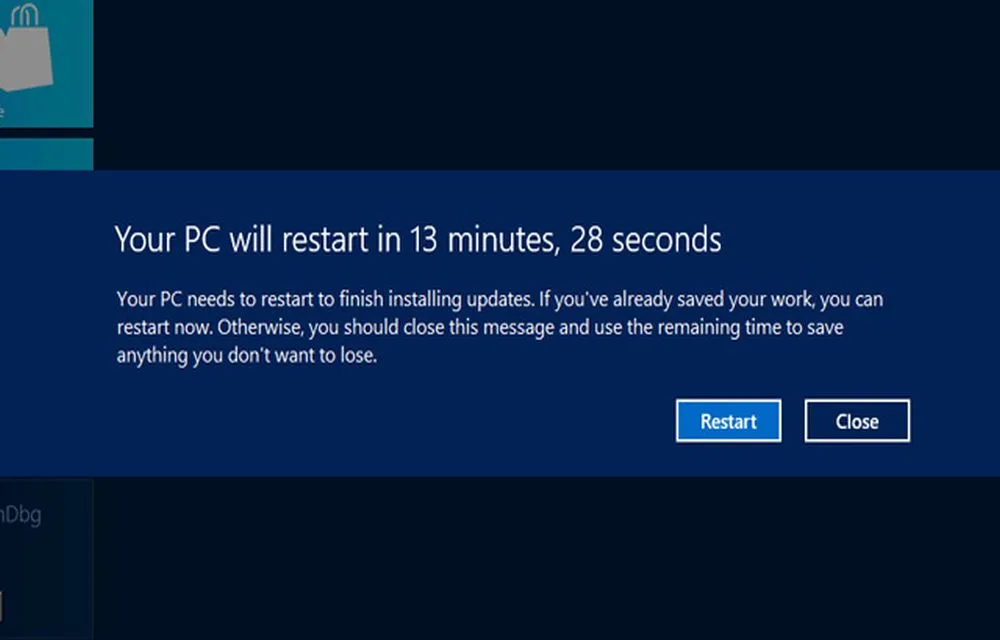
Ways to Stop the Restart of your Computer After Installing Updates
It is known and really irritating that when we finish installing a new update for our computer or for any other device, we are asked to restart our device in order for any kinds of updates to be finished.
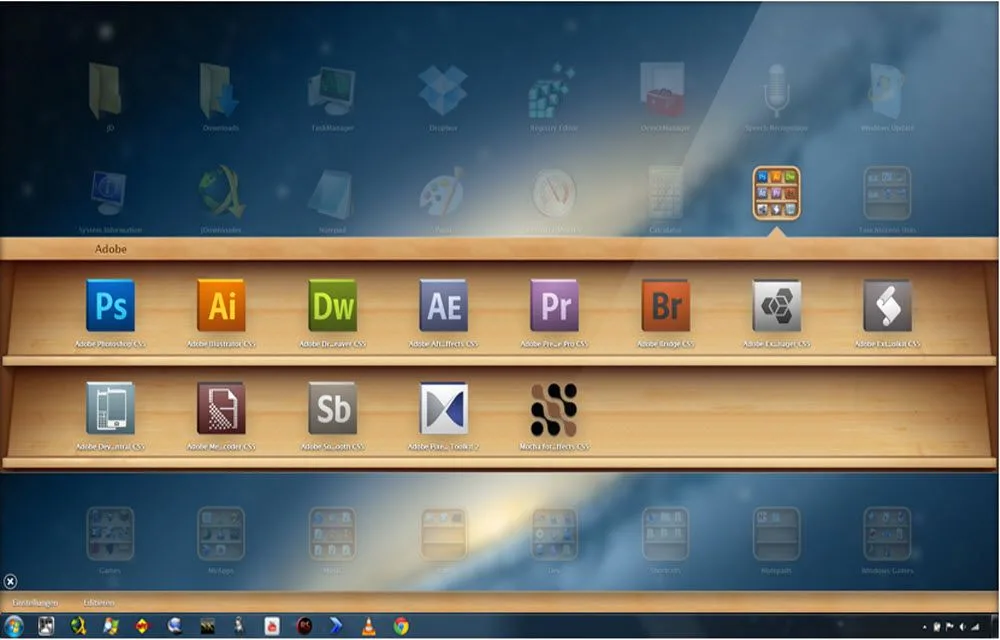
Install Mac OS X Launchpad on Windows with WinLaunch App
When it comes to customization, Windows offers more features than the Mac operating system. But there is a special feature in Mac which is still not available for Windows users. It is the launcher, a unique feature which helps users to access installed apps quickly. Launchpad is a feature which helps you find, organize, and…

How to Assign Custom Keyboard Shortcuts to Windows Applications
If you are using a computer for any period of time then you will probably know that the keyboard shortcuts or hotkeys make it way easier to perform a lot of frequent actions like copy, cut, paste, switching between windows, etc. But, do you actually know that you can create your own custom keyboard shortcuts…
30 Must Have Basic Windows Software For Every PC User
When you reset, format, refresh or bought new PC you should install new software and there are some important or more precisely some ought to install software’s that every user should use doesn’t matter who he is and what he is doing. These are must-have basic apps for every Personal Computer. These software are necessary…
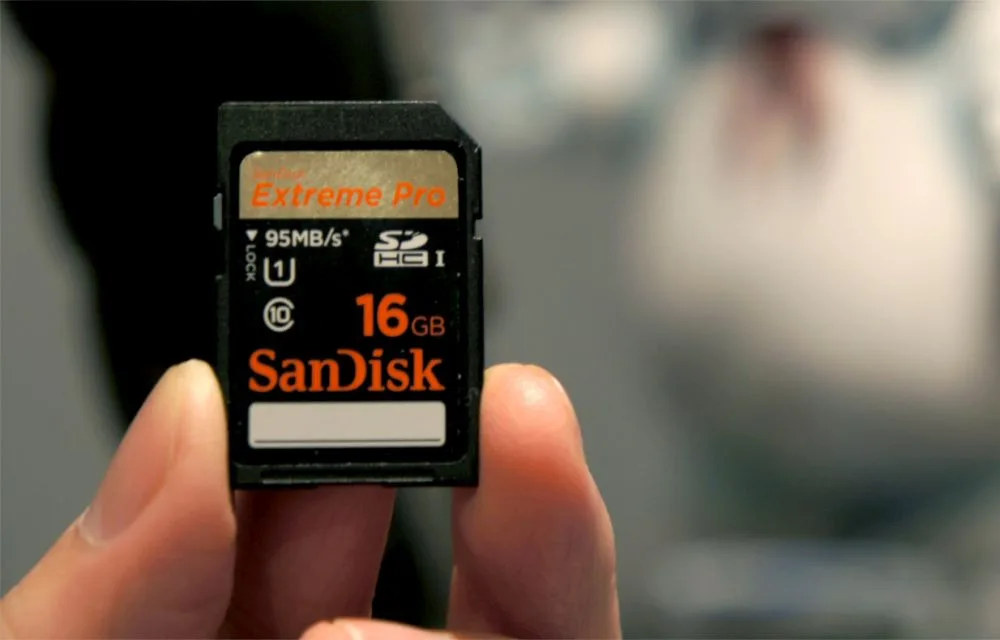
3 Best PC Tools To Recover Deleted Photos From SD Card
Recently I had attended scribbling day in my college, on the last day, and was just going through my memories with all friends. Suddenly, I don’t know how I just pressed delete button after selecting all images.
How To Uninstall A Microsoft Windows OS Update
After installing updates sometimes, we face unexpected system crashing problems, errors and blue screen of death problems. It is always advisable to maintain your system up to date, but after updates if issues are raised you can uninstall Windows update manually.