

Windows
All Windows software's, apps and tips can be found here. If you can’t find a topic in here, use the Search box.
Shutdown or Restart Windows 10 Using Cortana with your Voice
Shutting down your computer is as simple as pressing a switch or using the traditional way of using your mouse for it. Wanna take it to the next level? What if you can just interact with your computer and even tell it to shut down itself or restart? Cortana makes it possible if you are…
How to Train Cortana in Windows 10
If you don’t know, Cortana is a virtual assistant created by the Microsoft Corporation integrated with the Windows 10 OS. In simple terms, it is just a variation of the Siri on iOS, and Google Assistant on Android smartphones. There are plenty of things you can do with Cortana. For example, you can create reminders, control…
How to Fix Error 0x80244018 when installing apps from Windows Store in Windows 10
We have already discussed an error when you fail to launch the Microsoft Store. But, there’s another type of error – which is specified with an error code which you will see it as “Error 0x80244018” when installing apps from Windows Store in Windows 10. Similar to what the solution was for launching the Microsoft…
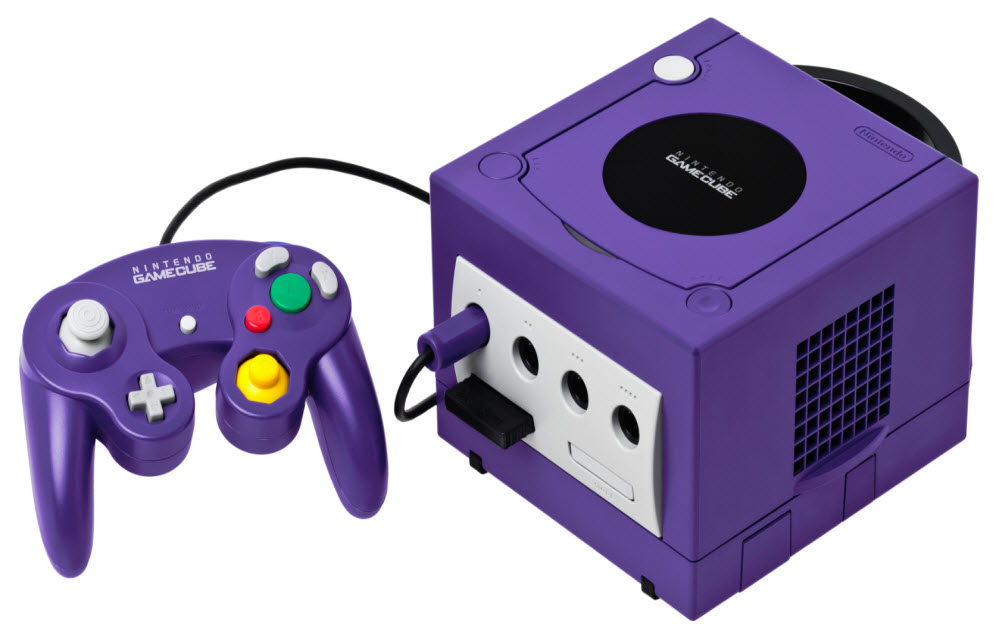
How to Play GameCube and Wii Games on a PC
Though the Nintendo GameCube and Wii were discontinued years ago, lots of gamers continue playing these consoles’ immortal classics. While some do it on physical consoles, others download emulators to run their favorite titles on personal computers. If you’re a fan of GameCube and Wii and you own a powerful machine, you may try playing…
How to Fix Windows 10 Won’t Shut Down, Restarts Instead
When you try to shut down Windows and it seems to be too slow, it can be something temporary or due to some system overload or Windows has a lot of programs to close before shutting down the computer. But, if it restarts instead? What do you do? Fret not, we have you covered if…
How To Fix Windows Store Not Opening Problem In Windows 10
Windows store or if you prefer it to call it as the “Microsoft Store”, is the official marketplace of Microsoft for apps and games on Windows and Xbox. However, we definitely know that it is not the best marketplace out there – but if you happen to use it, you might encounter numerous issues. Sometimes…

How to Disable shutdown anyway Prompt in Windows 10 and auto close program while Shut down
If you have not closed all the programs before shutting down your PC, you will be prompted to choose whether or not to close the programs. You will also observe a button which says “Shutdown anyway”. Do note that this option is often useful and disabling it might cause data corruption. So, make sure you…
How to Fix Windows 10 Shutdown too slow issue
Windows 10 is the best and annoying update Microsoft ever has to offer for PC users. Yes, that’s very much true – or else I wouldn’t be writing this blog post to help you out. So, in this case, we will be talking about how to fix windows 10 slow shutdown issue. Well, this can…

How to Transfer Photos Over WiFi From your Phone to Windows 10
Gone are those days when we used to connect cables to transfer photos from mobile to PC. Whether it is an Android or iPhone, the connecting of a phone to a PC takes so many steps. You have to enable USB Transfer mode, allow permissions to iPhone and sometimes USB creates connectivity issues. Luckily, the technology…
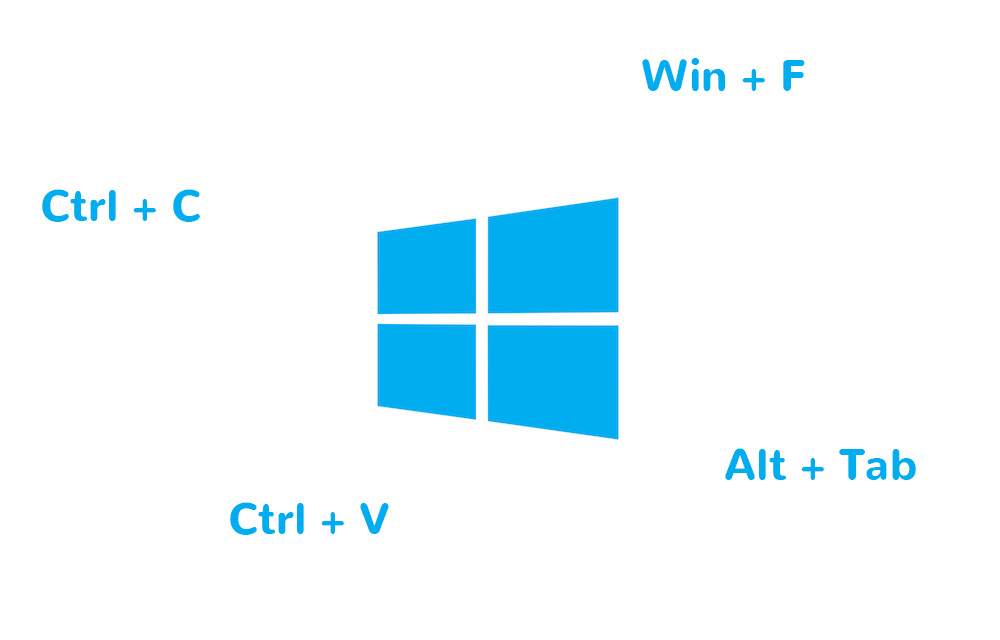
Change Default Keyboard Shortcuts in Windows 10
Windows 10 comes with some default keyboard shortcuts similar to the previous versions of the OS. If you find any of them uncomfortable and want to change it to something better of your choice, this article will help you to achieve that. This might be greatly helpful if you previously used any other operating systems…
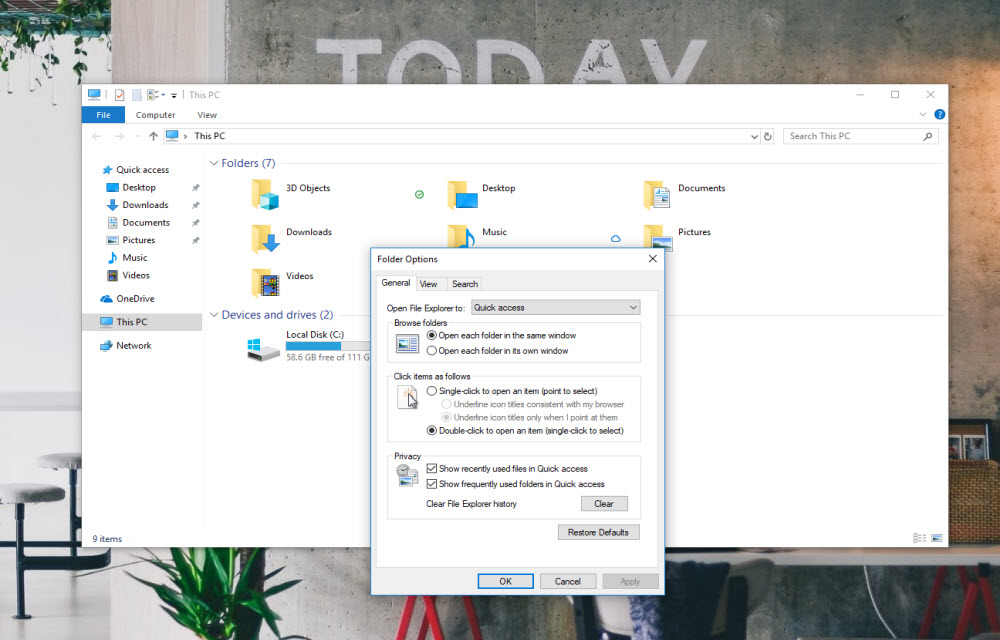
How to fix “Working on it” message in Windows 10 File Explorer?
If you get the “working on it” message in the File Explorer of Windows 10, it could be the problem caused by Quick Access cache. “Quick Access” is a virtual location, where the updated recent files and folders are listed. Sometimes, the File Explorer may slow down because of an overloaded or corrupted cache of…

How to Restart Explorer.exe in Windows 10?
If something went wrong in your Windows 10 laptop or PC, you may don’t need to restart your computer immediately. You can try restarting the Explorer.exe (generally known as Windows Explorer). Certain “User Interface” or “Graphical Interface” issues related to Taskbar, Start menu, File Explorer, notifications or action center can be resolved by just restarting…