

Windows

How To Use Rufus To Create A Bootable USB Drive
Gone are those days when we used to CD or DVD to boot Windows XP and higher OS versions. The latest models of laptops and desktops are not coming with the optical drive enabled. I can literally say, CD and DVD’s are obsolete now at least for installing Operating systems. For Windows users, there are…
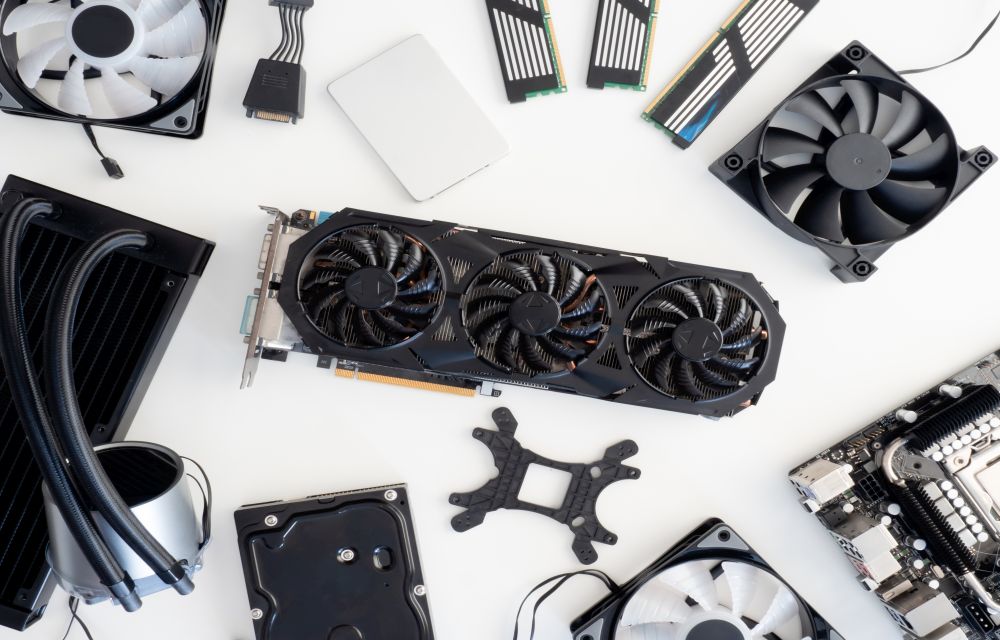
How to Identify the Graphics Card in Your Windows 10 PC
GPU’s are essential hardware which lets you play your favourite games. Each GPU comes with different configuration and processing powers. As the gaming industry is developing with the latest games, you need to replace your older graphics cards to run the newest games. If you want to know the model number of the graphic card…

Adios Lets Your PC To Shut Down, Restart, At A Specific Time
Shutting down, restarting a PC are manual things until now. Meet Adios, this program lets you schedule restart, shutdown, sleep with a timer. It is a pretty good thing for clearing unwanted temporary files and freeing up the memory. The automatic shut down feature is the most awaited feature for me. I regularly put large…

How to repair corrupted files in Windows
A system crash is the most common problem among Windows users. Not only it crashes the system to boot properly, but it also sometimes damages the files. It is the worst situation if you have important documents and photos on your PC. If you are facing the system crash issue and all your files corrupted…

The Best Free DAW Software for Windows (2020)
The Best Free DAW Software for Windows: Innovations must continue; it must inspire people surrounding you. Music is the way of life and making one must not be costly, at least not in 2020. We’re here to prove a point that you can create fantastic art in the form of music with a couple of…

How to Fix ‘No Internet, Secured’ Connection Error
No Internet, Secured is a most common error when you try to connect Windows 10 machine with an active Internet connection. It is a strange error by Windows OS and it shows No Internet even after when you connected to an Internet connection. Why No Internet Secured error occurs? In many types of Windows 10…
How to Disable File and Printer sharing in windows 10
Windows 10 has a feature to share its printer access to other devices. It is a pretty useful feature to print the documents, images from devices in the same network. However, it has some own disadvantages as well. If you don’t want other users to give access to your printer to print documents then you…

10 Best Law Practice Management Softwares
As technology is gradually upgrading day by day, we should cope up with it as well. In earlier times, people used to maintain records by just writing them on papers. Well, with time, all these methods become a liability as we need to maintain them a lot. Law firms face the same issue, on a…

Microsoft is shutting down Internet board and card games for Windows 7 and older devices
Microsoft, as we now know, is focusing majorly on Windows 10 which is its flagship version of Windows. For this reason, the company has announced some

How to auto delete files in Downloads folder in Windows 10
As we all use computers in today’s life. It is obvious that we download lots of files on our systems. Since all the downloads are stored in the same folder, it can fill up a lot of space and make your computer slower. With time, the downloads number increases and all the files pile up…

How to permanently delete already deleted files in Windows
In this article, you will learn how to permanently delete already deleted files in Windows. Sometimes we delete files from our PCs, but who will ensure that the files are permanently deleted from your PC. Is it confusing? Maybe yes, but it is a fact that files that we delete don’t actually go away permanently.…
How to delete all particular files inside a folder in Windows 10
We all have computers these days, and they are quite useful in our daily life. However, not everyone is a computer expert. Most of the people out there know to operate computers according to their needs. But sometimes there are some faulty things that happen with computers. And, we can’t figure out how to handle…