

Windows

How To Turn Off Automatic Updates in Skype for Windows 10
As a regular Internet user, I can say Skype is one of the best communication apps which is suitable for both personal and business use. Skype has exceptionally clean navigation, situation friendy emo’s, fluid user-interface and a ton of great set of features which gives tough competition to the other apps. Skype regularly pushes the…
How To Fix The Product Key You Entered Cannot Be Used On This Machine Error 25004 In MS Office
MS Office is a hot favourite for everyone who is related to business and education. This 25004 error in MS Office usually occurs when a user is trying to enter the product key after a trial period. If you see “Product Key You Entered Cannot Be Used On This Machine Error 25004 In MS Office”…

How To Fix FPS Drop While Gaming In Windows 10
Gaming on Windows is a blissful experience. Windows 10 is a favourite operating system for millions of users around the world. It lets you play any kind of game without giving any troubles. However, sometimes the FPS rate will drop suddenly during the game. It is a small error, and we can easily fix in…
How To Automatically Hide Desktop Icons On Windows 10
We have seen that a majority of the people all over the world use Windows and the latest version of this desktop OS by Microsoft is Windows 10. Now, we also know that there are a lot of issues that people face with Windows 10 but everyone has managed to live with them because of…
How To Recover A Lost Windows 10 Key After Completely Formatted PC
We have seen that Windows is the most used operating system in the world right now and there is a big reason for that. It is seen that the majority of the corporates are known to be using Windows PCs outside of the Western countries even if it means that they are using older versions…

How To Stop Microsoft Edge Opening Automatically In Windows 10
Are you looking to stop Microsoft Edge opening automatically In Windows 10? After installing a fresh copy of Windows 10 or after opening a brand new laptop or desktop the first thing you experience is Microsoft Edge as the default browser. Microsoft introduced Edge browser as a replacement of the Internet Explorer. When you start…
How To Fix Generic PnP Monitor Problem On Windows 10
Problems, failures and issues are not new to the Windows 10. Sorry to say, but many Windows users are complaining about the hardware connectivity issues right after unboxing the system. One of the most noticeable issue among the Windows 10 users is Generic PnP Monitor. The issue is coming after updating their older version of…

How To Change Mouse Scroll Speed In Windows 10 PC
Do you know you can change the mouse scroll speed in Windows 10? Yes, you can. If you noticed the mouse scrolling speed is slower than before it can be an issue in the settings. Slow or speed scrolling is difficult to handle and it will cause eye strain and stress to wrists. Unfortunately, many…
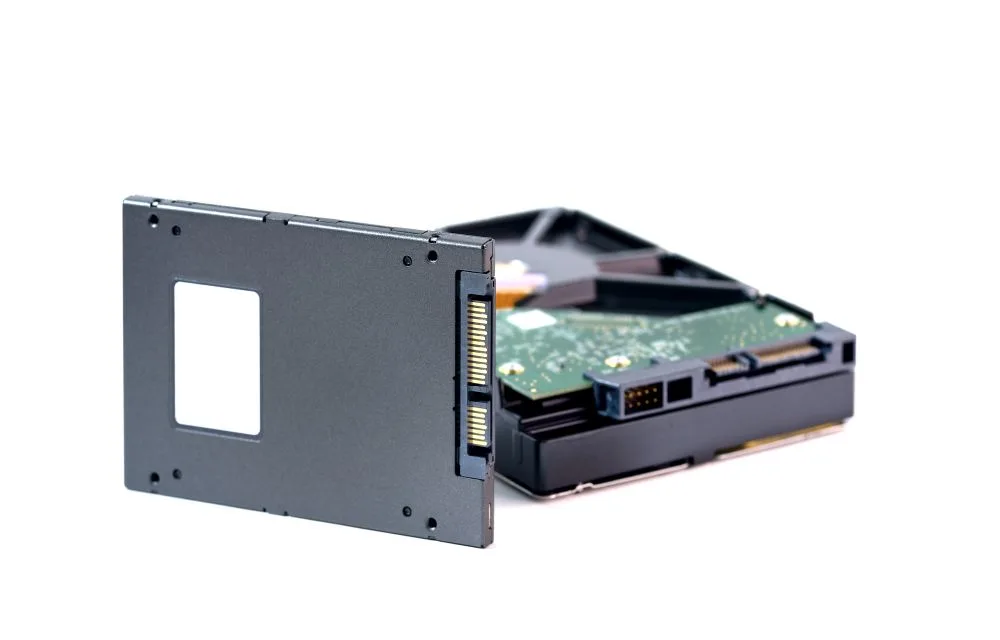
How To Find Out If Your Windows Has SSD or Hard Disk
The hard disk is an essential part of any computer which contains the Operating System as well as your important files present on it. Thanks to the technology, now we are using much faster data transferring Solid State Drives than the slower traditional hard disks. From the last couple of years, the SSD becomes much…

Best Free Registry Cleaners For Windows
Every Windows OS enabled PC or laptop has the registry enabled. The registry contains the database of information which is related to options, settings and value for third-party software installed. Tweaking a registry manually is a risk-taking task and there are plenty of software’s available to clean the registry. If the registry is filled with…
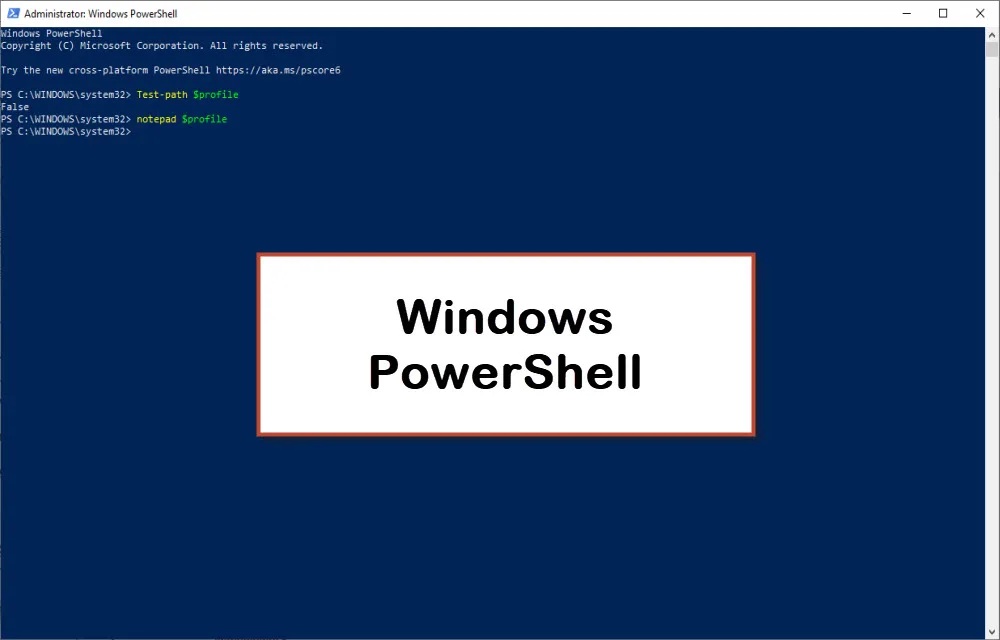
How To Create A PowerShell Profile On Windows 10
PowerShell is a handy profile to execute customized command lines in one click. It allows you to customize the environment that you want to open it. A PowerShell profile is a script that runs when PowerShell starts. You can use the profile as a logon script to customize the environment. You can add commands, aliases,…
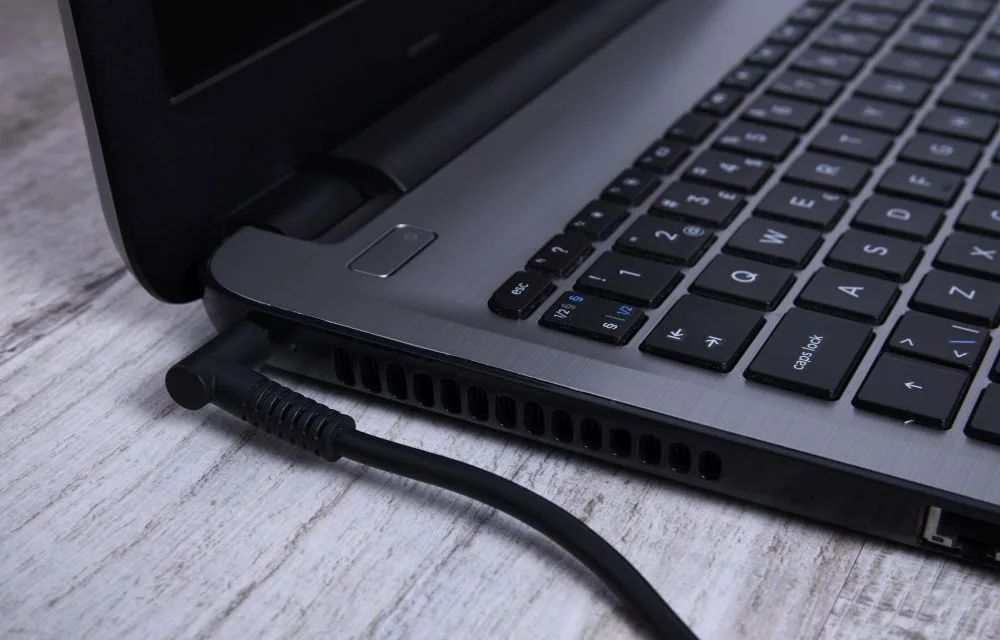
“Plugged In, Not Charging” What It Means In Laptop Batteries
“Plugged In Not Charging” is a most common notification we usually see in the laptops when connected to a power source. If it is the first time experience, then it will look like a troublesome point to you. When you point mouse at the battery symbol, it will show as “Plugged In, Not Charging”. In…