

Windows

The latest Windows Terminal that Microsoft announced earlier is now available
We recently saw an all-new Windows Terminal being announced by Microsoft at its annual developer conference called Build 2019. Microsoft did not announce

Best RSS Readers for Windows
Rich Site Summary is a technology which has a long run in our lives and many apps available to use it. RSS clients are available for all platforms including desktop clients and Chrome web extensions. RSS is very popular among regular news followers on the Internet. It allows you to stay up to date news…
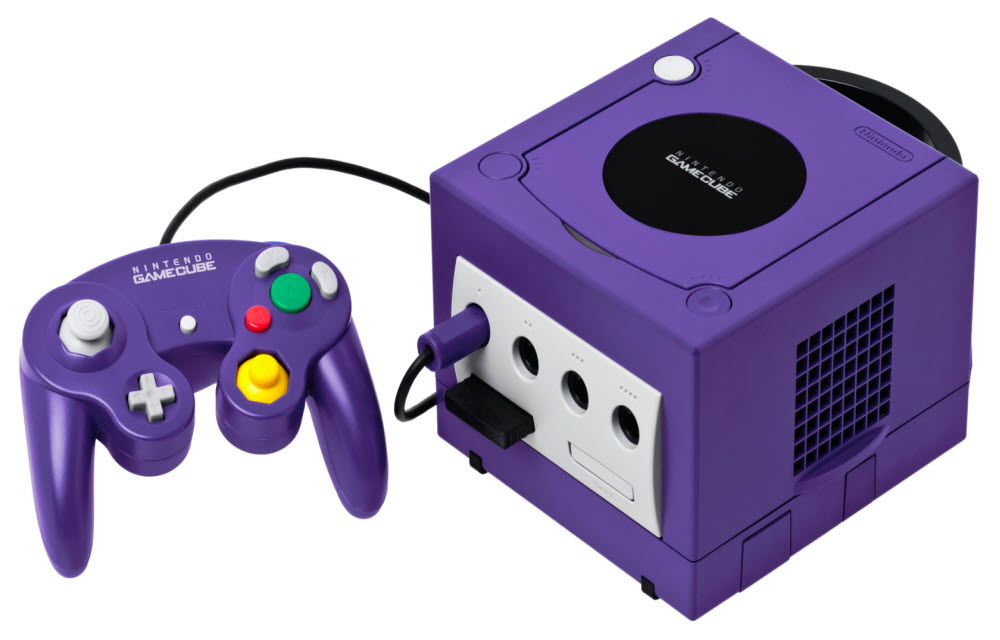
How to Play GameCube and Wii Games on a PC
Though the Nintendo GameCube and Wii were discontinued years ago, lots of gamers continue playing these consoles’ immortal classics. While some do it on physical consoles, others download emulators to run their favorite titles on personal computers. If you’re a fan of GameCube and Wii and you own a powerful machine, you may try playing…

19 Best Driver Update Tools for Windows
When you want to keep your laptop or Desktop at maximum performance, regular drivers update is necessary. If you install Windows from scratch you need to install some additional drivers for running new hardware. For example, if you are using a graphics card, then you need to install its driver to properly work. A driver…

Best Email Backup Apps for Windows 10
Gone are those days we look for a long-awaited reply from communicating person. Emails are the 21st century’s one of the finest invention for easy communication. Many email services are providing unlimited free plans for users. Therefore, many users are relying on sending and receiving free emails for their personal and business use. If you…
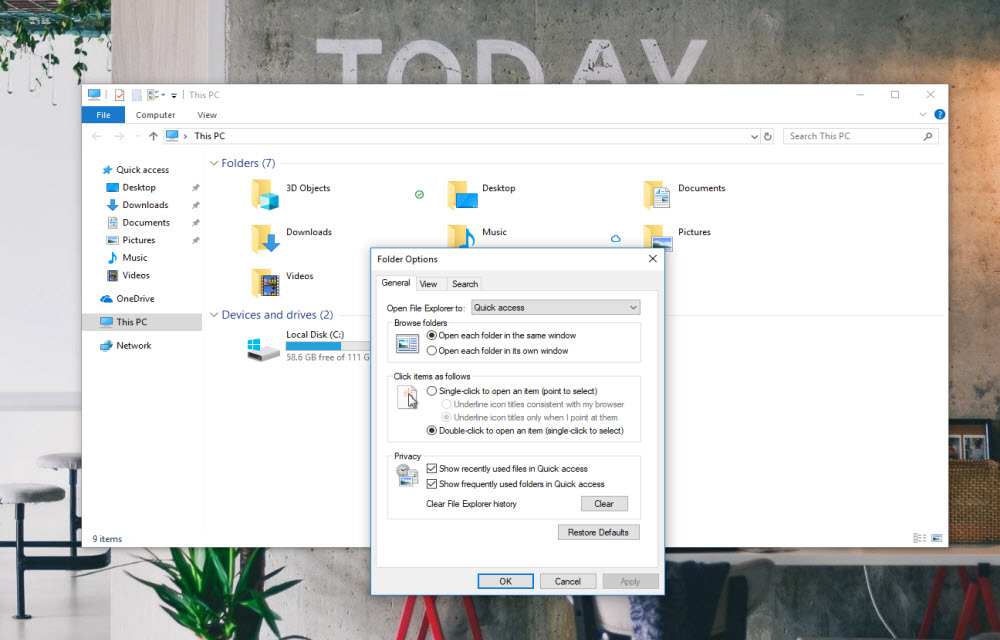
How to fix “Working on it” message in Windows 10 File Explorer?
If you get the “working on it” message in the File Explorer of Windows 10, it could be the problem caused by Quick Access cache. “Quick Access” is a virtual location, where the updated recent files and folders are listed. Sometimes, the File Explorer may slow down because of an overloaded or corrupted cache of…

How to Restart Explorer.exe in Windows 10?
If something went wrong in your Windows 10 laptop or PC, you may don’t need to restart your computer immediately. You can try restarting the Explorer.exe (generally known as Windows Explorer). Certain “User Interface” or “Graphical Interface” issues related to Taskbar, Start menu, File Explorer, notifications or action center can be resolved by just restarting…

How to Fix WiFi Connected But No Internet on Windows 10
Microsoft has developed the leading operating system in the world which is named as Windows. The latest version of Windows was released a few years ago named as the Windows 10. Microsoft also announced that Windows 10 will be the last version of Windows. This means that the company will release updates but under the name…
How to Stop Random Apps Being Opened Automatically on Booting Windows
We have all been using Windows and have been frustrated several times a day by one annoying thing. This is the random opening of applications on Windows after the first boot. Basically, we get a whole load of apps opening on our home screen when we start or restart our Windows PC or Laptop. Now,…
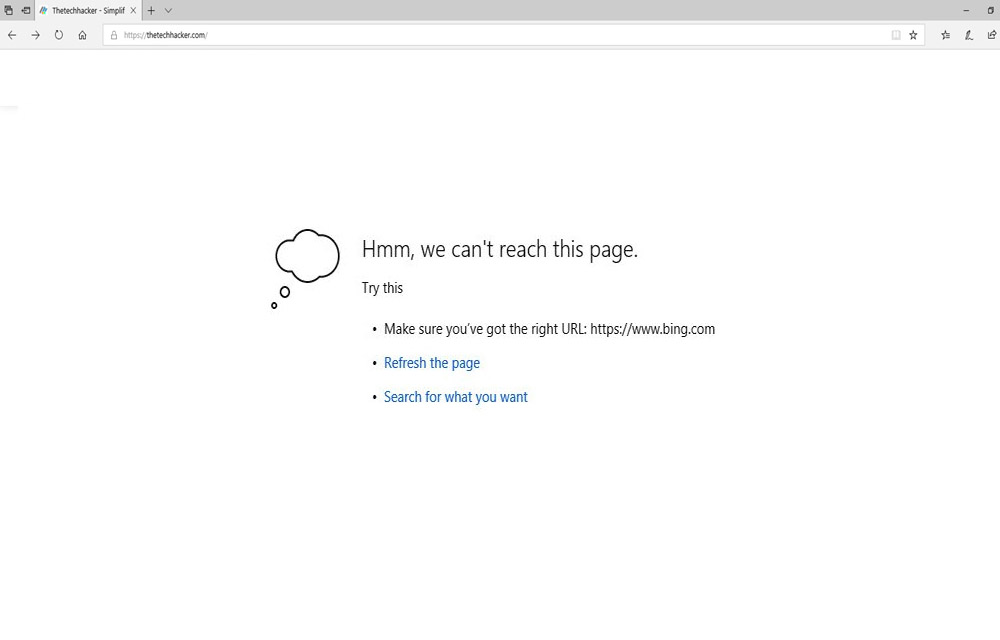
How to fix the “We can’t reach this page” error on Microsoft Edge
There are Windows users out there who have been using Microsoft Edge browser. If you are unaware, Microsoft Edge is a refreshed version of the Internet Explorer by Microsoft. The Internet Explorer is a standalone browser developed by Microsoft and bundled along with Windows 10. For users who have privacy concerns, Google Chrome is not…
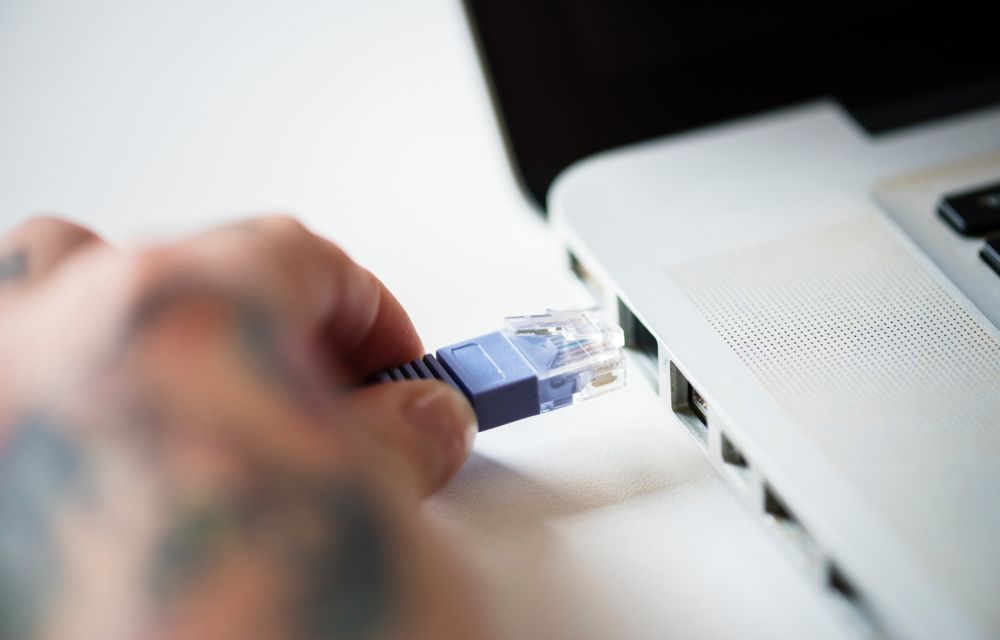
How to Fix “Windows 10 Doesn’t Have a Network Profile for this Device” Error
Currently, some Windows 10 users are plagued with an error saying that there is no network profile on this device. The network profile is used by many devices such as printers, scanners etc to remain in the same network as the PC. Now, the network error means that there is no connection between the devices…

Organize Your Photos on Windows with the PhotoMove App
If you are a long time Windows user, you must be having a Desktop full of icons. These may contain pictures of yours which are not organized properly at all. However, you must have pledged to organize them at some point in the future. That time never comes and believe me, we all have through that.…