

Windows

How to fix the “We can’t reach this page” error on Microsoft Edge
There are Windows users out there who have been using Microsoft Edge browser. If you are unaware, Microsoft Edge is a refreshed version of the Internet Explorer by Microsoft. The Internet Explorer is a standalone browser developed by Microsoft and bundled along with Windows 10. For users who have privacy concerns, Google Chrome is not…
How to Fix “Windows 10 Doesn’t Have a Network Profile for this Device” Error
Currently, some Windows 10 users are plagued with an error saying that there is no network profile on this device. The network profile is used by many devices such as printers, scanners etc to remain in the same network as the PC. Now, the network error means that there is no connection between the devices…

Organize Your Photos on Windows with the PhotoMove App
If you are a long time Windows user, you must be having a Desktop full of icons. These may contain pictures of yours which are not organized properly at all. However, you must have pledged to organize them at some point in the future. That time never comes and believe me, we all have through that.…
How to Fix Mouse not Working after Windows 10 Update 1809
We already discussed and fixed the issue of Windows 10 1809 Deleting User Files on Update error. The Windows 10 1809 update is caused many errors after the update, one of the most irritating is mouse not working error. Before going to start the fixing procedure, make sure to check the mouse on other PC.…
How to Fix Windows 10 1809 Deleting User Files on Update
We know Windows sends updates to every genuine version. These updates bring the latest security patches and performance upgrades. Unfortunately, one of the Windows 10 updates is causing the user files deleting issue upon the installation. The Windows 10 1809 update is causing user data deletion. It is affection both the Windows 10 Home and…
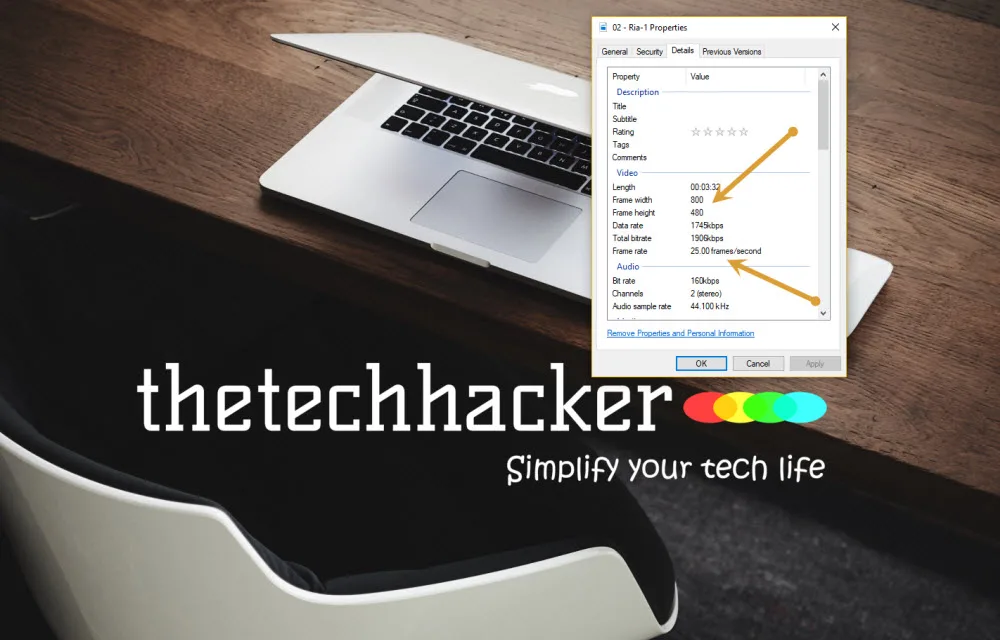
How to check Video Resolution and Frame Rate on Windows 10
We have seen so much improvement in the video resolutions over the past few years. SD, HD, now 4K is the latest resolution types. Most of the monitors are coming with HD ready format and if you invest some good amount there are plenty of high-end computer monitors available with higher video resolutions. In order…

How to Fix Headphones Not Showing Up in Playback Devices on Windows 10
Every user with a need to make constant use of headphones on their Windows 10 knows this is a prospect and it pops out more often than you’d like. It’s a nuisance and hinders the workflow. It often occurs due to the continued usage of the external media player device usage or due to the…
How to Fix USB Ports Not Working in Windows 10
Often we have to face issues while connecting USB devices to our PCs. This gets really annoying as we can’t access our files which are saved in USB devices in such situations. But do you know that you can fix this problem on your own? Yes, you can do that easily. To help you in…
How to fix Anti malware Service Executable High CPU Usage MsMpEng.exe?
If you are using Windows 10 then Windows Defender is the default antivirus or antimalware solution. It helps you to give the protection against any type of ransomware by using Controlled Folder Access. Windows Defender is one of the best in-built antiviruses among the entire antivirus and it really works well if you follow all…
How to fix autorun.dll Error in Windows 10
A very annoying thing that happens with computer users is the occurring of the message- ‘autorun.dll file not found‘. This is encountered when users try to install or update an application or programme. This error prevents the proper launching of a programme. There are many kinds of autorun.dll error that occur while installing a programme.…
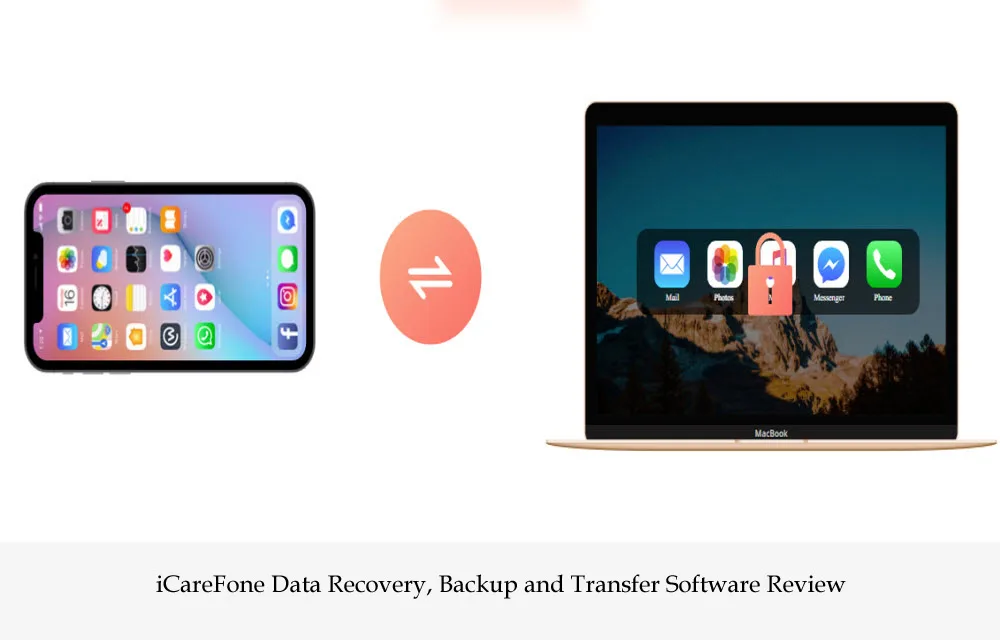
iCareFone Data Transfer, Backup and Restore Software Review
Apple has been the pinnacle in terms of hardware, software, security, and all other things. Security point of view from Apple has made it quite tough for us to transfer and make it possible to backup things from our iPhone, iPad to especially Windows Laptop/PC. Another thing is that it is not even possible for…

‘Sizer’ is an Application Which Allows you to Resize your Windows Apps to Any Dimensions
We have come to a conclusion that there are two types of PC users around the world. One who loves MacOS and other who love Windows OS. Now, we have known that there are plenty of applications available for macOS but the same cannot be said about Windows. This is because there are not many…