

Guides
How to download and install DirectX on Windows 10
DirectX is a popular application required to run multimedia and game files on Windows 10. It is a combination of application programming interfaces (API) to run multimedia, game, and video applications. When you are planning to play games on Windows 10, you must need DirectX installed on your PC. The first version of DirectX released…

FreedomPop Wireless Internet Service Review
Who doesn’t want a free Internet service while on the go? As we are living in an expensive mobile data plans, there is a service which is offering 100% free high-speed Internet on any device including iPod’s, iPhone, and laptops. Meet FreedomPop. A hassle-free service comes with no contract agreement with faster 4G speeds. What…

How to remove File Rep Malware from your computer?
File Rep Malware is a very popular malware file which is designed to spread unwanted ads, pop-ups on infected devices. Technically, it shows two types of effect on infected computers. We are living in times where the security of our smartphone is most important than everything else. This is because our personal data which is…

How to Fix ‘No Internet, Secured’ Connection Error
No Internet, Secured is a most common error when you try to connect Windows 10 machine with an active Internet connection. It is a strange error by Windows OS and it shows No Internet even after when you connected to an Internet connection. Why No Internet Secured error occurs? In many types of Windows 10…

How to auto-delete Firefox browsing history?
Privacy became the most important thing these days. I always suggest Mozilla Firefox over the Google Chrome browser. It has fantastic privacy-related options which let us control privacy and security settings without any hassle. It is becoming more common that many browsers are tracking and collecting user information without their consent. It is advisable to…
How to convert WEBP images to JPG or PNG formats on Windows 10
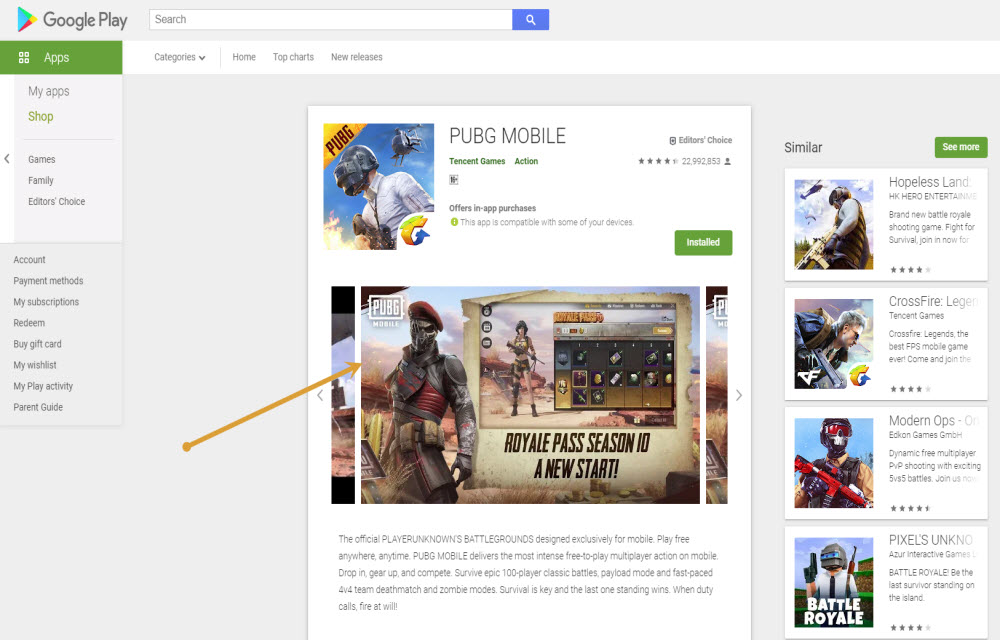
WEBP format is developed by none other than Google and it is largely used on Google-related services. If you visit the Google Play store and try to save the app screenshots on the computer then it will be saved as WEBP format. If you compare with popular image formats like JPG and PNG, WEBP format…
How to insert Special Characters in Windows 10
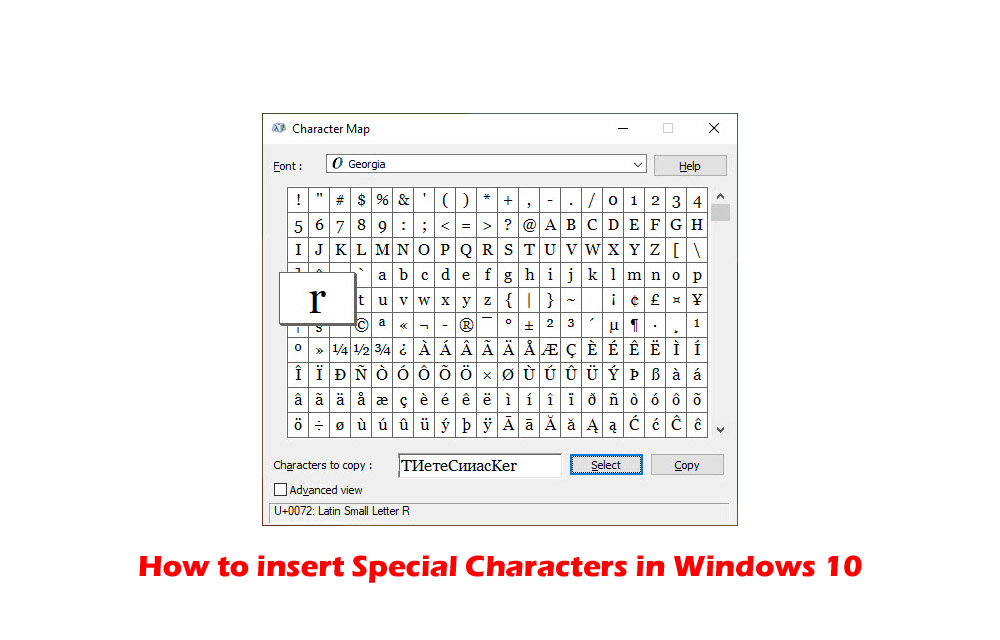
Special characters always have special importance while typing. They are used in special cases while typing currency and copyright symbols. If you want to use special characters in your writing work, then Windows 10 has Character Map for you. Character Map is a Windows tool designed to type special characters. In this article, you will…

How to speedup Network Sharing in Windows 10
Network Sharing helps an individual to share resources over the network. There are two types of network infrastructures namely wired and wireless. Network infrastructure includes devices such as modems, routers and software programs such as packet tracer. In order to get the most of these resources, one can configure them to be shared among different…

How to enable Two-Factor authentication on Facebook, Twitter, and Instagram
Maintaining online security is not an easy thing. There are many eyes spy on us to collect data and even some hackers are trying to hack our financial information. According to a study, the rate of online thefts and information collection has increased enormously. Luckily, there are few measures we can take to secure our…

How to flush or clear DNS Cache in macOS Catalina
Are you facing trouble while opening a website in macOS Catalina? DNS or Domain Name System resolves website names from IP addresses. If your browser is unable to load the website then the most obvious problem is the DNS error. If you are facing this problem in macOS Catalina, then we have the solution for…

How to change language in Google Chrome
Chrome is a fantastic browser from the house of Google. Google Chrome has many interesting features, including Chrome flags, which let you test upcoming Chrome features before they launch. It has many advanced features compared to other competing browsers. It also supports more than 100 languages, which allows users to change their Chrome browser language…

How to send SMS or text from Computer?
Text messaging is an evergreen method of communication. Even after the launch of quick messaging services like WhatsApp, Messenger, and Telegram, SMS is still used by many people. The use of text message is far simpler than the other communication mediums is the advantage of the SMS. If you are planning to send SMS or…