

Guides

How to fix error 0x00000709 unable to set default printer in Windows 10
There are plenty of Printer errors that are common in Windows 10. Many people complain printer is offline in Windows and some are facing unable to update the printer drivers. Windows 10 error 0x00000709 is most common among multiple printers users. If you are using a single printer this problem never comes. It is a…
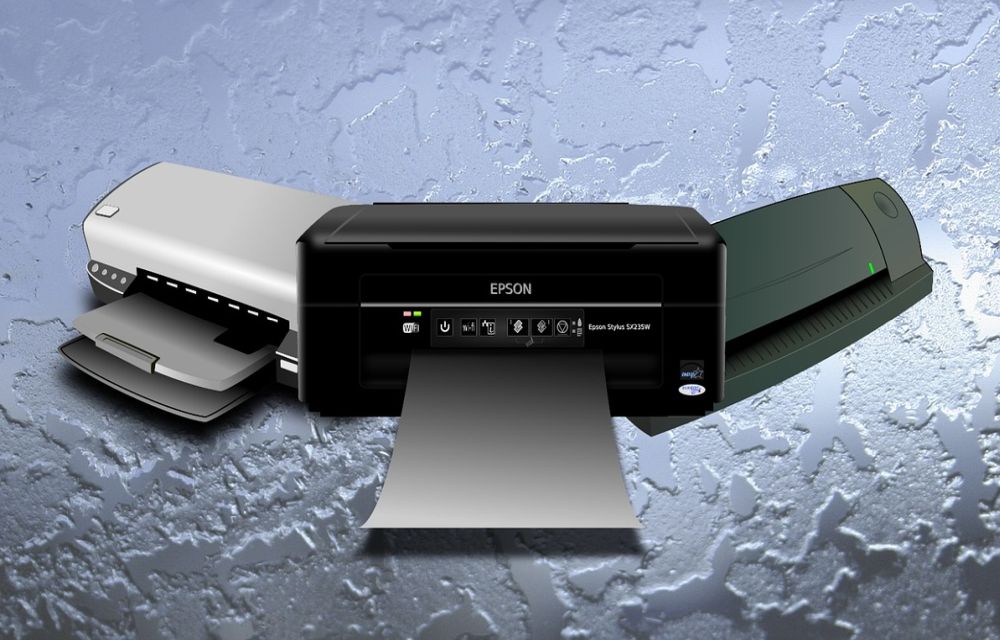
How to fix printer driver update problem in Windows 10
An update is a process to bring fixes and compatible versions from the manufacturer to sync with your Windows machine. These updates are necessary to maintain functionality up to date. When Microsoft releases a major update, many printer manufacturers release their updates compatible with the Windows version. Updating drivers is a regular process and everyone…

How to Get Unbanned from CamSurf: Official Appeal Steps
Getting banned from CamSurf can be confusing, especially when the ban screen appears without much explanation. The good news is that CamSurf has an official way to ask for a review. Its Contacts page includes a “Banned from Chat” option, and CamSurf says it will review your case if you believe the ban was a…
How to Password Protect a PDF file
The PDF format is the most widely used format for documents. It is a regular format to use important documents including bank transactions and other personal information related files. If you want to protect a PDF file, there are several ways available to password protect a PDF file. Password protection to a file is necessary…

How to Stop Spam Calls on iPhone
Spam calls are the most common problem for every smartphone user. If your number mistakenly gets into the spammer’s hand, you will daily get a ton of spam calls. They bite your head off with unwanted stuff and it is so quite irritating. Combating spam is not a tough process if you have an iPhone. There…

How to install Google Camera v7.0 on any Android device
There has been a lot of talk about how Google’s Pixel series is the best in smartphone photography. Initially, Google’s Pixel series was seen as the best camera phone among all other Android devices. However, we have seen that Apple’s iPhone camera is also beaten hands-down by the Google Pixel 3 camera. That being said,…
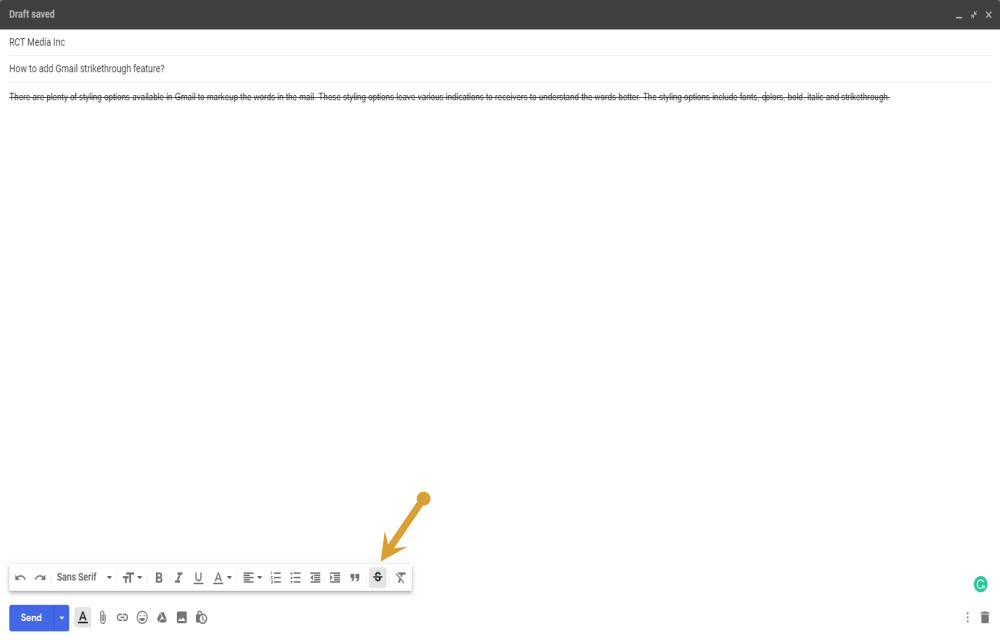
How to add Gmail strikethrough feature?
There are plenty of styling options available in Gmail to markup the words in the mail. These styling options leave various indications to receivers to understand the words better. The styling options include fonts, colors, bold, italic and strikethrough. Strikethrough feature is a typographical element that strikes off the selected sentence or a paragraph and…
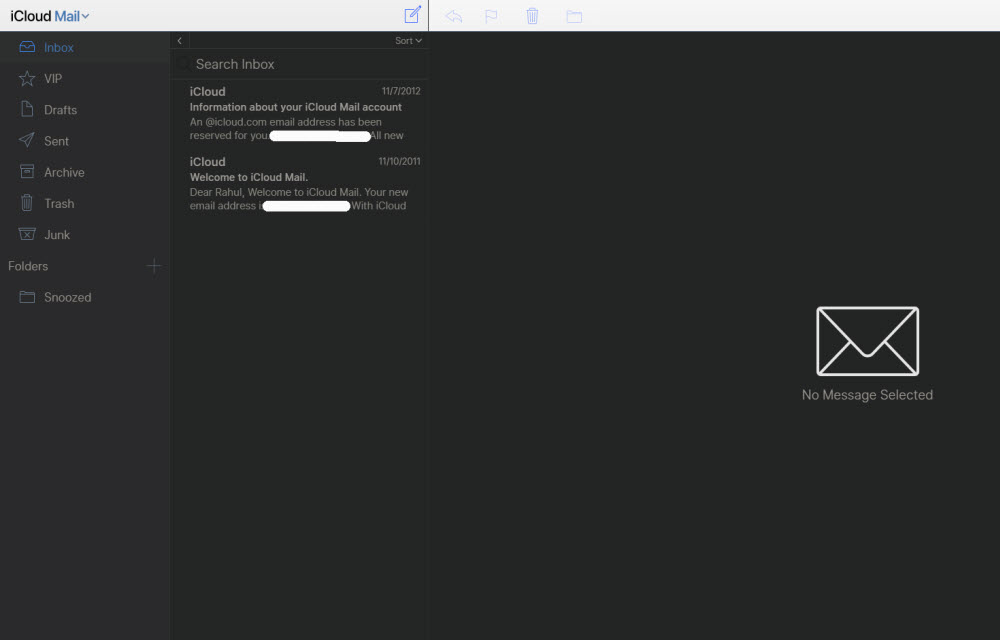
How to block emails on iCloud mail?
iCloud mail is a good emailing service from the very popular Apple. iCloud mail is one of the services comes with every Apple user. An Apple ID is essential for every Apple device user including Mac, iPhone, and iPad. The iCloud email is a feature-rich email service with a decent user-interface. No matter whether it…
How to fix Wuauserv high CPU usage error in Windows 10
Wuauserv error has encountered for many Windows 10 users. It drastically slows down the performance of the Windows 10 PC or laptop while it is running in the background. Usually, many services like svchost.exe and Windows update runs in the background and consumes a very low amount of system resources. But in the case of…
How to install a printer in Windows 10 in easy steps
The printer is must-have hardware for many users. Students, businesses, and offices printer have vast uses. Tweaking some settings in Windows 10 will let you add a new printer. Installing a printer in Windows 10 is a simple process. Microsoft made the installing and connecting printer is pretty easy and simple. To add a printer…
How to Disable File and Printer sharing in windows 10
Windows 10 has a feature to share its printer access to other devices. It is a pretty useful feature to print the documents, images from devices in the same network. However, it has some own disadvantages as well. If you don’t want other users to give access to your printer to print documents then you…

How to install AltStore on your iPhone or iPad
Usually, alternatives to the Apple App store requires jailbreak process which is not advisable to normal users. Jailbreaking needs technical knowledge to apply the process on the device and sometimes the device may brick. However, a developer Riley Testut created an alternative to the Apple App store which doesn’t require a jailbreak in order to…