

Turn Your Android or iPhone Into Portable Retro Gaming Arcade
If you are an avid game lover and missing those origins of gaming days? By using simple Emulators and Roms you can bring back those retro games in your Android and iOS devices. Here is a list of emulators for phone’s and tablet’s that turn your device into a portable gaming arcade. Basics You Need…


If you are an avid game lover and missing those origins of gaming days? By using simple Emulators and Roms you can bring back those retro games in your Android and iOS devices. Here is a list of emulators for phone’s and tablet’s that turn your device into a portable gaming arcade.
Basics You Need To Know
The emulator is a program that allows a personal computer or video game console (cross-console emulation) to emulate a different video game console’s behavior. It allows you to play different kinds of console games on different kinds of portable devices. A ROM is a copy of a game that exists as a file on your system. Basic formats of ROM’s are bin,cue and ISO.
For iOS Devices
In order to use emulators on your iOS device, it needs to be jailbroken first. We don’t have official emulator apps for iOS devices. Open Cydia store(jailbroken apps store) and search for emulators. Example psx4all, genesis4iPhone, SNES9X, NESoid.
For Android
For Android surprisingly we have tons of emulators available in Google Play store. Just search for it in the play store and you will find many.
For Sony PlayStation
FPse is a perfect emulator to play Sony PlayStation games on an Android phone. It supports third-party controllers like IcontrolPAD, BGP100, and Zeemote.
For Sega Genesis
RetroArch Android is a good app to play Sega Genesis games on your Android. It also supports Plug and play detection of many USB / Bluetooth gamepads.
Also consider AndroGens, DroidGEN.
For Super Nintendo Entertainment System (SNES)
Snes9x EX+ and Tiger Arcade are the best choices for SNES games.
For Nintendo Entertainment System (NES)
John NES is an NES/Famicom emulator for Android.
Download ROM’s
After downloading Emulators on your device it is time to download ROM’s. There are a number of sites provides tons of game ROM’s for free. Sites like EmuParadise, PDRoms, FreeRom’s and ROM World provides free ROM’s.
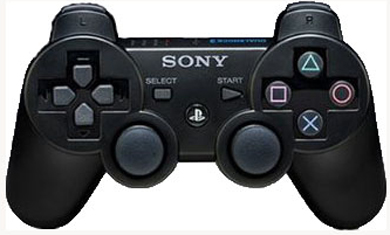
Setup is done, What next?
Both iOS and Android Emulators generally offer controller support. You can connect PS3 Controller and Wii Classic Controller to your device for convenience. Third-party controllers like Zeemote and iControlPad are specifically designed to work with mobile devices.
More in How-to
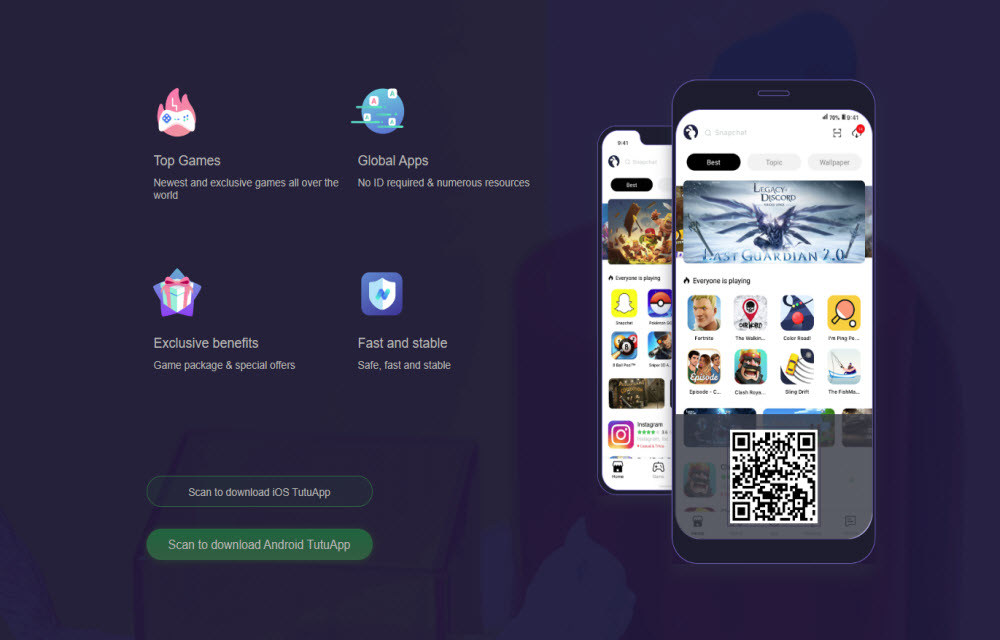
Is TutuApp Safe? Why We Don’t Recommend It (and Safe Alternatives)
TutuApp is one of those names that keeps coming up when people look for free versions of paid apps or “hacked” games on Android and iPhone. We used to have a guide on how to install it. We have replaced that guide, because after looking at how TutuApp works and the risks involved, we can’t…
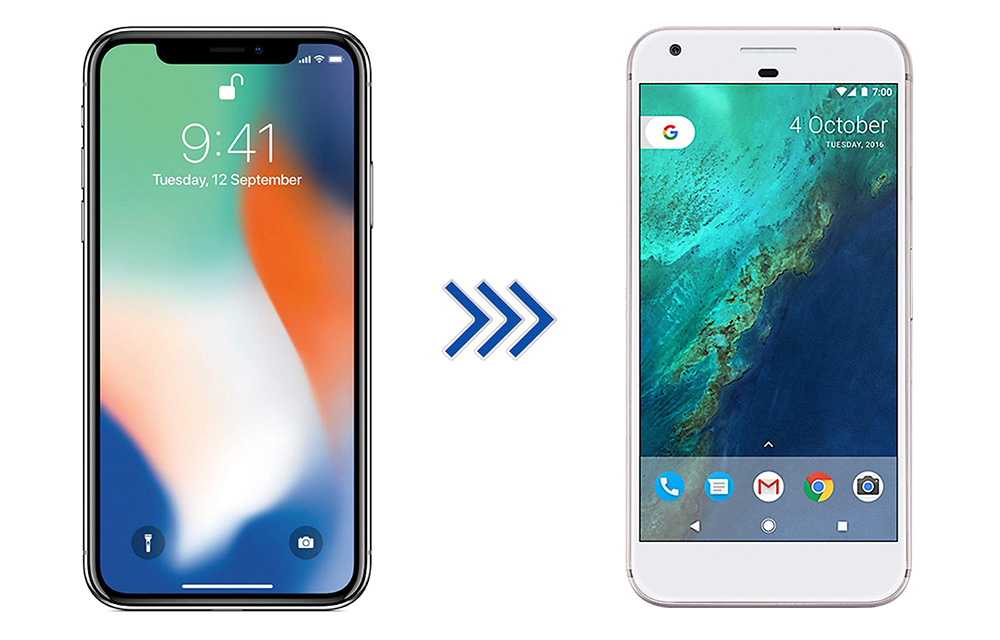
How to Switch from iPhone to Android Smartphone
iPhone is great, it is one of the best devices in terms of quality, it has some unique functions, and everything is perfect. But, then there is Android, which has more features, extremely flexible, various brands to choose from, and a ton of apps to accomplish almost anything that you can do with a smartphone.…

How to Enable Google Assistant Ambient Mode
How to Enable Google Assistant Ambient Mode: Smartphones are merely small computers. You can do anything done on a personal PC on your handheld device. You can make calls, socialize and play games on your 6-inch iPhone comfortably. Android users have the advantage of exclusive Google features which are not available in other mobile OS’s.…
The week in tech, minus the noise.
New reviews, fixes and the stories that matter — once a week, straight to your inbox.
We only use your email to send the newsletter. Unsubscribe any time. See our privacy policy.
Comments