

Best VPN for Small Business Teams in 2026: Business VPN vs Zero Trust Tools Compared
I compare six VPN and zero trust tools for small business teams, explain how a business VPN differs from a consumer one, and share the per-user prices I could confirm on official pages.


Photo by Annie Spratt on Unsplash
Your remote or hybrid team needs a controlled way to reach company servers, shared drives and admin panels from home networks, coworking spaces and airport Wi-Fi. A VPN is the usual answer. For most small businesses it’s the right one, too. The catch is the type, because a consumer VPN and a business VPN solve different problems.
A consumer app built to switch your streaming region was never meant to give a team of 8 (or 80) scoped access to internal resources. Business VPNs and zero trust network access (ZTNA) tools were. Below are six options for small teams, what zero trust looks like in day-to-day use, and the per-user prices each vendor publishes on its own pages.
Quick answer: For most small teams, Tailscale is the easiest place to start. Its official pricing page lists a free Personal plan for up to 6 users and a Standard plan at $8 per user per month. Want a classic VPN with servers in 140+ countries, plus encrypted mail and storage on the same bill? Proton’s top business tier costs $12.99 per user per month. NordLayer, Twingate, Cloudflare Zero Trust and Check Point SASE (formerly Perimeter 81) are worth shortlisting too, but check their own pricing pages, because I couldn’t confirm their current numbers.
Business VPN vs consumer VPN: what’s the difference?
A consumer VPN serves one person. It encrypts your traffic, hides your IP address and lets you exit through a server in another city or country. Handy on public Wi-Fi, or for privacy, and I cover that side in my guide on whether a VPN is worth it for US users.
A business VPN answers a different question. It’s not “how do I hide my traffic?” but “how do my people reach our resources, and how do I control who gets in?” So you need an admin console, a central place to add and remove users, permissions, and access to private resources like a file server, a database or an internal dashboard.
Here’s a simple test. An employee leaves on Friday afternoon. Can you revoke all their access in a couple of minutes, from one screen? If the real answer is “someone has to remember to change the shared password,” you’re using the wrong tool.
Some products sit in between. Proton VPN for Business keeps classic VPN features like a kill switch (it cuts internet traffic if the VPN connection drops) and split tunneling (only the apps you pick go through the tunnel), but it’s licensed per user to teams.
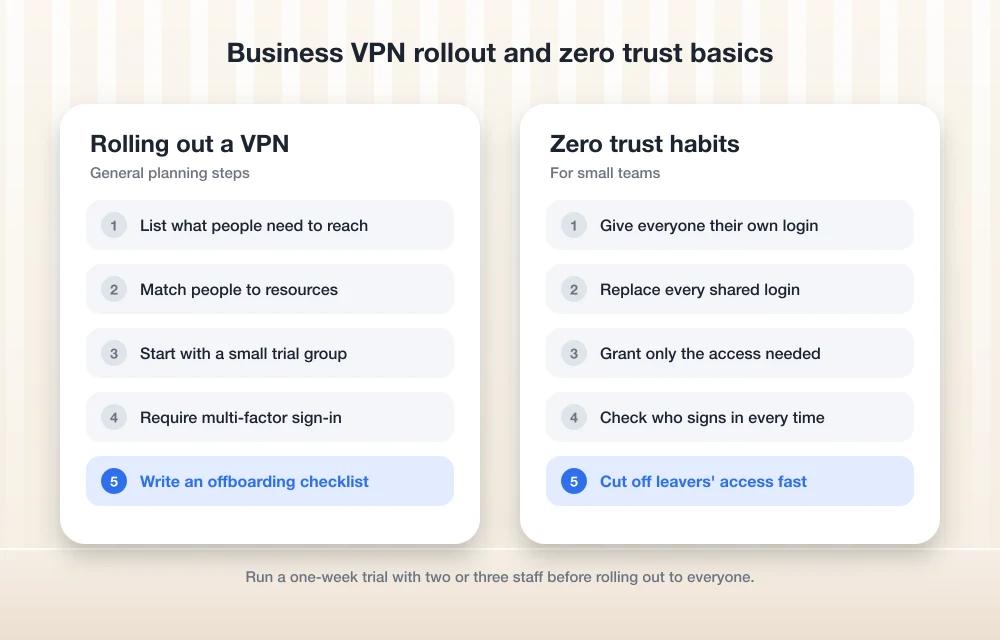
Zero trust basics for small teams
Every product in this list says “zero trust” somewhere, so let’s pin it down. The US National Institute of Standards and Technology (NIST) published its Zero Trust Architecture guide, SP 800-207, in final form in August 2020. The core rule is short. No device or user account gets trusted automatically just because of where it sits on the network.
NIST puts it as moving defenses away from wide network perimeters and onto individual resources, or small groups of them. Think of the traditional office VPN as a key to the whole building: once you’re in, you can walk into most rooms. Zero trust is closer to a key card that opens only the rooms you need, and checks who you are every single time you tap it.
The US Cybersecurity and Infrastructure Security Agency (CISA) has a more practical framework. Its Zero Trust Maturity Model version 2 splits the work into five pillars: Identity, Devices, Networks, Applications and Workloads, and Data. Version 2 also added an “Initial” stage. That’s a useful admission that a small business won’t do everything on day one.
For a 10-person company, zero trust comes down to a few habits. Everyone signs in with their own account. Never a shared login. The bookkeeper gets the finance system, not the production server. And when someone leaves, pulling their access is fast and complete.
The best VPNs for small business teams in 2026
I ranked these by how much I could confirm from official sources and how well each one fits a typical small team. The first two have confirmed pricing. The other four are established names, but you’ll want to verify the details with the vendor before you commit.
1. Tailscale
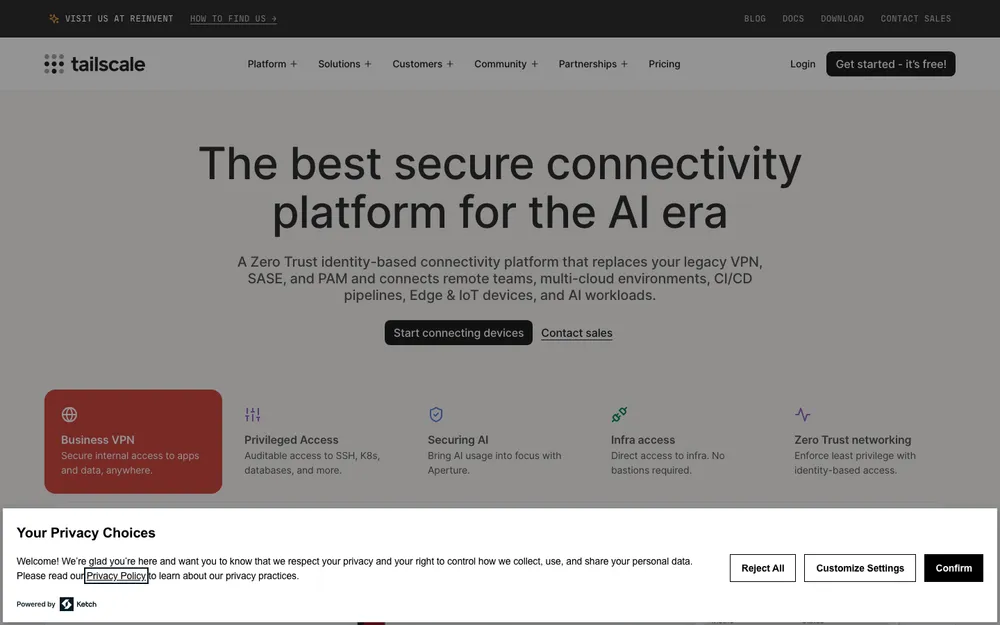
Tailscale is my top pick for small teams, mostly because it costs so little to try. Tailscale’s official pricing page lists the Personal plan at $0 forever for up to 6 users, with unlimited user devices. Sign-up also gets you a 7-day free trial of Premium, so you can poke at the paid features first.
One catch. The free tier is called Personal, so read its terms before you run a company on it. For a business team, Standard at $8 per user per month is the realistic starting point. Premium is $18 per user per month, and Enterprise is custom-priced.
Access rules in Tailscale are ACLs (access control lists), and the plan comparison labels them “Zero Trust.” You write rules that say which users and devices can reach which machines, instead of handing everyone access to everything.
Watch the usage limits, too. Plans include 50 tagged resources, which covers things like exit nodes (machines you route internet traffic through), and each one past that costs $1 a month. Ephemeral (short-lived) resources get 1,000 minutes a month on Personal and Standard, 10,000 on Premium. The Mullvad add-on runs $5 per month for every 5 devices.
Tailscale works best when at least one person on the team is comfortable with servers, say a developer or a part-time IT contractor. Is your team mostly non-technical staff who just need a shared drive? Then I’d look at Proton or a managed service first, since either will probably be easier to live with.
What I liked
- A free Personal plan for up to 6 users, with unlimited devices
- Per-user pricing that’s clearly listed in public
- Access rules built around zero trust thinking
- You get a 7-day Premium trial when you sign up
What could be better
- The free plan is labeled Personal, so most companies will end up paying anyway
- Every tagged resource past 50 costs $1 a month
- The Mullvad add-on is one more monthly cost
2. Proton VPN for Business
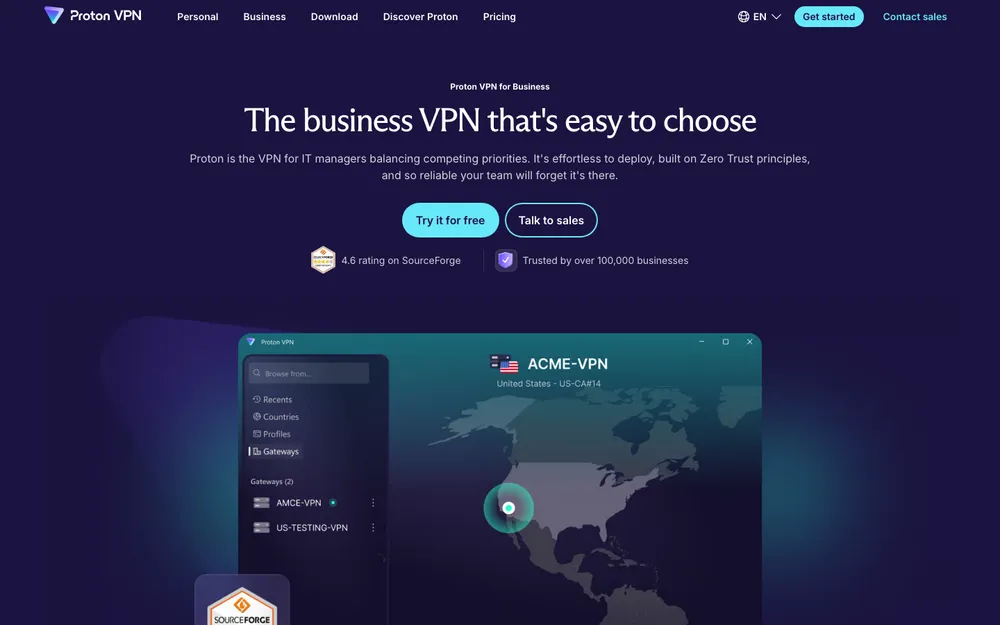
Proton suits teams that want a traditional VPN, lots of server locations and privacy features, all licensed per seat. Its business VPN has servers in 140+ countries, a kill switch, always-on VPN and split tunneling. NetShield, which blocks malware, phishing and ads, comes with every tier. Proton Sentinel is on the higher ones.
The price I could confirm is the top business tier: $12.99 per user per month. And that tier isn’t just the VPN. It covers all of Proton’s business products (VPN, Pass, Mail, Calendar, Drive, Docs, Sheets and Meet) with 10 devices per user. There’s a 14-day free trial.
Already paying separately for a password manager, encrypted email and cloud storage? The bundle can fold several bills into one. If all you need is the VPN, though, it’s probably more than you’ll use. Proton also sells lower VPN tiers, and its page was advertising 22% off VPN Essentials when I checked, but I couldn’t confirm the regular prices of those lower tiers on the official page.
What I liked
- Servers in 140+ countries
- NetShield blocks malware, phishing and ads on every tier
- Kill switch, always-on VPN and split tunneling
- The top tier bundles the whole Proton business suite, with 10 devices per user
- A 14-day free trial
What could be better
- When I checked, only the top tier’s price was clearly listed
- Promo pricing makes straight comparisons trickier
- The all-in-one tier is overkill if a VPN is all you want
3. NordLayer
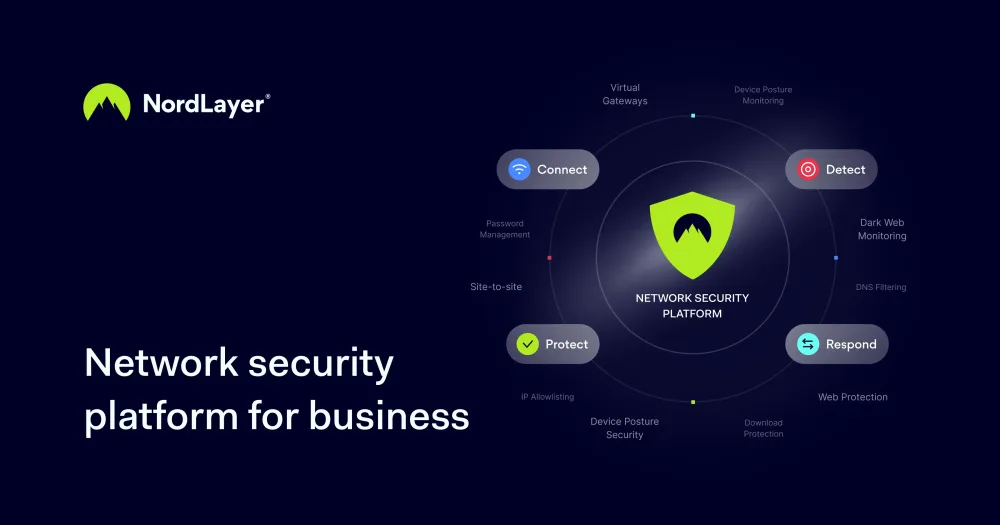
NordLayer is the business service from the Nord Security family, built for teams rather than individual users. If your staff are used to a traditional VPN client, it’s an obvious one to shortlist.
I couldn’t confirm NordLayer’s prices on its own pricing page, so I’m not quoting numbers. When you check, look at three things: the minimum user count, how monthly and yearly billing differ, and whether the features you need require a dedicated server that carries its own monthly fee on top of the per-user price.
4. Twingate
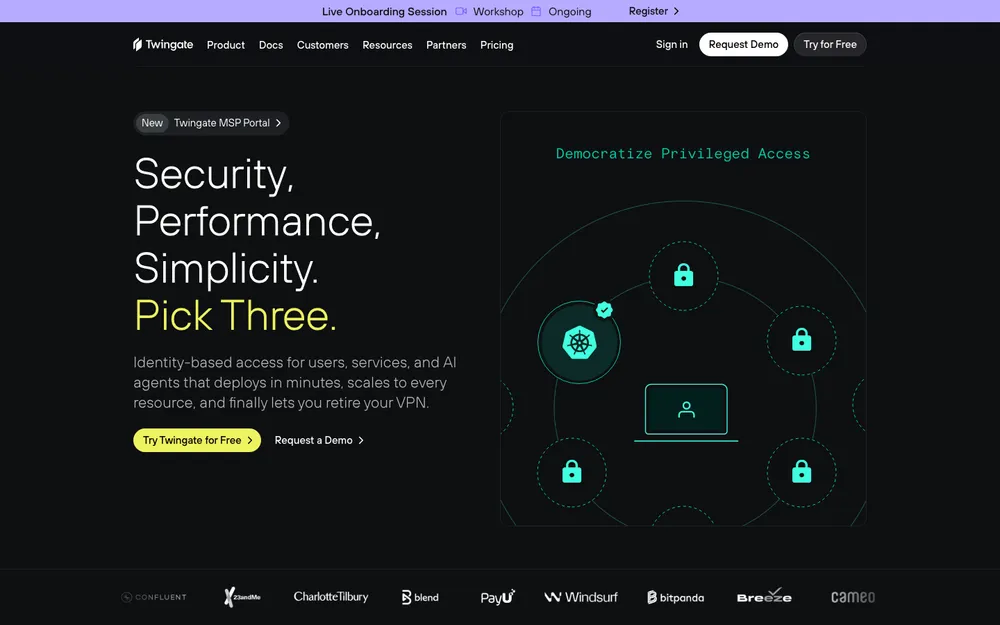
Twingate is built around zero trust access. It doesn’t join users to the whole office network. It connects them to specific resources. If the key card model above sounds like what you want, put it on the list.
Same problem here: I couldn’t confirm current pricing or plan limits on Twingate’s own site. Per-plan user caps change often, so check how many users each plan allows before you plan a rollout around it.
5. Cloudflare Zero Trust
Cloudflare Zero Trust is Cloudflare’s suite of access and security services. It makes the most sense if your domain or website already runs through Cloudflare. You’d manage it from a dashboard you already use.
I couldn’t confirm Cloudflare’s current plan prices on its official page. When you compare plans, ask how long each one keeps activity logs. Sounds minor. It isn’t, the moment an incident forces you to find out who accessed what last week.
6. Perimeter 81 (now Check Point SASE)
Perimeter 81 is now sold by Check Point as Check Point SASE, and you may still run into the older Harmony SASE name. SASE (secure access service edge) is a cloud service that rolls secure remote access and other network security controls into one platform.
I couldn’t find a public per-user price on Check Point’s own pages, so expect a sales call. It’s worth a look if you’re heading toward a multi-office setup, or if your IT partner already works with Check Point products.
Side-by-side comparison
Everything in this table comes from each vendor’s official pages plus the NIST and CISA documents, not lab testing. “Not confirmed” doesn’t mean a feature is missing. It just means I couldn’t verify it on an official page.
| Feature | Tailscale | Proton VPN for Business | NordLayer | Twingate | Cloudflare Zero Trust | Check Point SASE |
|---|---|---|---|---|---|---|
| Free plan | Yes, Personal plan up to 6 users | No (14-day trial) | Not confirmed | Not confirmed | Not confirmed | Not confirmed |
| Lowest confirmed paid price | $8/user/mo (Standard) | $12.99/user/mo (top tier) | Check vendor page | Check vendor page | Check vendor page | Likely sales quote |
| Free trial | 7-day Premium trial | 14 days | Not confirmed | Not confirmed | Not confirmed | Not confirmed |
| Server locations | Your own exit nodes | 140+ countries | Not confirmed | Not confirmed | Not confirmed | Not confirmed |
| Bundled extras | Mullvad add-on ($5 per 5 devices) | Mail, Pass, Drive and more on top tier | Not confirmed | Not confirmed | Not confirmed | Not confirmed |
| Best fit | Tech-comfortable teams starting small | Privacy-minded teams wanting one bill | Teams wanting a classic VPN feel | Teams going all-in on zero trust | Businesses already on Cloudflare | Growing, multi-site companies |
Per-user pricing, minimums and add-ons
Per-user pricing looks simple. Then minimum seats, yearly versus monthly billing and add-ons show up, and it gets less simple fast. Here’s what the official pages showed on Nov 8, 2026.
Tailscale Personal
Free forever, up to 6 users
- Unlimited user devices
- 50 tagged resources included
- 1,000 ephemeral minutes a month
Tailscale Standard
Per user, per month
- 50 tagged resources, then $1/month each
- 1,000 ephemeral minutes a month
Tailscale Premium
Per user, per month; 7-day free trial at sign-up
- 10,000 ephemeral minutes a month
- 50 tagged resources, then $1/month each
Tailscale prices checked Nov 8, 2026 on the official pricing page. Prices change, so recheck before you buy.
Proton top business tier
Per user, per month; 14-day free trial
- VPN, Pass, Mail, Calendar, Drive, Docs, Sheets and Meet
- 10 devices per user
- NetShield and Proton Sentinel
Proton price checked Nov 8, 2026 on the official pricing page. Only this tier’s price was clearly listed.
Run the math for a 10-person team. Tailscale Standard is $80 a month before add-ons. Proton’s top tier is $129.90 a month, which is more, but it also covers email, storage and a password manager.
How to roll out a business VPN without the headache
These are general planning steps, not product walkthroughs. Every vendor’s setup screens look different, so use the official documentation for the actual configuration.
List what people need to reach
Jot down every server, app and shared folder your team uses remotely.
Match people to resources
Work out who needs what, then give each person only that.
Start with a small trial group
Try a free plan or trial with two or three staff before rolling it out to everyone.
Require multi-factor sign-in
Make sure every account needs a second check to log in, like an authenticator app.
Write an offboarding checklist
Write down exactly how you’ll remove someone’s access the day they leave.
Passwords and backups: what a VPN doesn’t cover
A business VPN controls how people reach your systems. That’s it. It won’t save you if everyone reuses the same weak password, or if ransomware encrypts your files. So pair whichever tool you pick with a proper password manager; I compared several in my guide to the best password managers for families and small businesses.
Backups matter just as much. Arguably more. If you don’t have a routine yet, my walkthrough on how to back up your business data is where I’d go next.
Tailscale, Proton or a ZTNA vendor: choosing for your team
Got someone on the team who’s comfortable with servers? Start with Tailscale. The pricing is public, the trial is simple, and its ACLs nudge you toward least-privilege access (each person gets only what they need) from day one.
If your team is less technical and you’d like a familiar VPN client plus encrypted email and storage on one bill, Proton’s business plans fit well. Compare the lower tiers on its official page, though, since the top tier is the only price I could confirm.
For NordLayer, Twingate, Cloudflare Zero Trust and Check Point SASE, shortlist whichever matches your infrastructure and get current pricing straight from the vendor. Whatever you pick, run a short trial with a few users first. A week of real use will tell you more than any feature list, this one included.
Frequently Asked Questions
Do small businesses need a business VPN, or is a consumer VPN enough?
A consumer VPN protects one person’s connection and hides their IP address. A business VPN adds central admin, per-user access control and quick offboarding, and that’s what a team needs to reach company servers and files safely. So for a team, I’d go with a business VPN or a zero trust access tool.
What does zero trust mean for a small business?
No user or device gets trusted automatically just because it’s on your network. NIST’s SP 800-207 describes it as moving defenses from wide network perimeters to individual resources, so each person only reaches what they need and gets checked every time. For a small team, it starts with individual logins instead of shared ones.
How much does a business VPN cost per user?
On the official pages I checked on Nov 8, 2026, Tailscale Standard was $8 per user per month and Premium was $18. Proton’s top business tier was $12.99 per user per month. I couldn’t confirm current prices for NordLayer, Twingate, Cloudflare Zero Trust or Check Point SASE, so check their own pricing pages.
Is Tailscale free for small teams?
Sort of. Tailscale’s Personal plan is $0 forever for up to 6 users with unlimited devices, and signing up includes a 7-day free Premium trial. But the free plan is labeled Personal, so read its terms before you use it for a company. Most business teams will start on Standard at $8 per user per month.
What happened to Perimeter 81?
Check Point now sells it as Check Point SASE, and you may also see the older Harmony SASE name. I couldn’t find a public per-user price on Check Point’s site, so expect to request a quote.
Featured image: Annie Spratt on Unsplash.
Disclosure: TheTechHacker has no paid relationship with the companies in this article.
You might also like

Best Remote Access Software for Small Business IT (2026): Splashtop vs TeamViewer vs AnyDesk vs RealVNC
Every small business eventually hits the same moment: the one person who knows how to fix the accounting PC is at home, the office is closed, and payroll has to go out tonight. Remote access software turns that from a car ride into a two-minute fix. It also lets a part-time IT contractor support ten…

Best E-Signature Software: DocuSign vs Adobe Acrobat Sign vs Dropbox Sign (2026)
I compare DocuSign, Adobe Acrobat Sign, Dropbox Sign, PandaDoc, signNow and Zoho Sign for US small businesses, covering ESIGN Act basics, envelope limits and which tool fits freelancers, real estate, HR and sales teams.

Best Inventory Management Software for Small Businesses (2026)
Compare inventory management software for US small businesses, from Zoho Inventory’s free plan to Fishbowl, Cin7 and custom ERP, with official prices and advice on choosing for your type of business.
The week in tech, minus the noise.
New reviews, fixes and the stories that matter — once a week, straight to your inbox.
We only use your email to send the newsletter. Unsubscribe any time. See our privacy policy.
Comments