

Best Free Alternatives To Camtasia Studio
Camtasia Studio is a well-known screen recording or screencasting software for Windows. After checking the price, only some people can afford it. Screen recording one such task which requires a quality program. A dedicated solution for screen recording will simplify your screen recording job. Remember the best always comes with a price tag. If you…

Camtasia Studio is a well-known screen recording or screencasting software for Windows. After checking the price, only some people can afford it. Screen recording one such task which requires a quality program. A dedicated solution for screen recording will simplify your screen recording job.
Remember the best always comes with a price tag. If you are looking for a best free Camtasia alternative try this software for your windows screencasting.
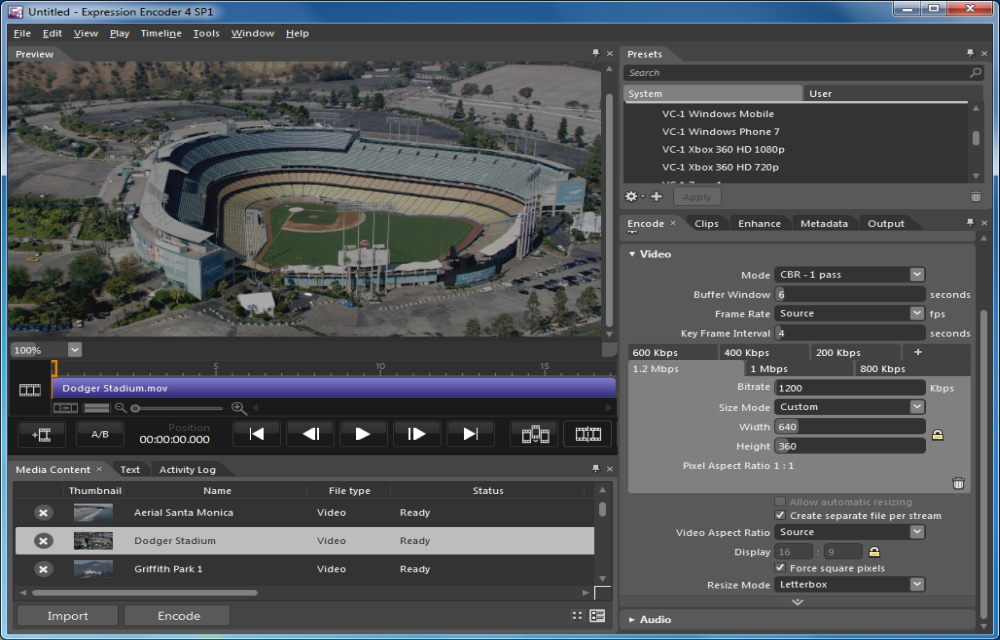
Expression Encoder 4
Expression Encoder is an advanced audio/video encoding and live broadcasting application, which can be used as a screencasting tool for Windows. Using Expression Encoder, you can record video of your desktop screen of custom size. It can capture video from desktop and audio from a microphone.
Download Expression Encoder 4.
Icecream Screen Recorder
Icecream Screen Recorder is our second most powerful tool for screen recording and a best Camtasia alternative. The program has almost all Windows version support ranging from Windows 200 to Windows 10. It is best suitable for recording Skype calls, games, and business webinars.
Rylstim Screen Recorder
If you are looking for a basic and simple tool to record your screen then consider Rylstim screen recorder tool. The installation is pretty simple like traditional exe file installation. After installation, you will be able to record your screen. The options include frame rate selection, codec, and location to save the recorded file on your PC.
Download Rylstim Screen Recorder
Webinaria
Webinaria is an open source program for screen recording. This program is best suitable for recording webinars, demonstrations, and tutorials. Webinaria supports Flash format, and you will be able to record the videos in Flash format along with your voice commentary.
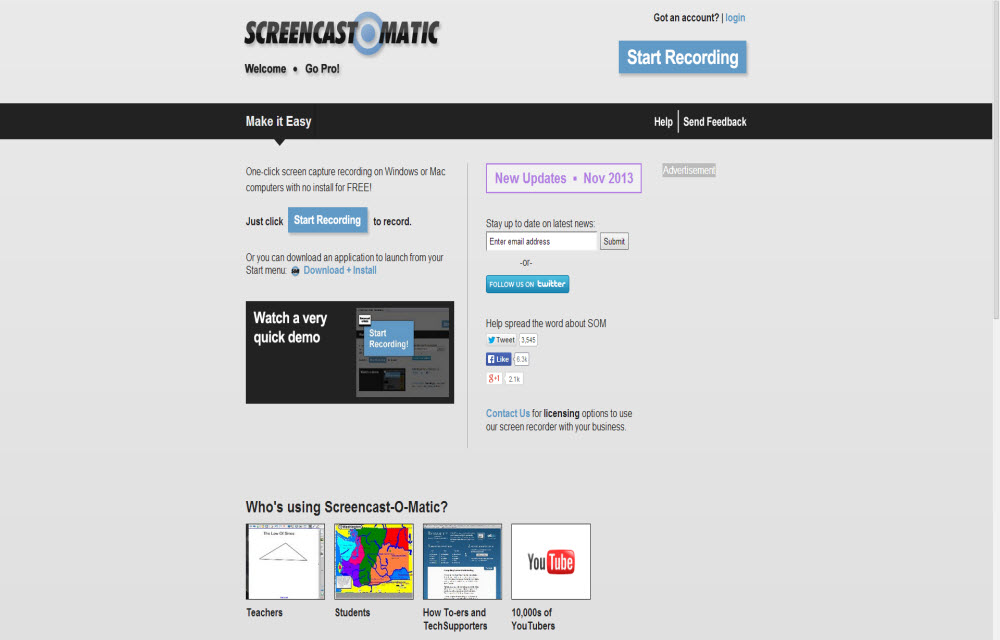
Screencast-O-Matic
Screencast-O-Matic is a free online tool to capture your desktop. You can capture video from desktop and easily share it with YouTube and other services. The service comes in two variants free and pro. In the free version, you can record up to 15min recording from your screen and webcam. Pro feature offers unlimited recording time with editing and scripting tools.
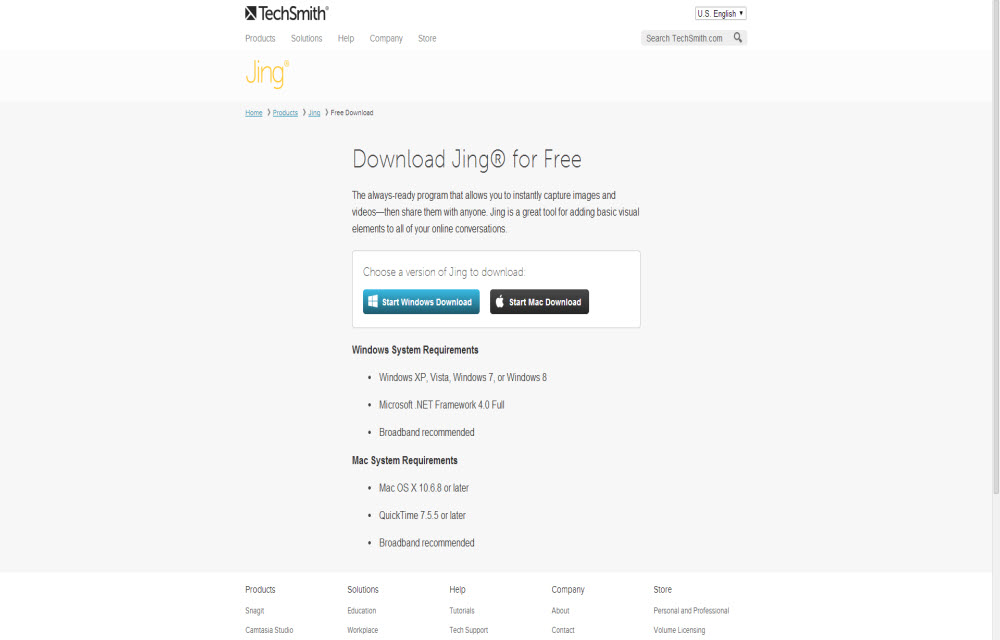
Jing By TechSmith
Jing is a Camtasia alternative product from the makers of Camtasia. You can capture and share images and videos from your desktop with Jing.
FFSplit
The program is a free and very lightweight on system resources. You will get plenty of features from this free program. Using the program, you can record all types of videos streaming on your computer screen. You can record demos, online tutorials, and video calls without any hassle.
PicPik
PicPik is a simple screen capture tool, it features editor option to edit your captured images and videos. The program also lets you enhance the captured images and videos with built-in effects.
More in Windows
30 Must Have Basic Windows Software For Every PC User
When you reset, format, refresh or bought new PC you should install new software and there are some important or more precisely some ought to install software’s that every user should use doesn’t matter who he is and what he is doing. These are must-have basic apps for every Personal Computer. These software are necessary…
Best Alternatives Of Windows Explorer
Windows explorer is a file manager application cum navigation tool in Microsoft Windows operating systems. Windows explorer is good, but it hardly offers advanced features.
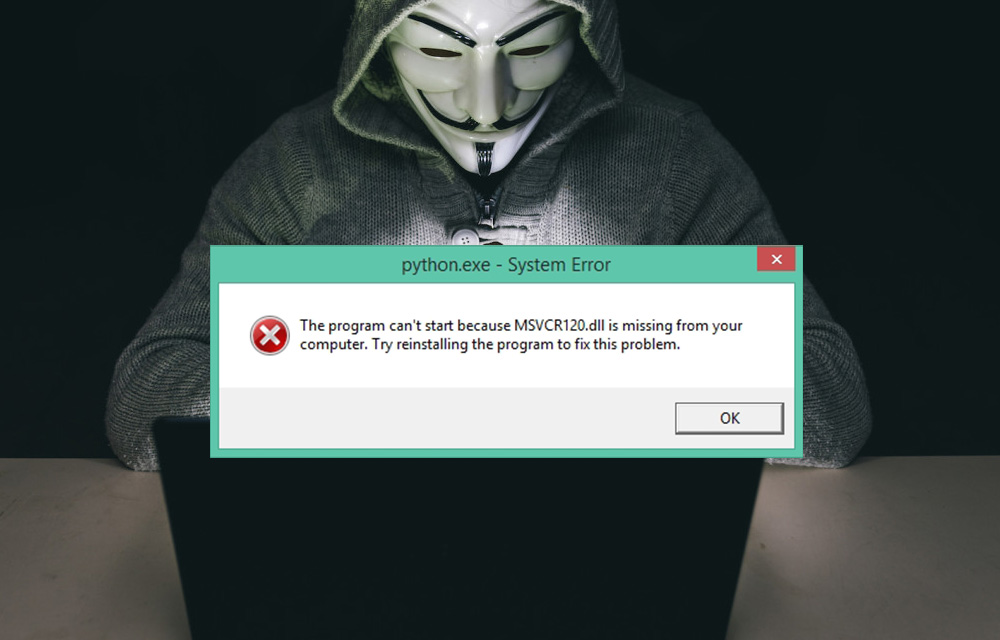
How to Fix MSVCR120.dll is Missing Error in Windows
DLL files are essential in your computer to perform tasks and functions. Missing files will create problems like they won’t run specific programs and sometimes you can’t even install a game or program in Windows if any particular DLL file is missing in your computer. In the past, we discussed the fixing procedure of Mss32.dll…
The week in tech, minus the noise.
New reviews, fixes and the stories that matter — once a week, straight to your inbox.
We only use your email to send the newsletter. Unsubscribe any time. See our privacy policy.
1 comment
Jing is easy to use but it has a time limit for recording screen activity. I also recommend the Acethinker Free Screen Recorder Online that works well when it comes to recording. It is another Camtasia alternatives that can record the whole or specific part of the screen. And it supports different formats. You may try it and perhaps include it in your list of alternatives.