

How-to
Easy Way To Uninstall Internet Explorer
Internet Explorer is the default browser comes with Microsoft Windows operating system. IE is packed with some fantastic features like Tab pinning, minimalistic user interface, lightning fast, built-in download manager, notifications bar, domain highlighting and most importantly standards compliance.Unfortunately, Internet Explorer is the most hated browser in the world. People are usually using IE to…
How To Remove Search History From Your Facebook Account
Facebook has been regarded as the most popular means of communication among social media networks, with millions of users all over the world. Individuals and businesses connect with others and interact either gathering information or promoting goods and services. The innumerable special features of Facebook have made it a gigantic presence in social media. However,…
Comprehensive Guide To Create Complete Archive Of All Your Google Data
Are you started using Google yesterday or 5 years back you can download entire data from your Google account activity and its services using Google Takeout. Gone are the days when we use manual downloading each Google product activity in spreadsheets and excel sheets. Google launched Takeout in the year 2011, at present they have…

How To Save My Documents In Cloud Directly
What would you do when situations like hard drive failure and corrupt OS problems occur. No doubt we completely loose our saved important files on Desktop and My Documents. Whether it is a work file and marriage or vacation picture losing data gives a lot of pain. Recently I faced this kind of situation when…
How to Change Default Program Files Folder Location in Windows
If you’ve ever installed a Windows program or even if you have used Windows for any part of time, then you will probably know that whenever you install a program on your Windows system, all those installed programs are stored in C:\Program Files or C:\Program Files (x86) folder. In fact, most Windows programs are stored…
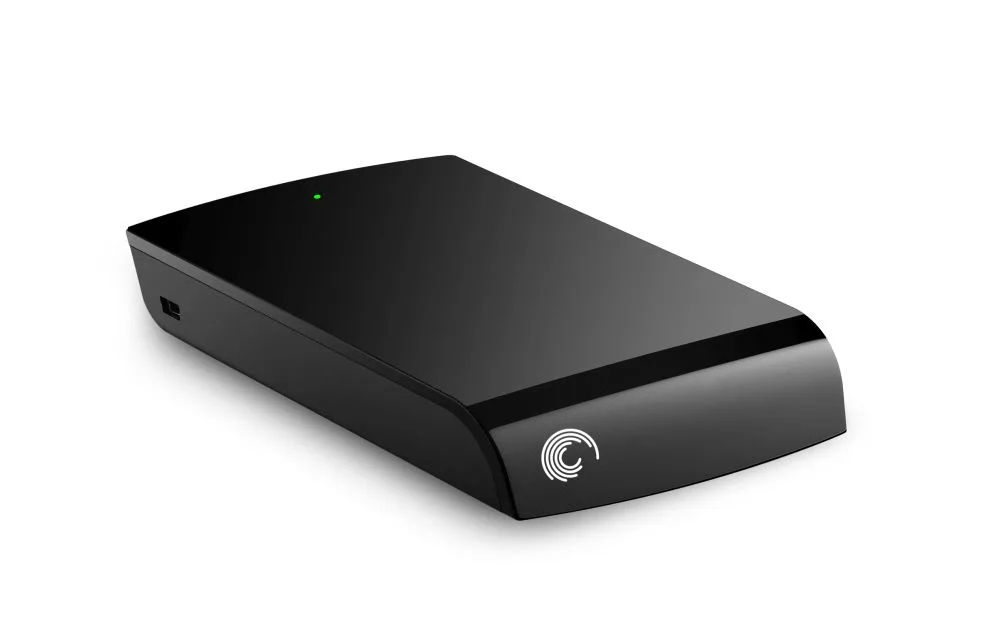
3 Steps to Recover Data from Seagate External Hard Drive
Seagate external hard drives are one of the finest solutions that most people prefer for a reliable storage solution. These portable devices offer high performance and a huge space to store a maximum of data in a normal sized storage device, which is compatible with both PCs or Macs. Seagate external hard drives are mostly…
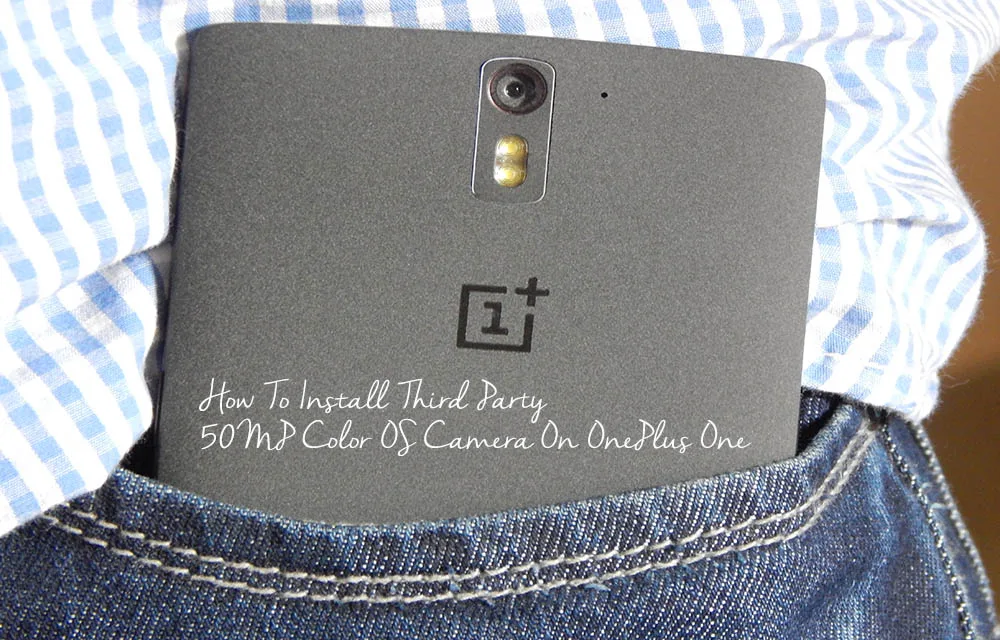
How to Install Third Party 50MP Color OS Camera on OnePlus One
With a never settle tag OnePlus One is one of the hottest Android devices that money can buy. It has all the necessary features needed by an Android OS lover.The default camera of OnePlus One is powered by 13MP Sony made Exmor IMX 214 1/3.06″ CMOS sensor. You can still improve its quality by installing third-party…
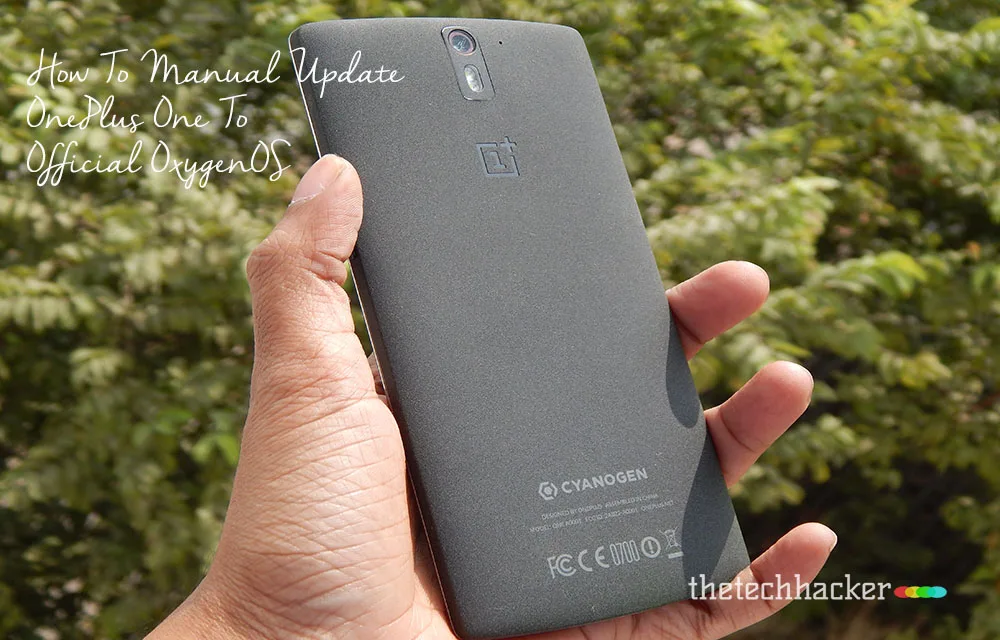
How To Manual Update OnePlus One To Official OxygenOS
The Long wait is over for OnePlus One owner, now finally company released official Android Lollipop build custom Android Lollipop build OxygenOS. This tutorial involves all steps to install OxygenOS on your OnePlus One device. Disclaimer: Please follow this guide at your own risk. Thetechhacker will not be responsible if your device gets damaged or…

How To Backup Android Apps Without Root
For the average user, there are plenty of apps available to backup your Android apps. It is necessary to backup apps regularly, there are so many reasons. Experimenting with a device like installing new ROM’s, unlocking bootloader, rooting will cause the data loss. We are here to help you take a complete backup of your…
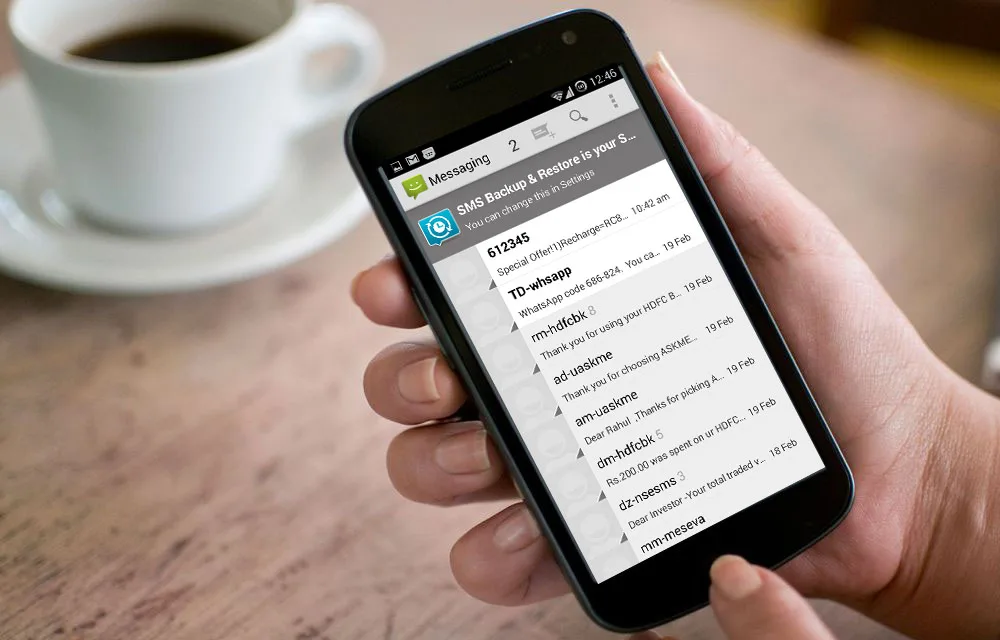
How To Transfer iPhone Text Messages SMS To Android Device
After choosing Android over iPhone now it is the time to transfer all the existing content to new device. There are several programs available in software market to transfer all the data present in iPhone to Android device.
An Easy Way To Install WhatsApp On Your PC/Laptop
One of the most popular mobile SMS alternative app is WhatsApp. It is nearly five-year-old service, which has multiple platforms support. It is one of the best alternative to the traditional messaging to avoid messaging charges. WhatsApp is a ad-free app with minimalist user interface. Unfortunately, WhatsApp is available mobile platforms only, if you want…
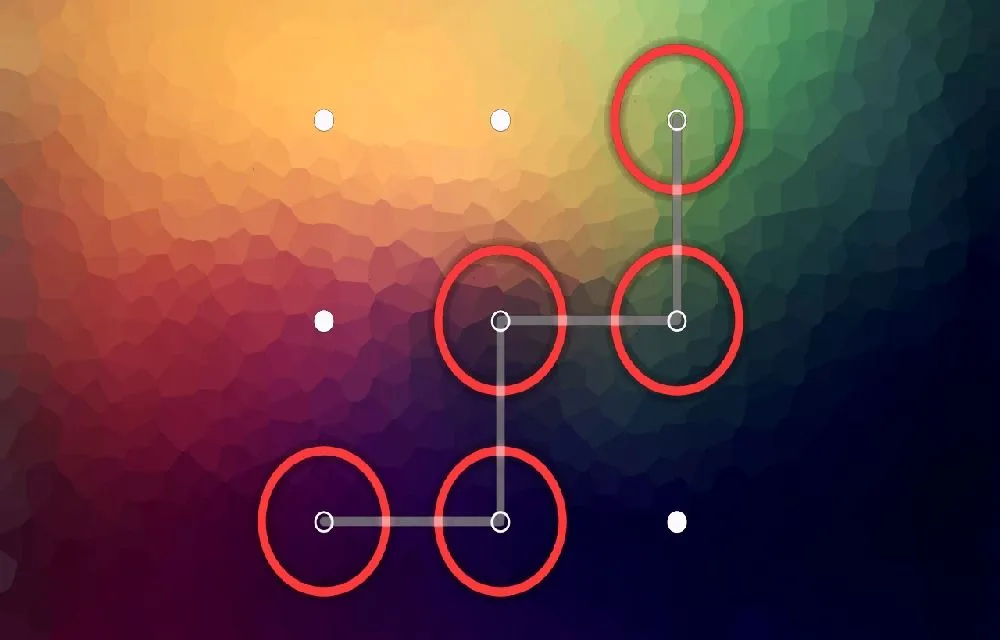
How To Unlock Android Phone Pattern Lock Without Losing Data
Pattern unlock is one of the best security option available for Android users. The problem arises when you forgot pattern to unlock the Android device.