

Rahul Vithala

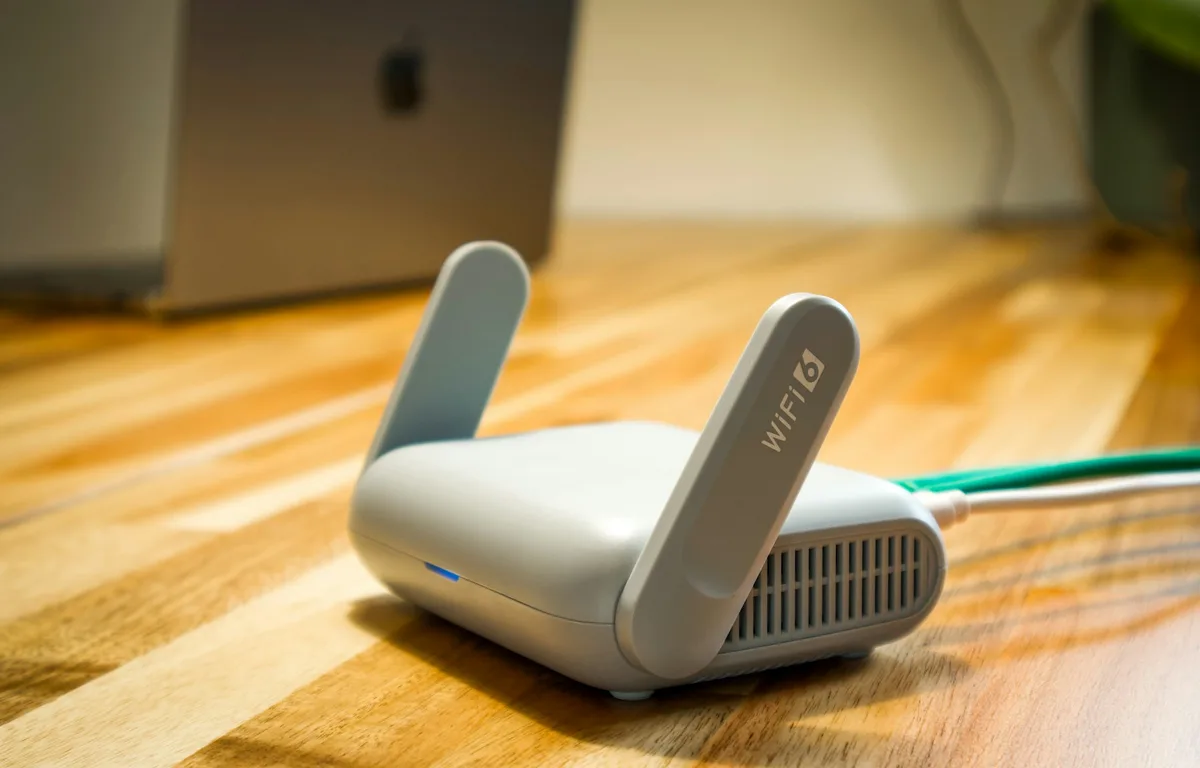
Mesh Wi-Fi vs a Regular Router: Which Should You Buy? (2026)
Not sure if you need a mesh system or if one good router will do? Here’s when each one makes sense, what Wi-Fi 6E and Wi-Fi 7 change, and how to set things up so your ISP’s box doesn’t get in the way.
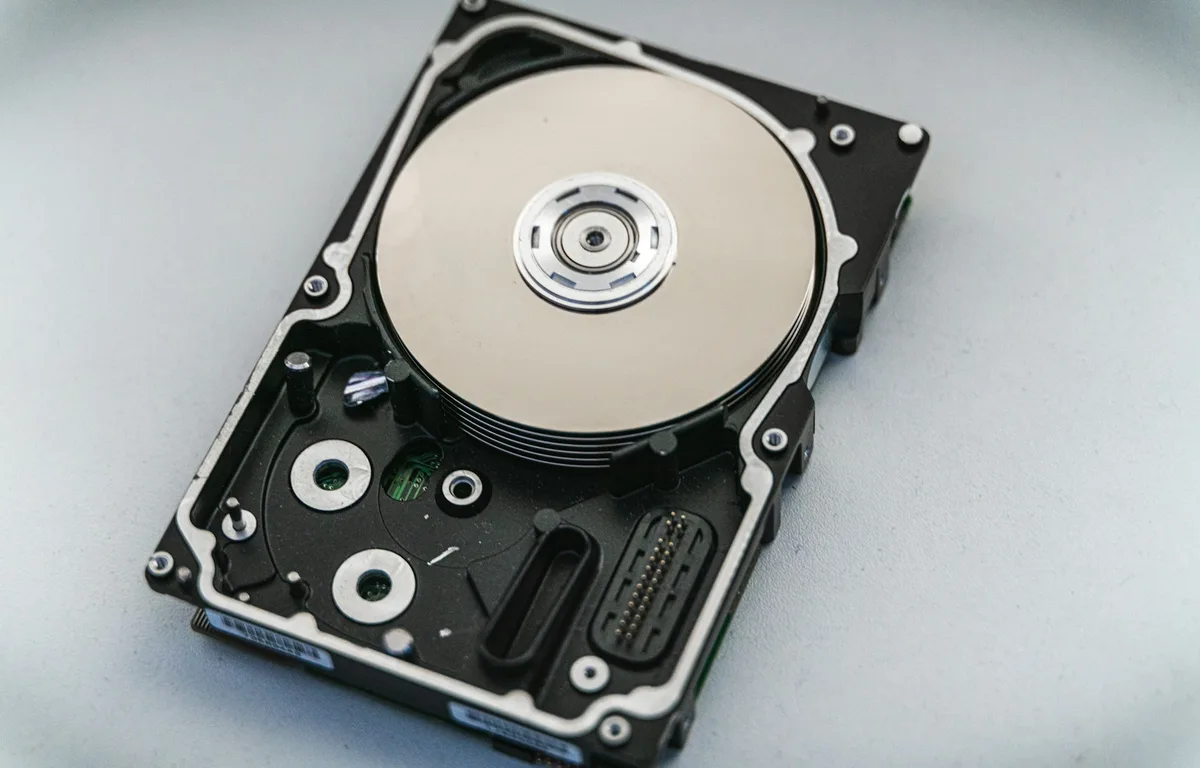
How to Fix an External Hard Drive or SSD Not Showing Up on Windows 11 or Mac
External drive not detected on Windows 11 or your Mac? Here’s how I work through it, from cables and Disk Management to Disk Utility First Aid, and when to stop and call a data recovery service.
AppleCare+ vs Carrier Phone Insurance: Which Is Worth It? (2026)
Buying an iPhone or Galaxy this holiday season? Here’s how AppleCare+ with Theft and Loss compares with AT&T, Verizon and T-Mobile protection plans and credit card coverage, and how to cancel each one.
Best Home Security Cameras for 2026 (No Monthly Fee vs Subscription)
Choosing a home security camera now means choosing a plan too. Here’s how no-monthly-fee cameras compare with subscription ones across storage, smart alerts, privacy, Wi-Fi and smart home support.
How to Fix ‘Your Computer Has Been Locked’ Scam Pop-Ups on Windows and Mac
A fake Microsoft or Apple warning took over your screen and wants you to call a number? Here’s how to close it safely on Windows and Mac, clean up your browser, and recover if you already called or paid.
Cheapest Unlimited Phone Plans in the US (November 2026)
I compared the cheapest unlimited plans from AT&T, Verizon, T-Mobile, Mint Mobile, Visible and other prepaid brands using the carriers’ own plan pages. I also explain what ‘unlimited’ really means before you switch.
T-Mobile T-Satellite: Is It Worth It in 2026, Even on AT&T or Verizon?
T-Mobile’s T-Satellite uses Starlink satellites to keep your phone texting in dead zones, and AT&T and Verizon users can sign up too. Here’s what it does, what it costs, and who should pay for it.
How to Fix ‘SIM Not Provisioned’ After Switching Carriers on iPhone and Android
Seeing “SIM Not Provisioned” or MM#2 after switching carriers? Here’s what the message means and the fixes I’d try, in order, on iPhone and Android.
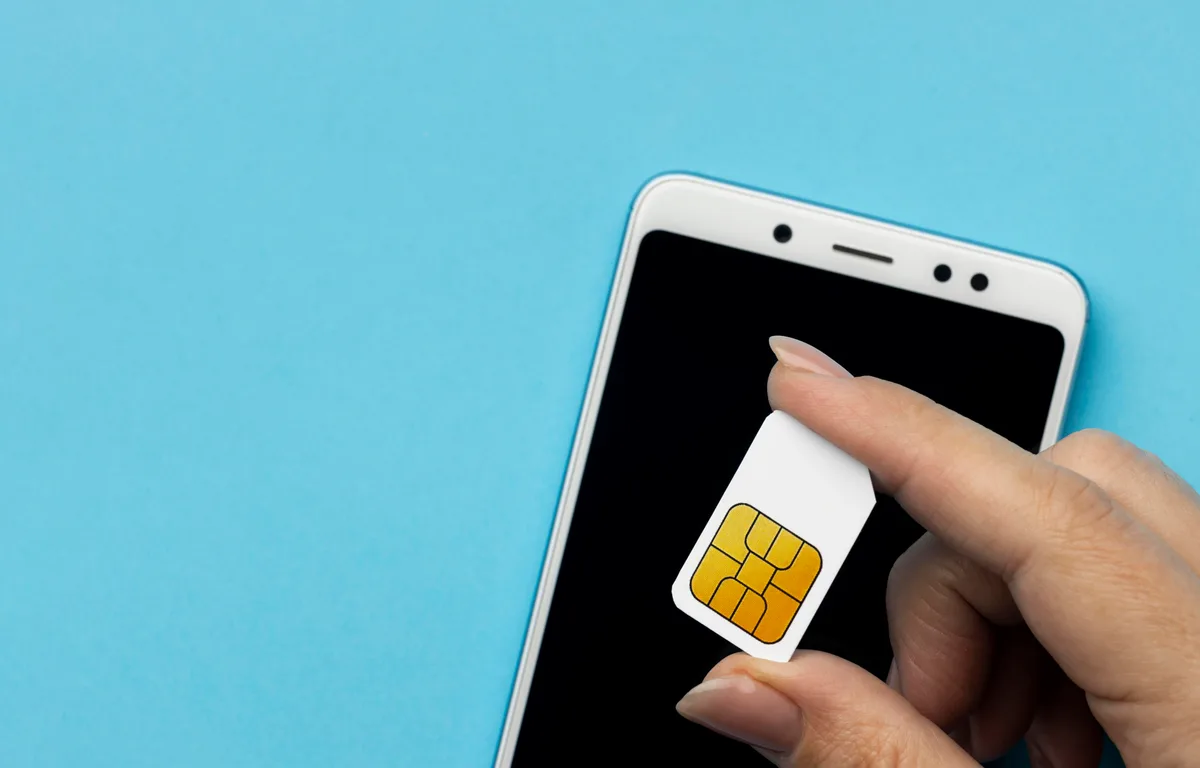
How to Switch Carriers and Keep Your Phone Number (AT&T, Verizon, T-Mobile)
Thinking about leaving AT&T, Verizon or T-Mobile? Here’s how to switch carriers in the US without losing your phone number, from getting your transfer PIN to handling a port that fails.

Black Friday Tech Deals 2026: Store-by-Store Calendar for US Shoppers
Black Friday 2026 lands on November 27 and Cyber Monday on November 30. Here’s what Best Buy, Walmart, Target and Amazon have actually confirmed, what’s still a guess, and how to use holiday price match rules so you don’t buy too early.

How to Fix iPhone Not Showing the iOS 27.2 Update (and Other Update Errors)
iOS 27.2 not showing up, stuck on Preparing or Verifying, or failing with Unable to Install Update? Here are Apple’s own fixes, in the order I’d try them.

How to Fix Chrome Asking to Confirm Before Opening HTTP (Not Secure) Websites
Chrome 154 now asks before you open websites that don’t support HTTPS. Here’s what that warning means, when it’s fine to click through, and how to change the setting or fix your own site.