

How to?

How to Play GTA 6 When PSN Is Down: Turn On Console Sharing and Offline Play
PlayStation Network went down for thousands of players hours before Grand Theft Auto VI unlocked, and that matters because a digital copy of GTA 6 checks your license with PSN when you launch it. If PSN is unreachable and your PS5 isn’t set up for offline play, the game may refuse to start. One PS5…
How to Update PS5 for GTA 6: Install the Required System Update
If GTA 6 won’t start on your PS5, the most likely reason is the console itself. PlayStation says Sony released a PS5 system software update that is required before you can play Grand Theft Auto VI, and the game unlocks at midnight on November 19. This guide shows the three official ways to install it,…
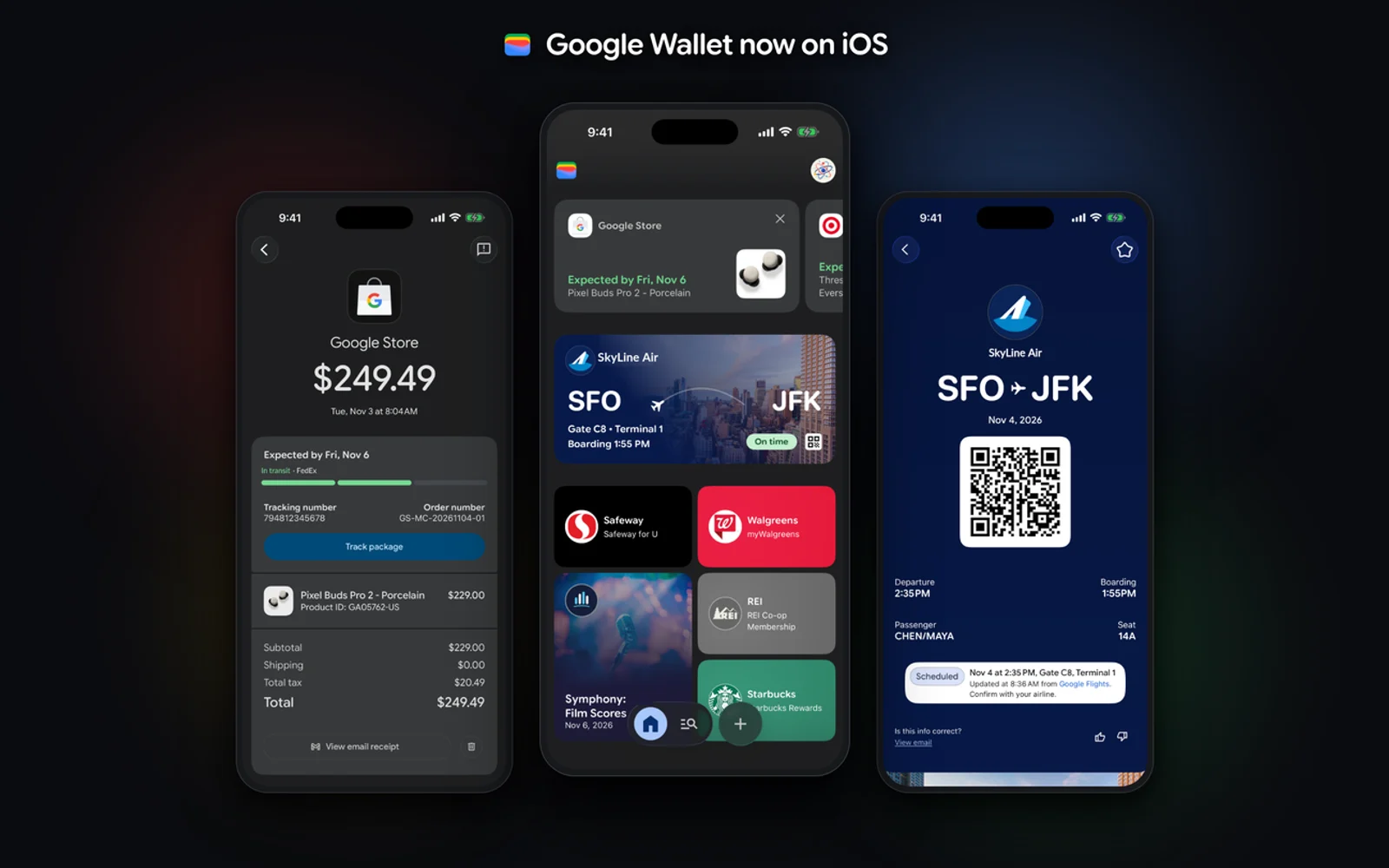
How to Use Google Wallet on iPhone: What Works and What Doesn’t (No Tap to Pay)
Google Wallet is finally on the iPhone. Google launched the app for iOS users across the US on November 17, 2026, and it climbed into the top 20 of the App Store’s Utilities chart within a day. There is one big catch: you cannot use it to tap and pay at a store register. This…

How to Fix Java4Shell (CVE-2026-114938): Check Your Java Version and Update
Oracle patched a serious Java flaw on November 17, 2026, and security researchers have nicknamed it Java4Shell. Tracked as CVE-2026-114938, it affects Java 17, 21, 25 and 27 and can be exploited over a network without a password. If you run Java on a server, a laptop or inside a container, the fix is simple:…
How to Fix GPT-6.2 Not Showing in ChatGPT (Astra and Sol Missing)
OpenAI released GPT-6.2 Astra and GPT-6.2 Sol on November 17, 2026, but many paying subscribers open ChatGPT and still see only the older models. In most cases nothing is broken: the new models live in a different part of ChatGPT than people expect, the rollout is gradual, or the app needs an update. Quick answer:…

How to use Aadhaar Pay? How to send and receive money in Aadhaar Pay?
Aadhaar Pay, which can be used for mobile payments, was announced by the Indian finance minister Arun Jaitely last week. Many of the people have no idea about what is Aadhaar Pay? and how to use it to send and receive payments? Aadhaar Pay After the demonetization move in India which hits the cash flow…
How to Get Whatsapp on Tablets
You know that Whatsapp has a sim based activation service to allow the users have an account. If so, what about the Tablets that isn’t coming with a sim card slot? So, we are sharing the method to get Whatsapp on such Tablets. For this, you have to get a new sim card to use…
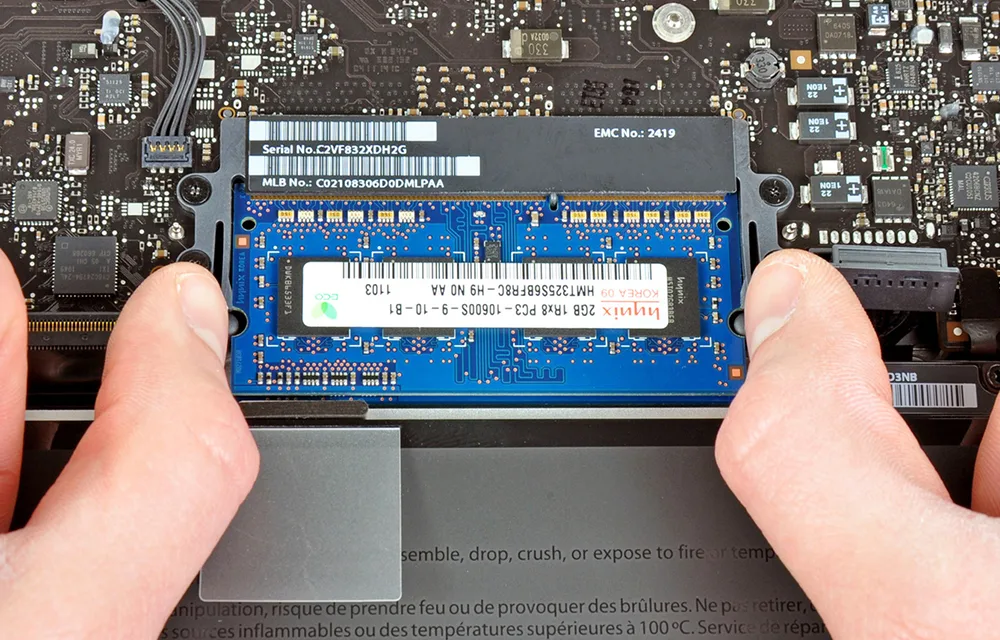
How to Speed Up your Mac?
Mac is a nice piece of personal computer that is reliable, good working and long lasting. If you own one, your tasks will be better and faster than before. But, if the things are not like that and if your Mac makes you wait for a long, it is the time to do something to…
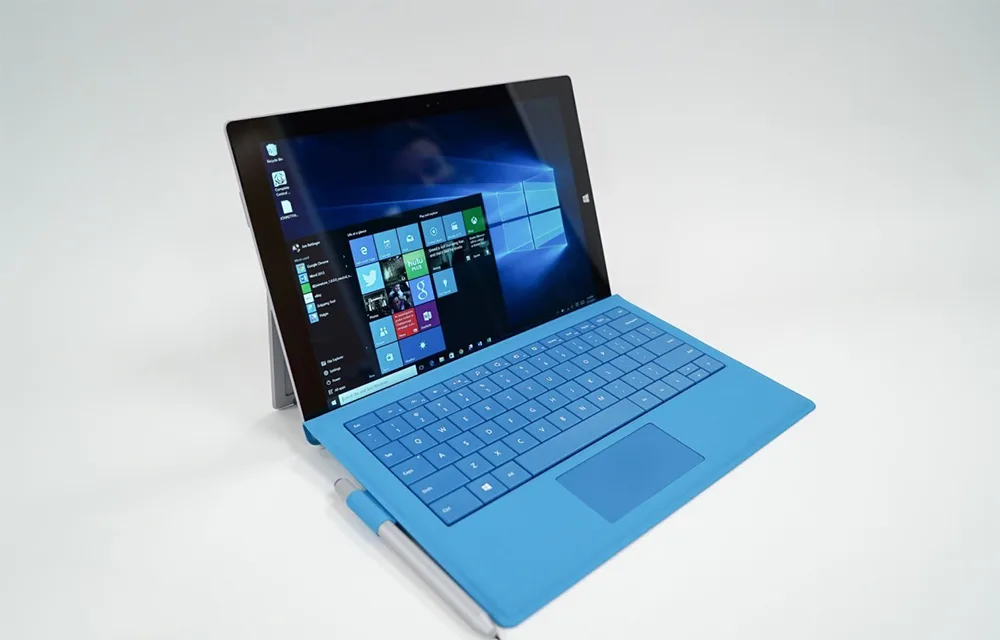
How to Disable Automatic Updates in Windows 10
Windows 10 is one of the most advanced operating systems available today. Even it has some problems and bugs in it, there is no doubt in the reliability and functionality of the Microsoft OS. If you’ve ever faced a situation where you need to disable automatic updates in Windows 10 due to excess internet usage…
How to Enable Hibernate in Windows 10
Hibernate mode is very useful for those who want to turn off their computer without leaving the progress of their works inside the Windows. As sleep mode just holds the PC by keeping it powered on and consumes some amount of power, Hibernate mode does the same without using any power but actually in a…

How to Disable Automatic Updates in Ubuntu
Disabling automatic Updates in Ubuntu may not be familiar to you as you are not that much expert in that. Having the latest updates of the OS is a necessity to stay updated with the latest security patches and improvements to the OS. But, at a time where the automatic updates consume a considerable amount…
How to Find Installation Date of Windows
You may be using your windows for a while and over the years of use, you may not remember when exactly the windows had installed on your computer. At any moment you need the installation date of your windows, it is not easy as looking at the calendar and calculating the date. Windows is intelligent enough…