

How to?
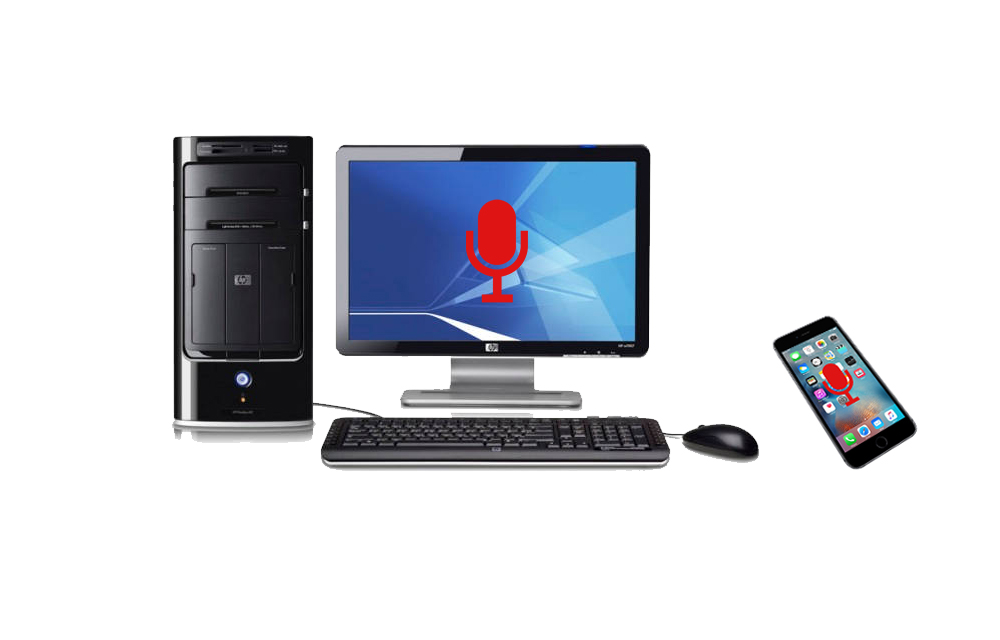
How To Use iPhone As Computer Microphone
If you don’t have a quality microphone on your computer or laptop, your iPhone can help you. It can replace your microphone and deliver superior sound quality with the iPhone microphone. The advanced noise cancellation of the iPhone can deliver the best ever quality audio clips than any of your PC or Laptop microphones. If your…
How to Undo Sent Mail in Gmail Account
Gmail has become the largest and dominated mailing service all over the globe. Millions using Gmail for their mailing needs and various purposes. Many of you may be using the Gmail for sending serious business related emails that have a lot of important information in it. How would it be if you accidently sent a…

How to Block the Edge Browser in Windows 10 Using Edge Blocker
Microsoft Edge has been rolling out on the news for a long time. Microsoft is still on the developement of the product and adding features one by one with each update. However the fact is very open that the browser has many disabilities including lack of many features such as extensions, bookmark sync, cross-platform support, etc……
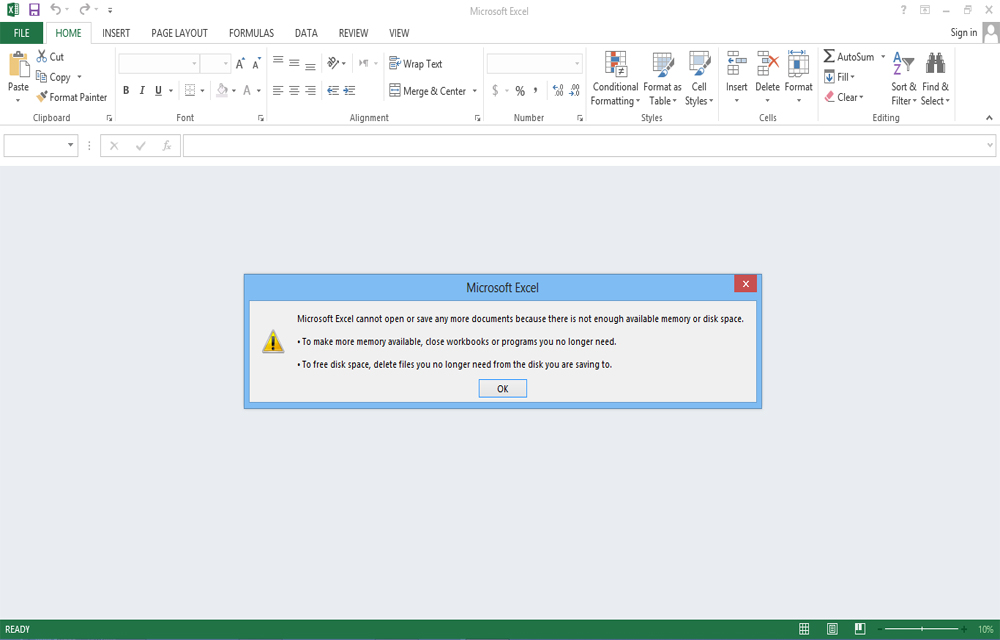
Fix “Microsoft Excel Cannot Open or Save Anymore Documents Because there is not Enough Available Memory or Disk space” Error in Excel
While trying to access some Excel files, Getting an error saying “Microsoft Excel cannot open or save any more documents because there is not enough available memory or disk space“? You probably answer, Yes. That’s why you are here now. This error occurs mostly when trying to access some excel sheets downloaded from some websites or…
Problems of Rooting Android Devices
Anyone of you doesn’t like any limitations. And in your smartphone too, the limits set by the providers may be irritating you for the past few days. You might find out rooting of your Android device to break the limitations set by the developers will help you. Eagerness to access the world behind those limitations…
How to Set Video as Desktop Wallpaper using VLC Media Player
Are you still using those static desktop backgrounds in your computer? Want a difference from the usual look and feel of your desktop? How it would be if you got your favorite videos playing on your desktop background? Instead of those statically stuck backgrounds which don’t make you comfy on your computer, set those moving…
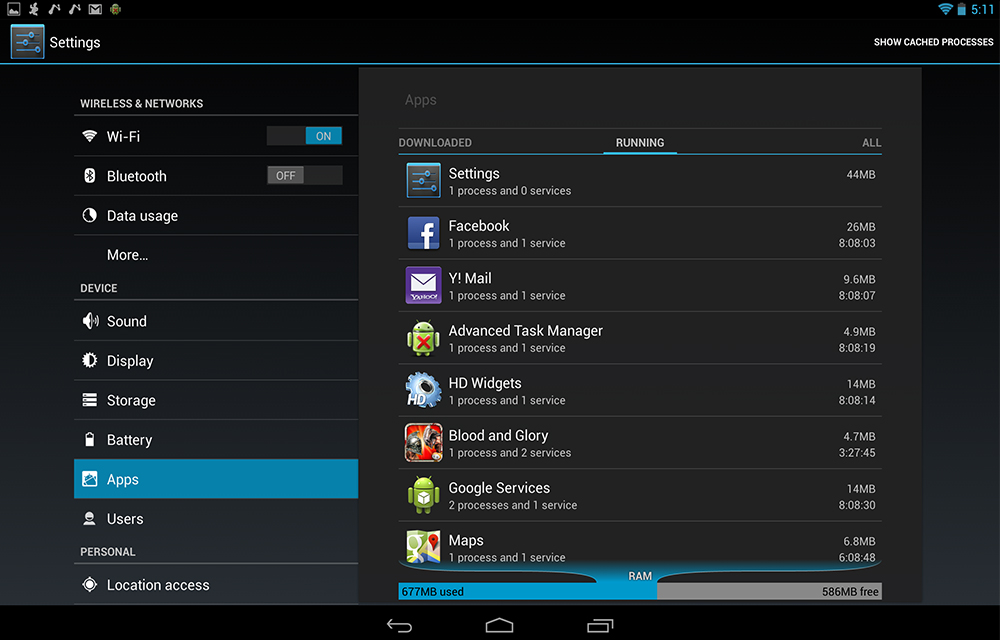
How to Stop Android Apps from Running in the Background
Android is built for providing a great user experience on your smartphone with its unlimited features. Android apps are the sweetening flavours of the OS which makes it the popular one among the smartphone lovers. For making the apps ready to respond anytime with the exact details, android running the apps in the background for…